


Question
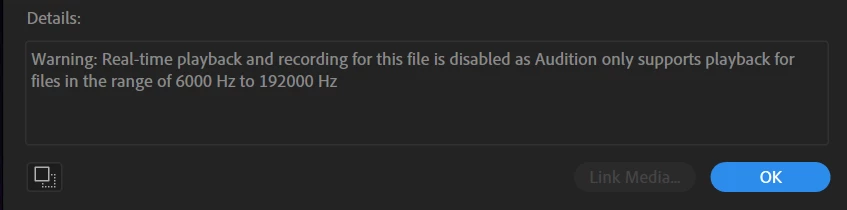
Remove "real-time playback" warning for high sampling rates?
This is a relatively small annoyance, but does anyone know if there's a way to remove the startup warning in Audition that says "real-time playback is disabled" for high sampling rate audio? Any file I could delete or anything?... Windows 10 CC Audition.
I work with ultrasonic audio so literally everything I open in Audition has a very high sampling rate... and I'm totally aware that I won't be able to play it in real-time! Don't need a reminder every single time I open a file 🙂
Thanks!
AT
 AdChoices