
Participant
September 2, 2021
Question

Remove track effects from Single (or multiple clips)

  • September 2, 2021
  • 1 reply
  • 400 views

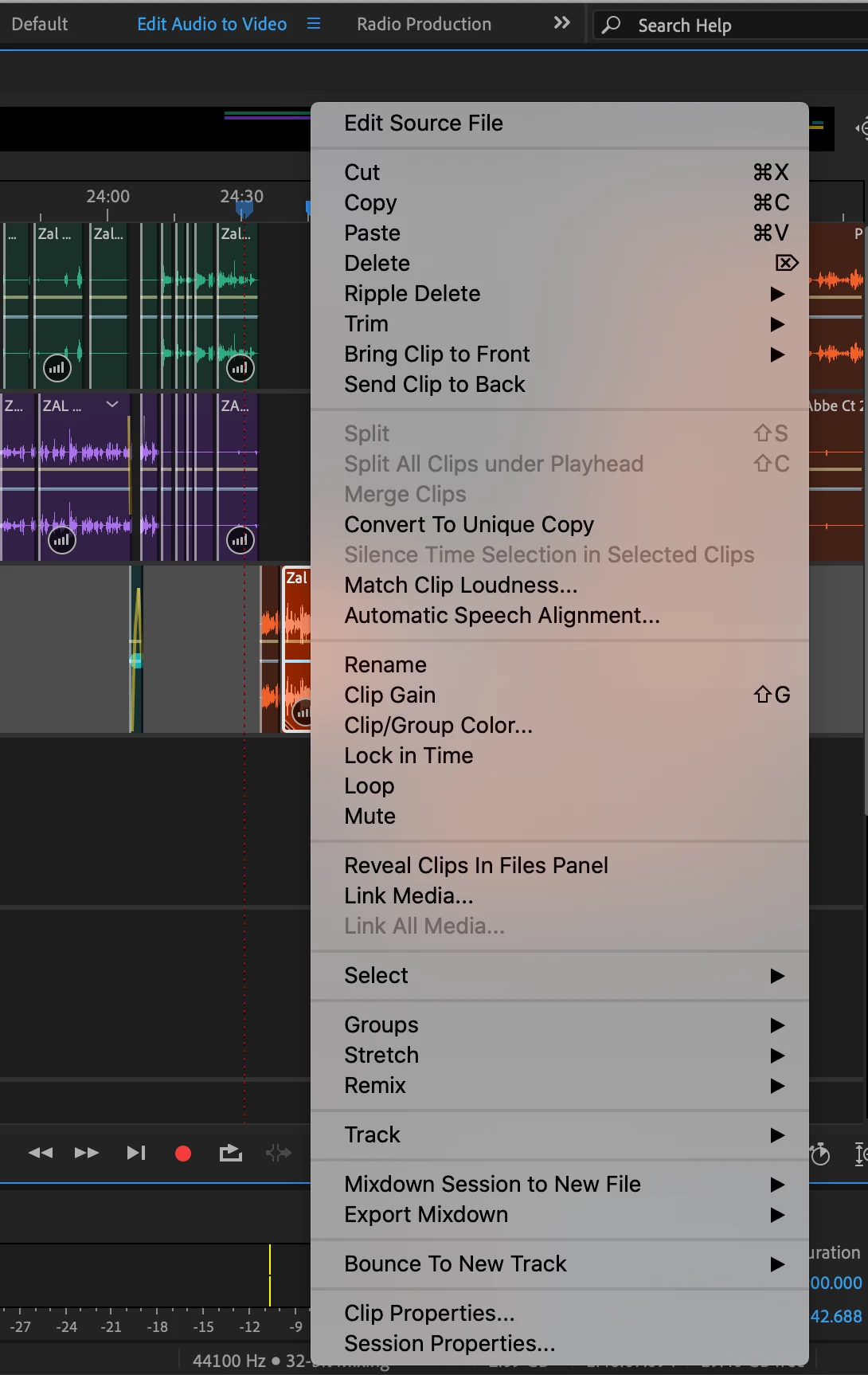
Huge apologies if this is posted elsewhere, but I can't seem to find: if my track has a uniform effect (e.g. echo), is there a way to remove from a single track? The right click tactic doesn't work — there's nothing that pops up with that option, not even gray (photo attached).


Is this possible or do I need to create an entirely new track?
This topic has been closed for replies.

1 reply

SteveG_AudioMasters_
Community Expert
Community Expert
September 2, 2021

I presume that you mean from an individual clip? The easiest way to do that is just to move the single clip to a new track. It's possible to assign a track so that it uses clip effects (individually to clips) rather than track effects, but if you try to change just a single clip, it will alter all of the rest of the clips in the track to clip effects as well - and promptly remove any track effects from it. Which is why it's easier just to move a single clip to another track - you can then decide whether it wants to have clip effects or track effects applied without altering your original track at all.