

Question
Right Channel Greyed Out on Stereo File?
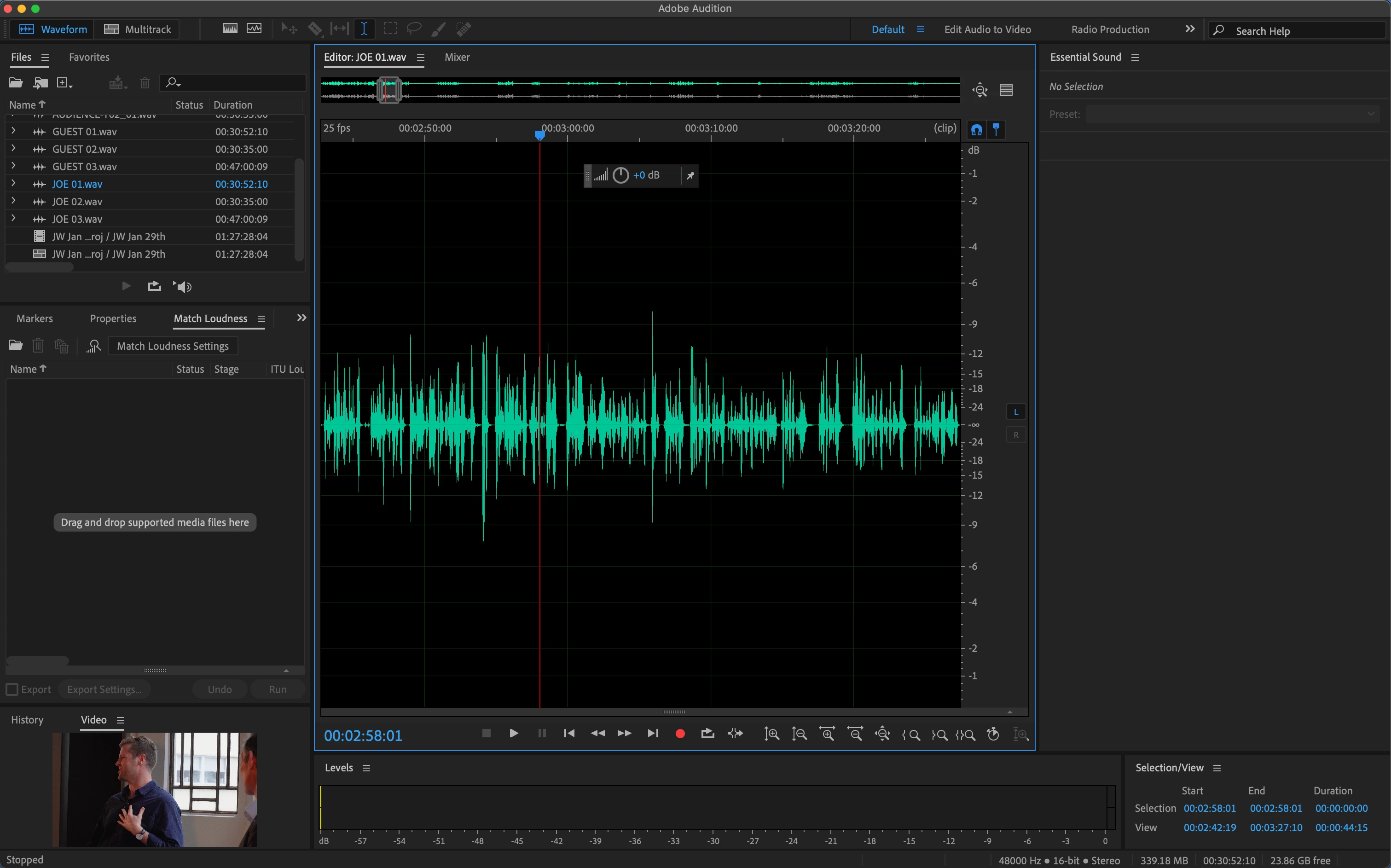
I'm been using Audition to open Premiere projects to be able to view the exact timecode my cursor is on. This method has been working perfectly, however recently I've been having an issue with the right channel being muted on a stereo track, and no way to click it back. This only happens in the waveform view, multitrack view plays stereo fine.
Adobe Audition 25.0.0.47
Macbook Pro, M1 Pro, Sequoia 15.3
Update: this issue is happening in the most recent beta version of Audition as well.
 AdChoices