


Saving MP3 Error
I reported this as a bug a couple of months ago and, not surprisingly, got zero response from Adobe, so I'm hoping to have some better luck tracking down the problem here.
I frequently get this error when I'm trying to save an MP3 file, regardless of whether I'm using "save," "Save as," or "save selection." The destination IS available and is not full. Normally, if I click "ok" and immediately try again, it saves just fine (but it's added steps because when saving an MP3, it doesn't highligh the file name text and I have to retype the name every time), and sometimes even says the file already exists and asks if I want to replace it. (Insert eye roll here). 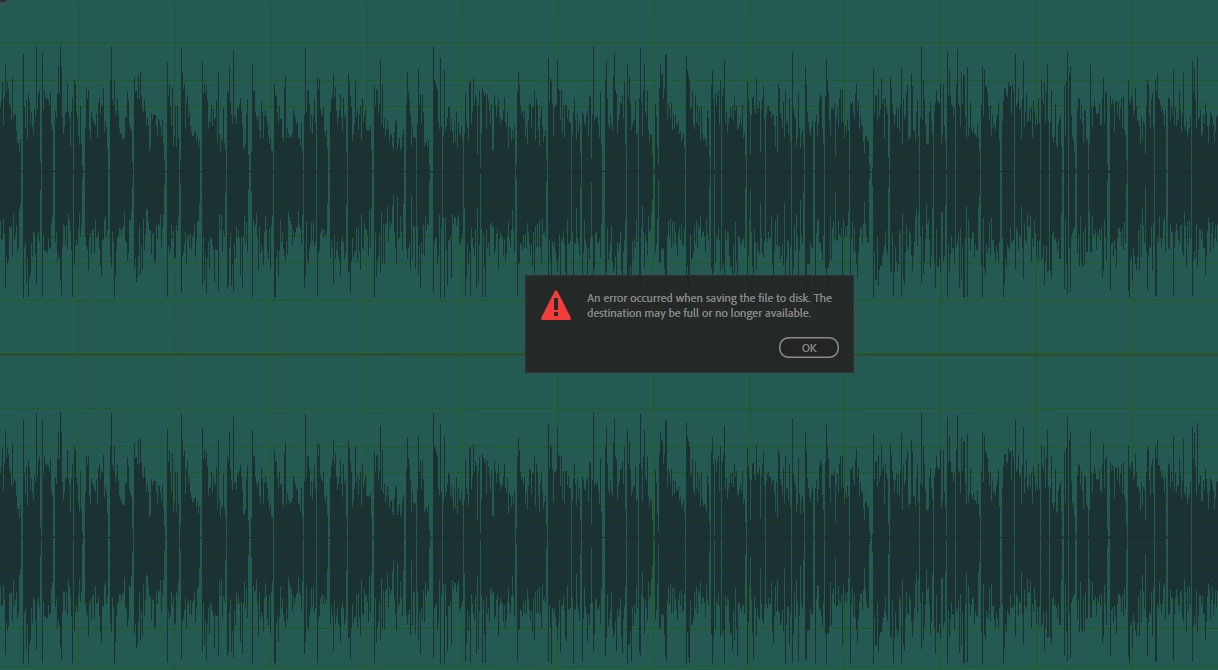
This time, it will not allow me to save this file as an MP3 at all. It allowed me to save it as a WAV in the exact same "full or unavailable" folder, but it keeps giving me the above error whenever I try to save it as an MP3.
This only ever happens with MP3s, which I'm required to use in some instances, so figuring out a solution would save me a lot of time and aggravation.
I'm at a loss. Help?
 AdChoices