


Answered
Screen artifacts in main panel ONLY when mouse moves over it.
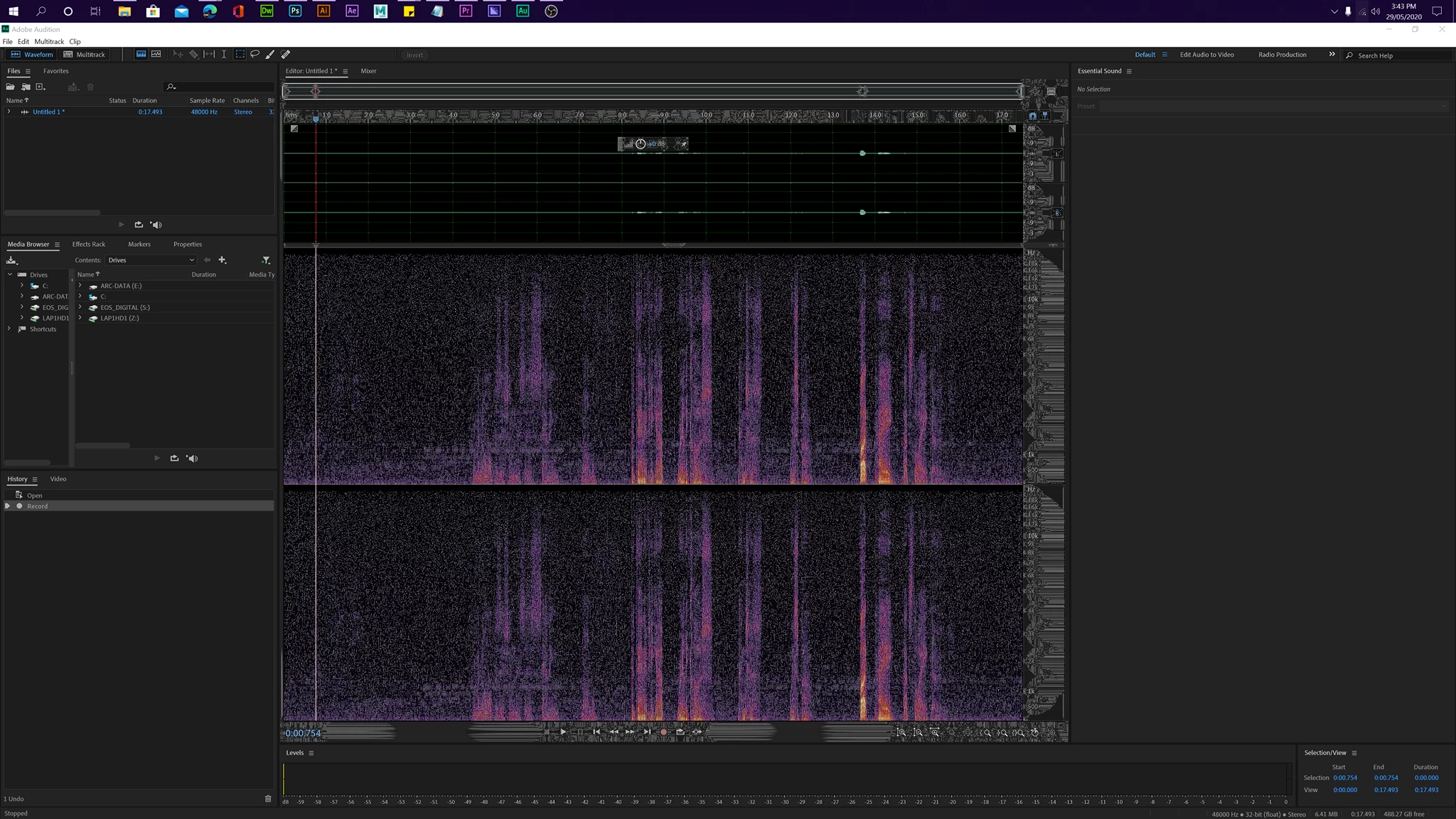
When running Adobe Audition (this does not happen in ANY other program) - doing anything, the main panel start to cover in "snow" anytime the mouse moves. within a couple of seconds - the interface is unusable. If I resize the program window - it all clears, but is back within seconds of moving the mouse over the main panel again.
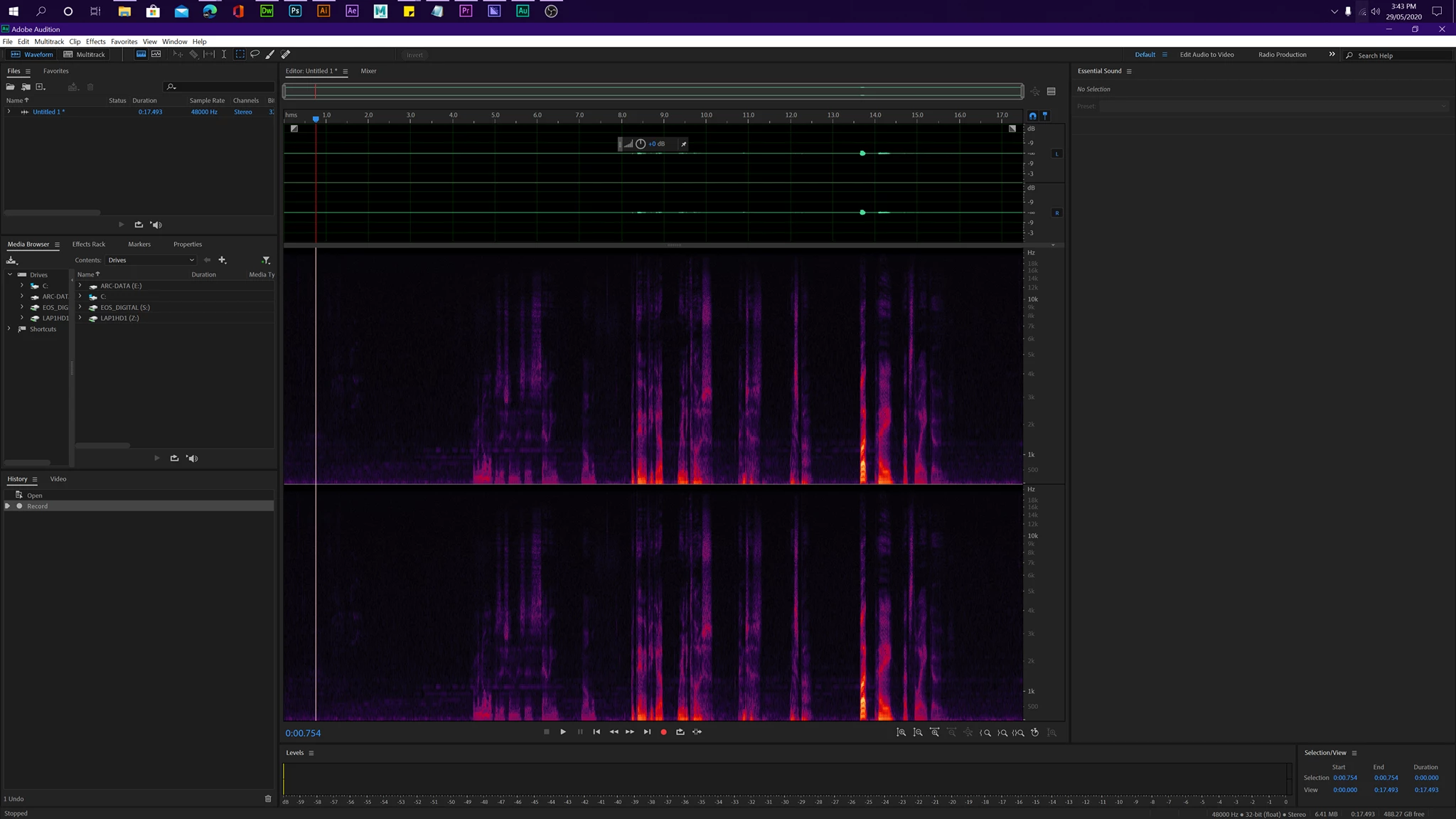
See screenshots below for BEFORE and AFTER images:
Using:
Software: Adobe Audition 2020 - Build 13.06.38
Monitor: Samsung 28" UR550 UHD Monitor via HDMI
Video Card: NVIDIA RTX 2070 SUPER EVO OC Edition - 8GB GDDR6
OS: Windows 10 Home v1909 (Build 18363.836)
RAM: 64GB DDR4 3200MHz
CPU: AMD RYZEN 9 3900X | 4.6 GHz | 12 Cores 24 Threads
* All Drivers are the latest as of 29/05/2020
PLEASE HELP!

 AdChoices