

Question
Separate lines from one track - to save them in own files
Hello,
I want to separate audio tracks with Audition & I don't know how to do this.
The audio is from a video capture. The capture have two sound-tracks. I want to save every track in own files without the video.
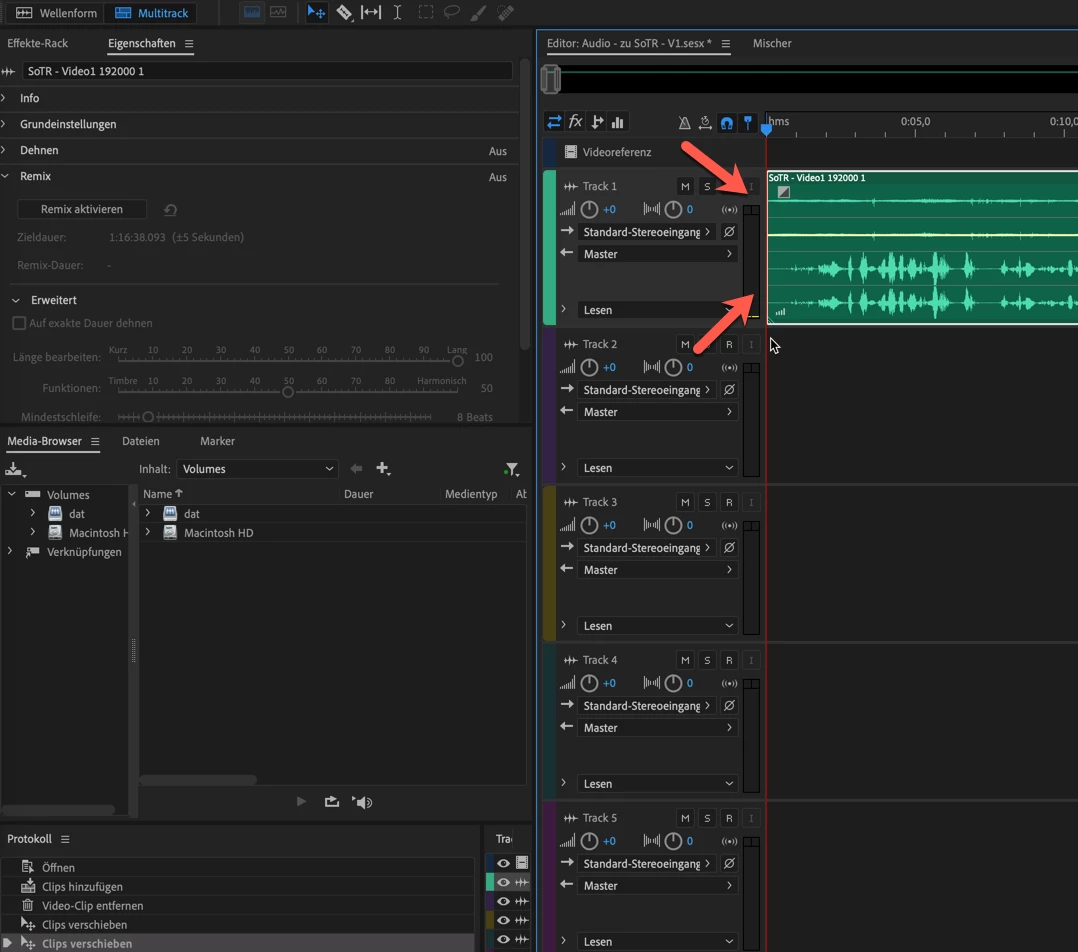
Therefore I imported a video file. This file has two tracks.
Audition shows them as one track with four ... lines?
I didn't find an option to select online one ore two lines, so that I could delete the other one.
Kind regards
Picture:


 AdChoices