


Sequence clips with leading Silence
I am trying to learn how to batch process in Adobe Audition.
The goal is to take a single audio file that has speech at different intervals and create consistent pauses between the speech.
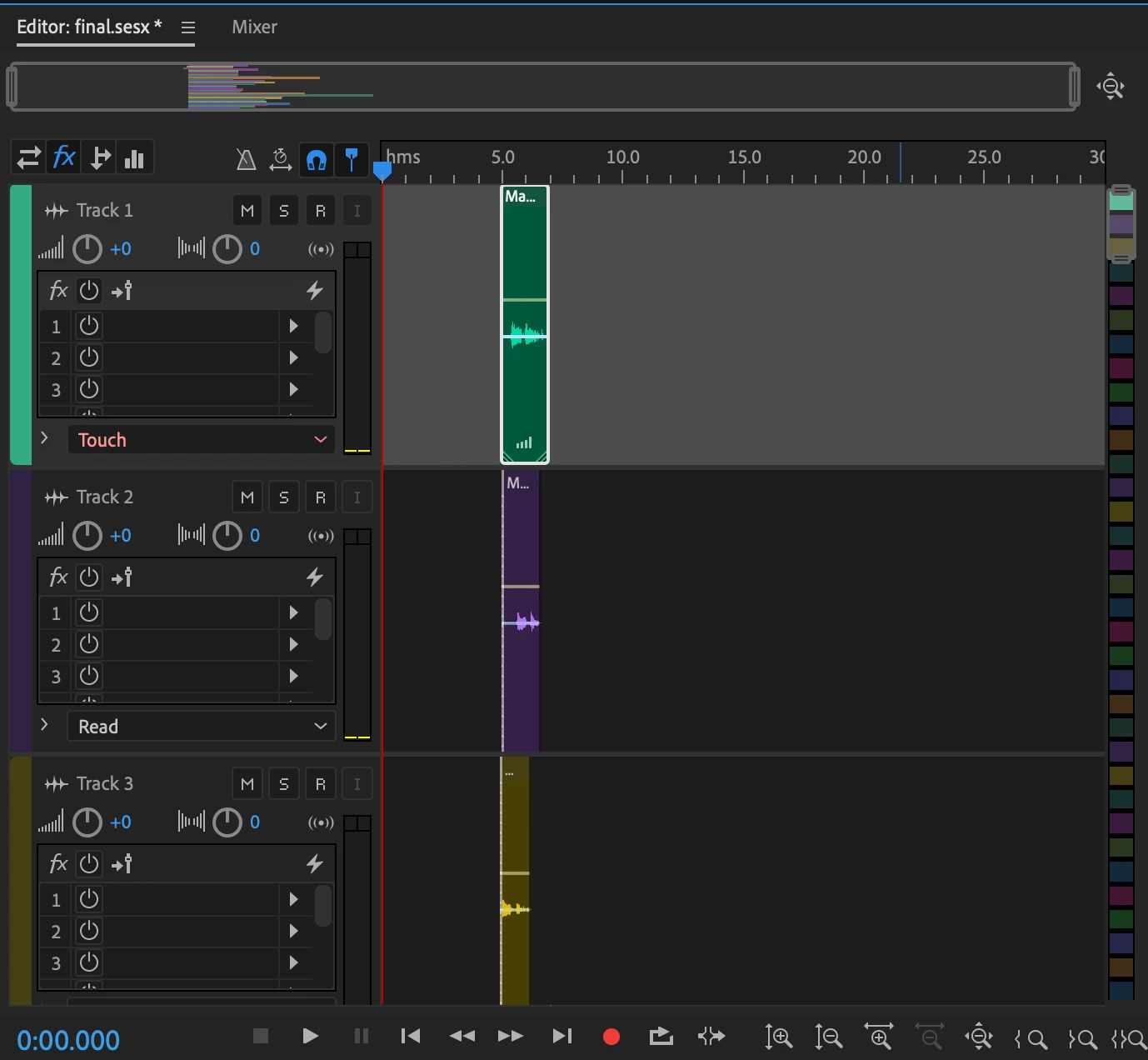
So far I've used the Diagnostics tool to mark the different speech phrases and isolate them into separate tracks in Multitrack. Then I added silence to the beginning of each track.
Now all that's left is to sequence each of the tracks together with the leading silence.
I couldn't find anyway to sequence them all back onto one track with the silence included.
And when I tried to save them all individually using Save All Audio as Batch Process (to bring them back in and copy them all onto one track) the leading audio was clipped off each track.
I have spent hours Googling and YouTubing and I'm driving myself crazy.
There must be a simple way to accomplish this 🙏
 AdChoices