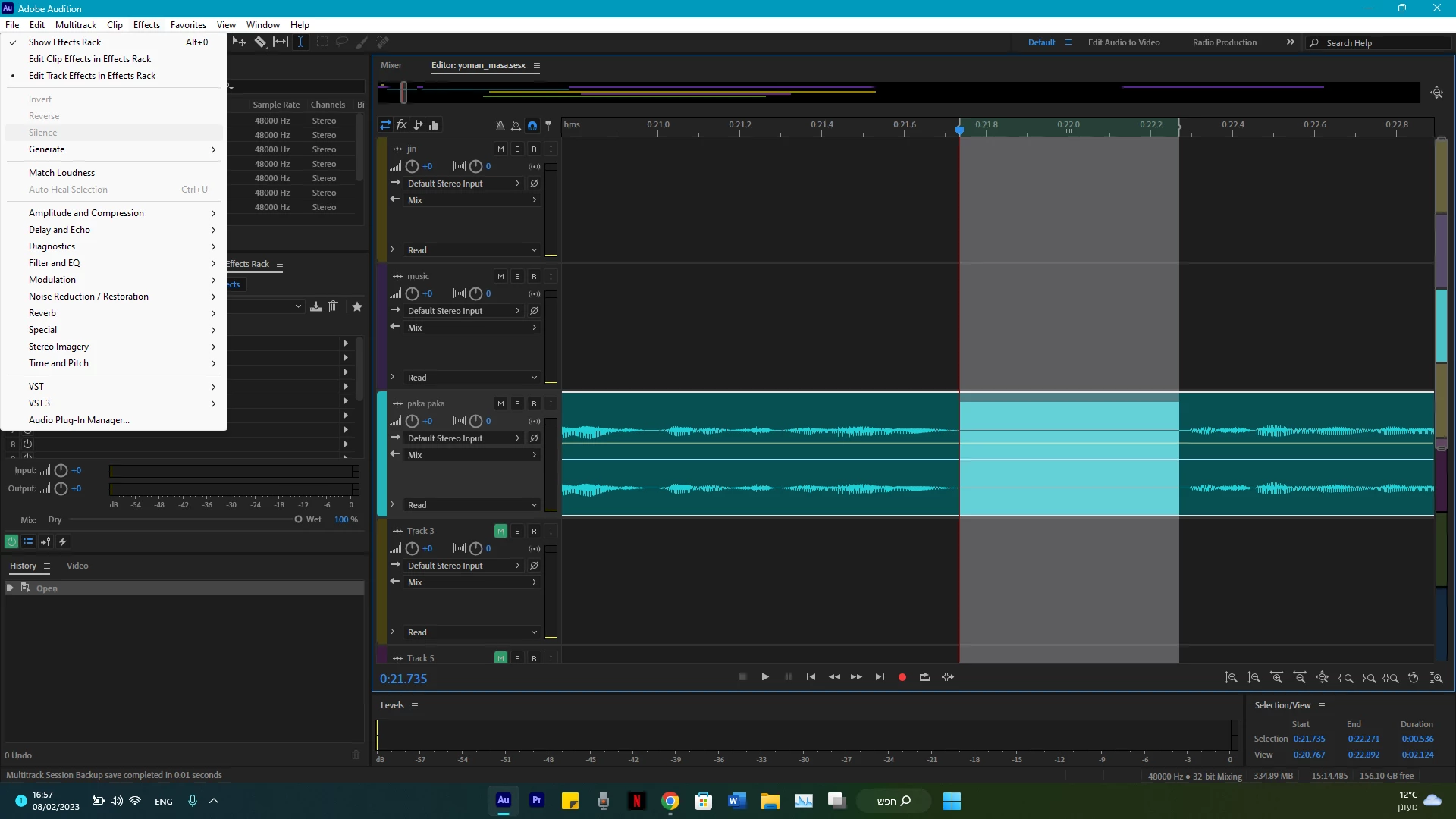
The more general answer is that any controls greyed out in either view are not available in that view.
Specifically though, you need to select Clip>Silence Time Selection in Selected Clips. That won't do anything to the look of the clip, but will set the clip volume to zero over your selection. You have to bear in mind that Multitrack is non-destructive; your file doesn't get altered at all in this view, so the silence you desire can only be achieved this way. If you open the clip in Waveform view though, you can silence that part of the actual file - but it's destructive; when you save it, it's gone forever.



 AdChoices