Participant
January 6, 2023
Question

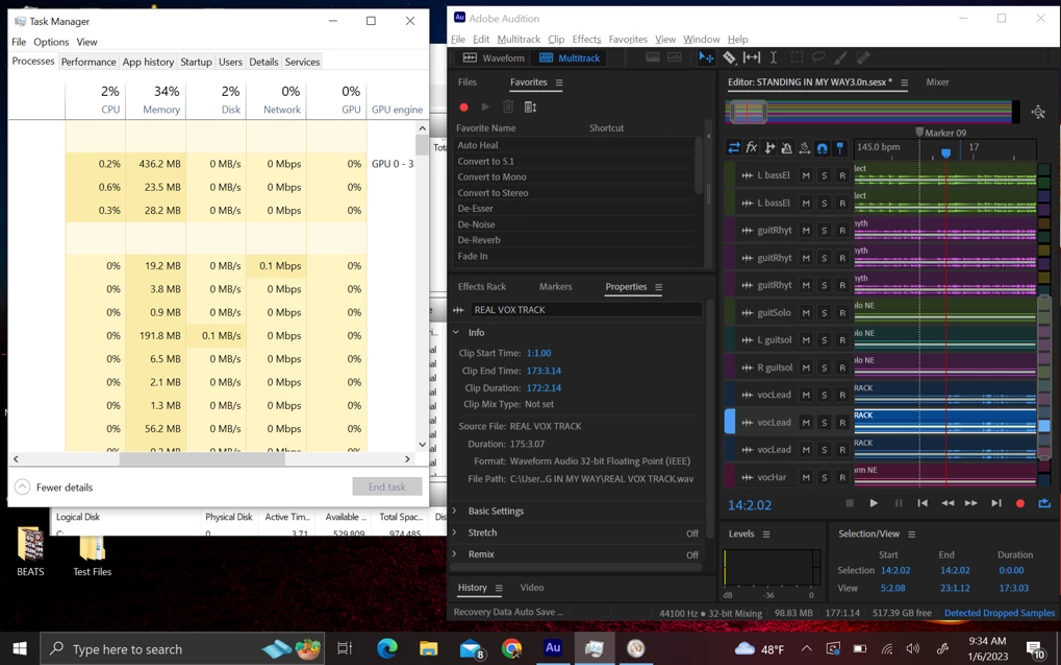
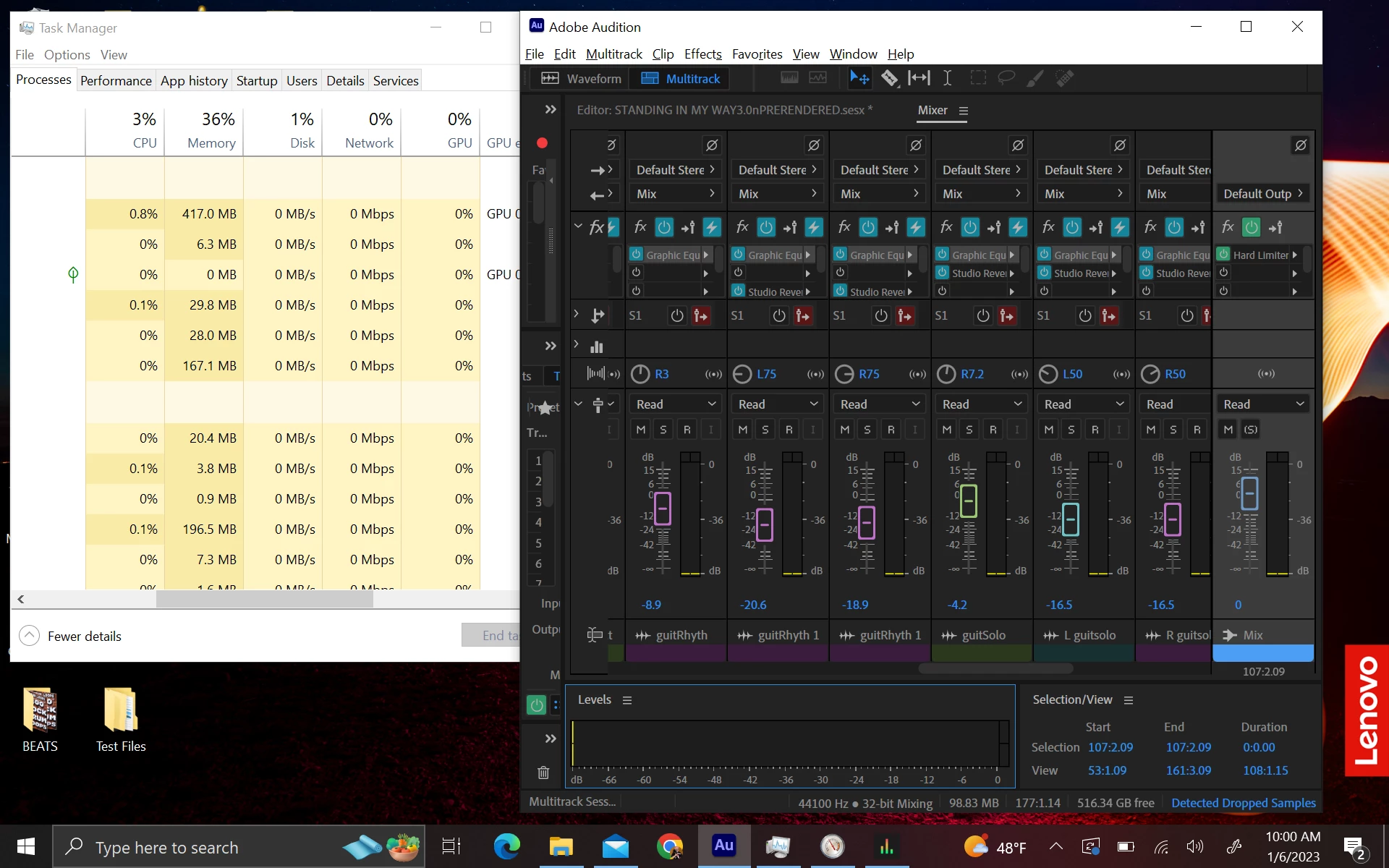
solution with prerendering doesn't work, see screenshots below re: dropped samples AA 2023
  • January 6, 2023
  • 1 reply
  • 261 views


I have done everything I can.  Even increased value of paging!  This technically should not be happening.  Notice from screenshot above that the DAW sipps all resources.  Pre-rendering does not work.  Please help!  This happens during recording and playback.  My computer is brand new and I copied the exact settings from the older one.  


Thanks so much in advance for your help!


This topic has been closed for replies.

1 reply

SteveG_AudioMasters_
Community Expert
Community Expert
January 6, 2023

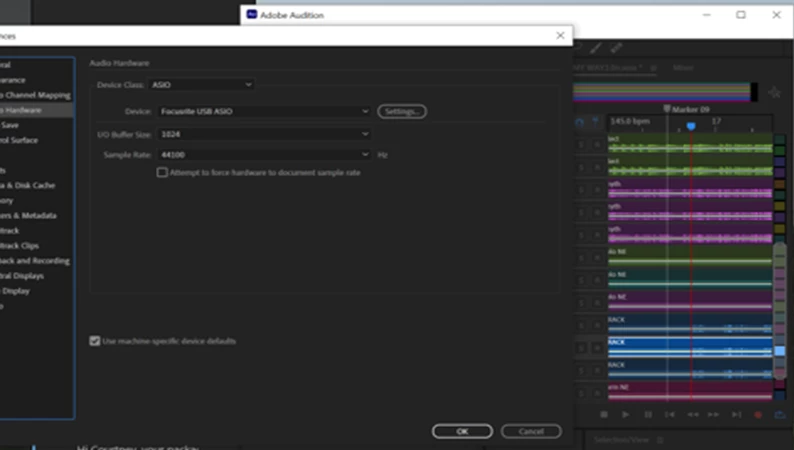
Try halving the size of the i/o buffer. Beyond that it's going to be very difficult to help you as we don't have the machine in front of us. Apart from the message at the bottom of the screen, is there any other evidence?

Participant
January 6, 2023

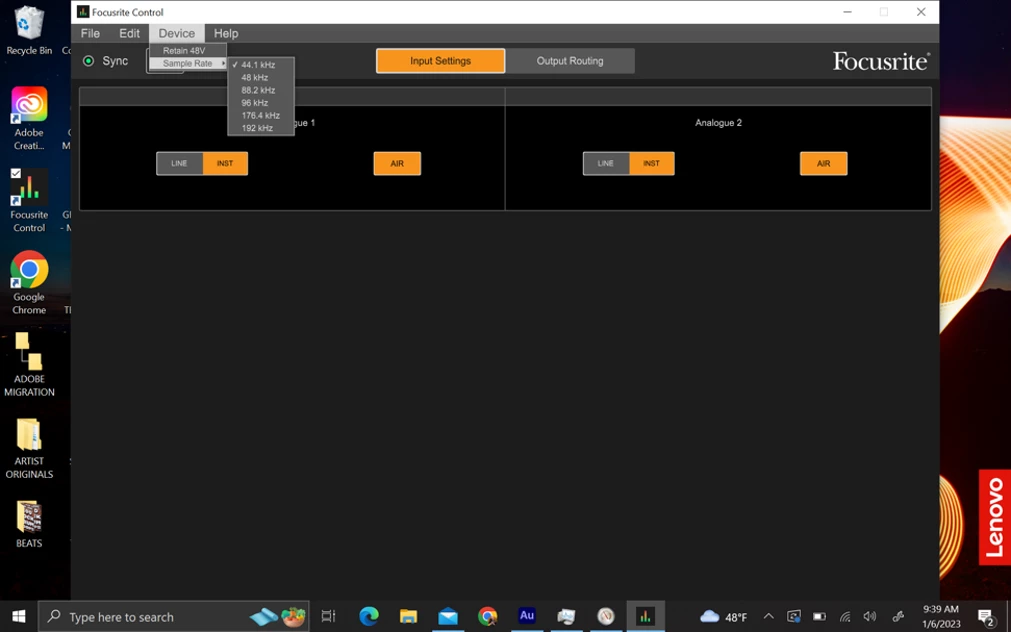
I am working on a Thinkpad X1, 1TB, 16 RAM, i7 2.88-4.20, 64 off of Win 10. any time I connect with my interface it says 512, but ran into dropped samples even while capturing sound which never happens.  I adjusted to 1024 which is the only other option. I reduced the paging size to OS system management size.  No dropped samples yet.  I am researching the speed of my SSD now, but the DAW sips it, so I don't think that aspect is of any concern.  I had problems with dropped samples on my old machine though and had to adjust manually.  I know this problem is going to arise again.  I will do a benchmark on it to see how far it goes.  I am not optimistic.  There are rumors that I should just drop paging entirely, but I don't want to risk a system crash!  Since this is new machine, I will try to adjust the DAW hardware settings and interface controller to 512, since every time I plug in the interface, it defaults to 512.  I believe I tried that already, but I will try again.  Any other ideas as to why this is doing this?  

SteveG_AudioMasters_
Community Expert
Community Expert
January 6, 2023

If you are recording in Waveform view, I'd suggest moving your Audition temp file to a location that's not shared with the OS (make a new folder for it). As for paging files - well on modern machines with plenty of RAM you really don't need them. The other thing about paging files is that you should set the max and min sizes to be identical, so that the system doesn't try resizing them on the fly, which often causes problems. Other than that, it's always better to record direct to file in Multitrak view.