
Question
Something's up with the display of Adobe Audition. I use Windows/PC (Acer Aspire R)
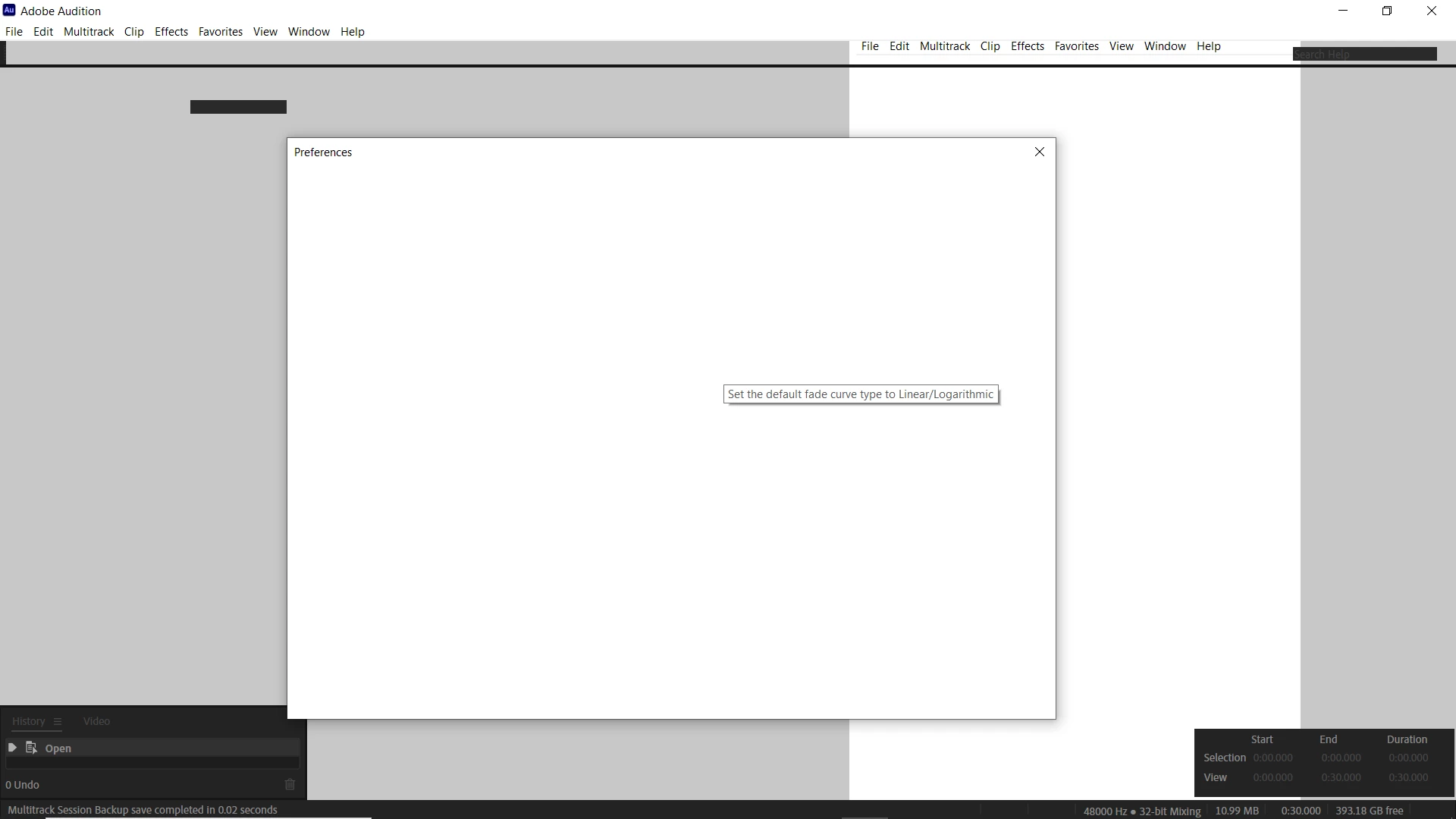 I uninstalled and reinstalled a couple of times but it still ended up looking like this. I tried messing around with the view and tried different workspaces(nothing changed). I even tried to check the general setting in the preferences but it's blank; as you can see in the image. Everything in my device manager is up to date and so is my computer. The other Adobe apps are woking fine, it's just Audition that I have a problem with. Am I missing something?


 AdChoices