


Speeding up audio in Audition and video im Premiere—How to get exactly same length?
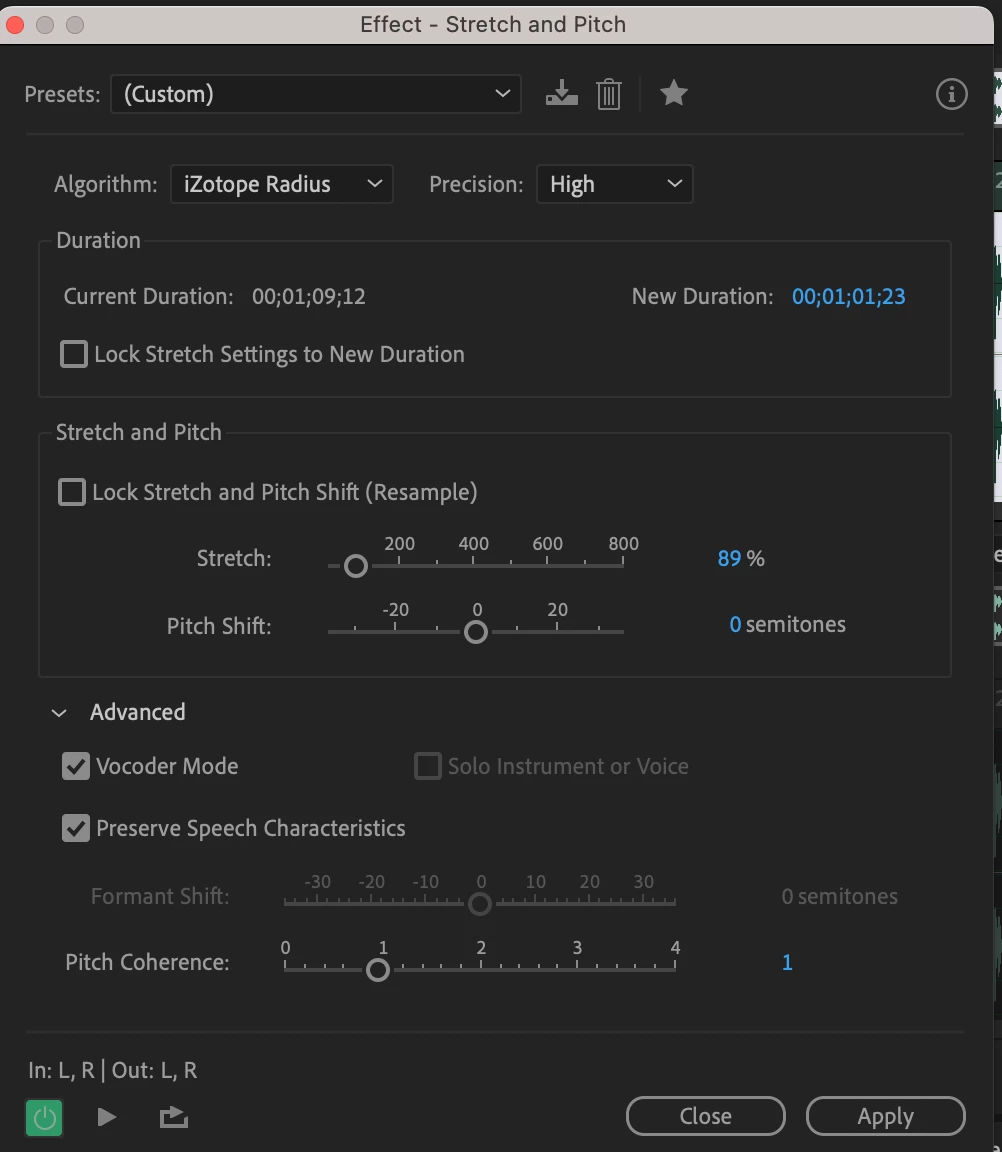
I am making videos which need to be sped up by about 10%. I tried the effect in premier, but the audio sounds bad, so I use Audition to do it. I set a new duration in audition, then go back to premiere, and then use the Premiere function to apply the same change in duration to the video clip. You would think that if I enter exactly the same target duration for audio in Audition and for video in premiere, the result should be that video and audio should be exacty the same length, but they aren't! I always get a discrepancy, sometimes by just a couple of frames, and sometimes by as much as half a second!
How can I use Audition for speeding up the audio and then bring the video to the same length in premiere without the two getting out og syn? Please help, this affects every single project I work on.
 AdChoices