
Question
Split Raw-Files and save them
Hi dear Auditionists. 
I'm new at using Audition and got a really basic question.
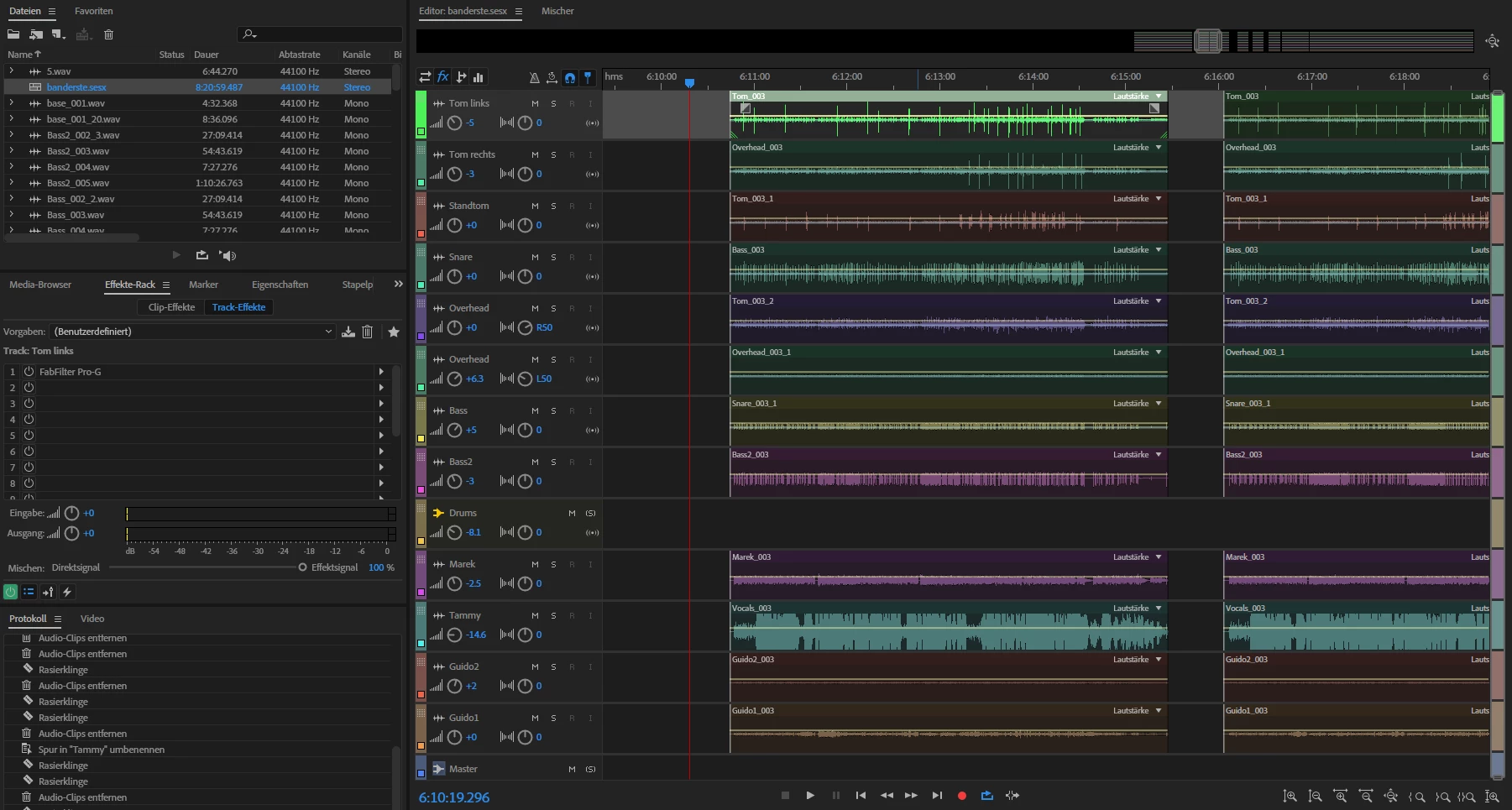
I recorded 13 tracks on a multitrack session. I just kept recording during our band session, so those tracks are about 2h long.
Now I would like to split the raw files into seperate files using Audition.
I know that I am able to "cut"/delete and rearrange my raw tracks into "songs", but it never affects the raw .wav-file on my computer nor did I find a way to save those rearrangements into new files.
I do not want to save a mixdown or something similar, I just want to split the original recordings.
How can I manage that?
Thanks in advance.
Regards.
Moritz


 AdChoices