
Split/Strip Silence Issues
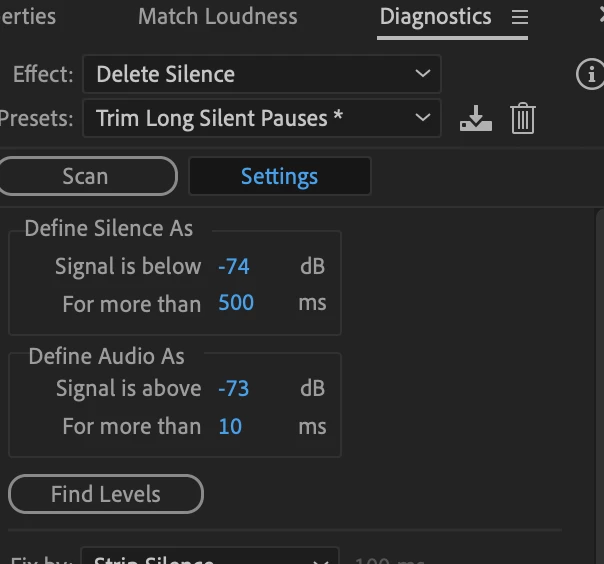
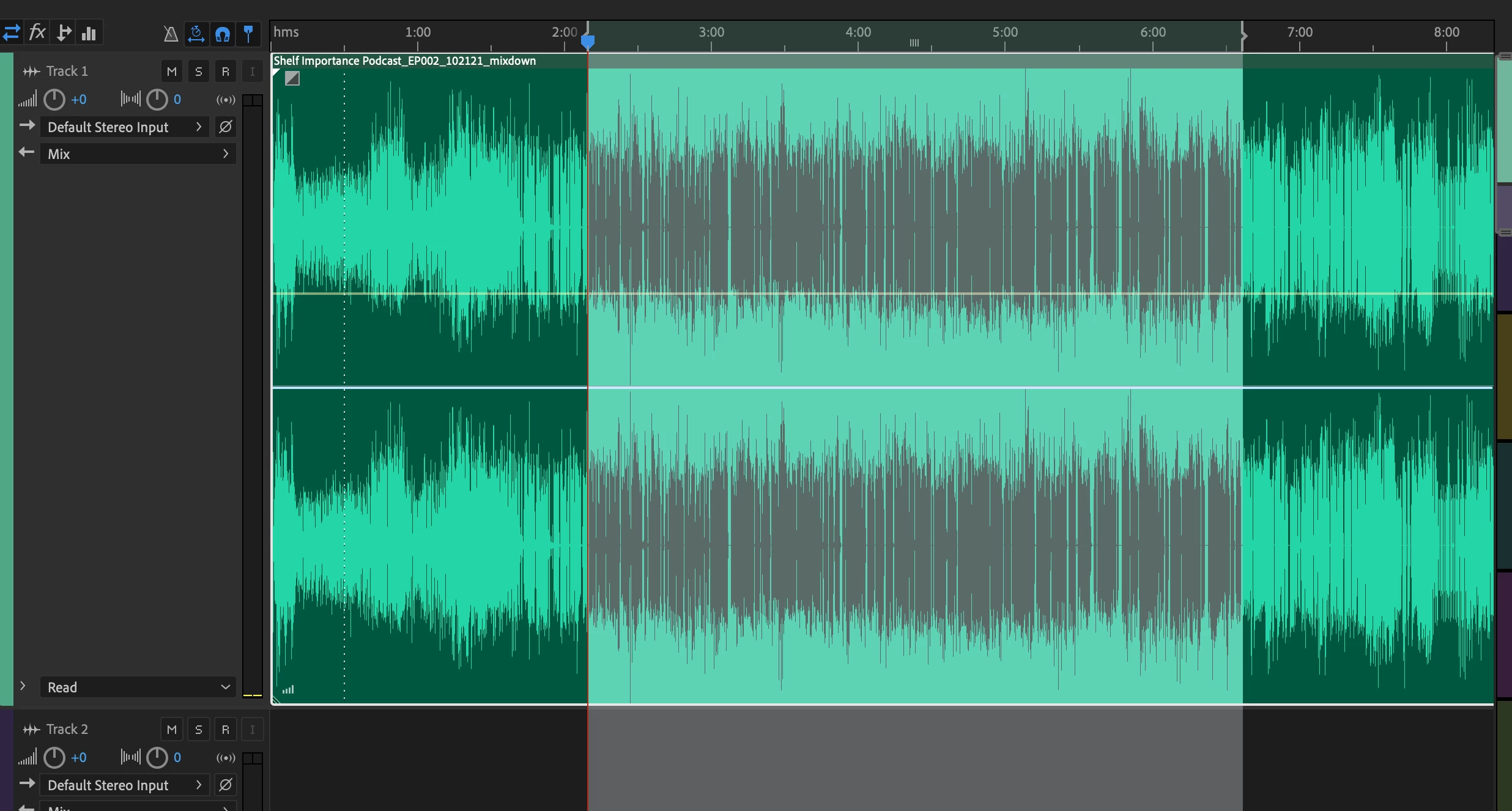
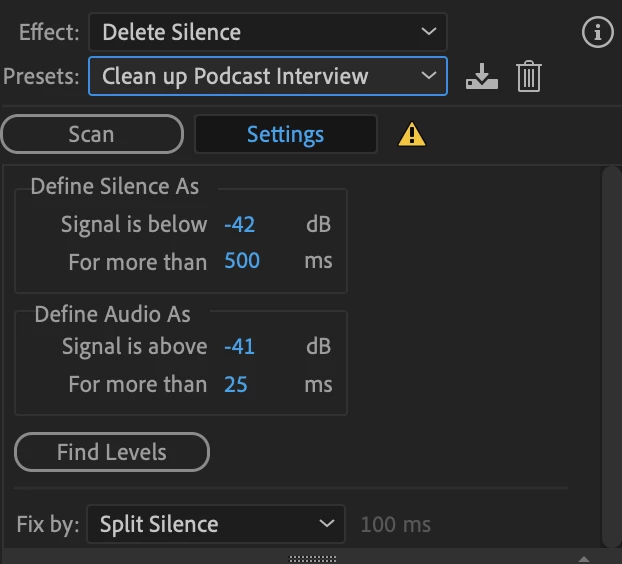
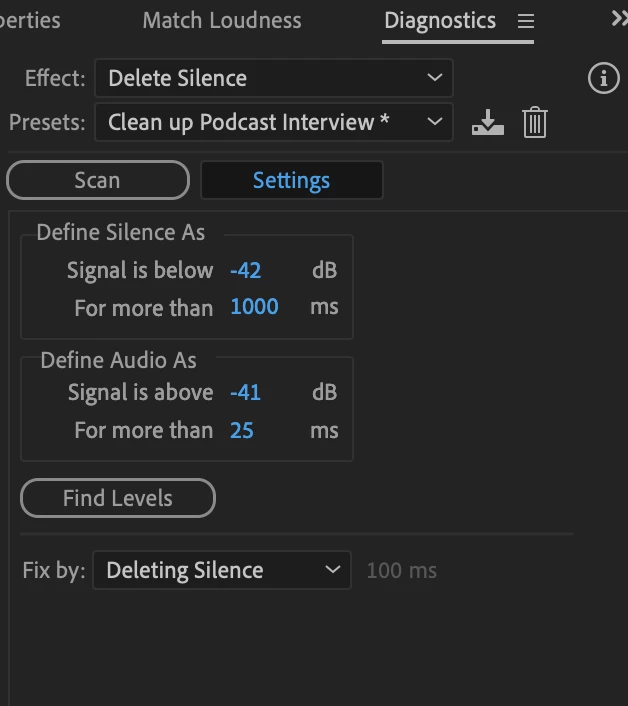
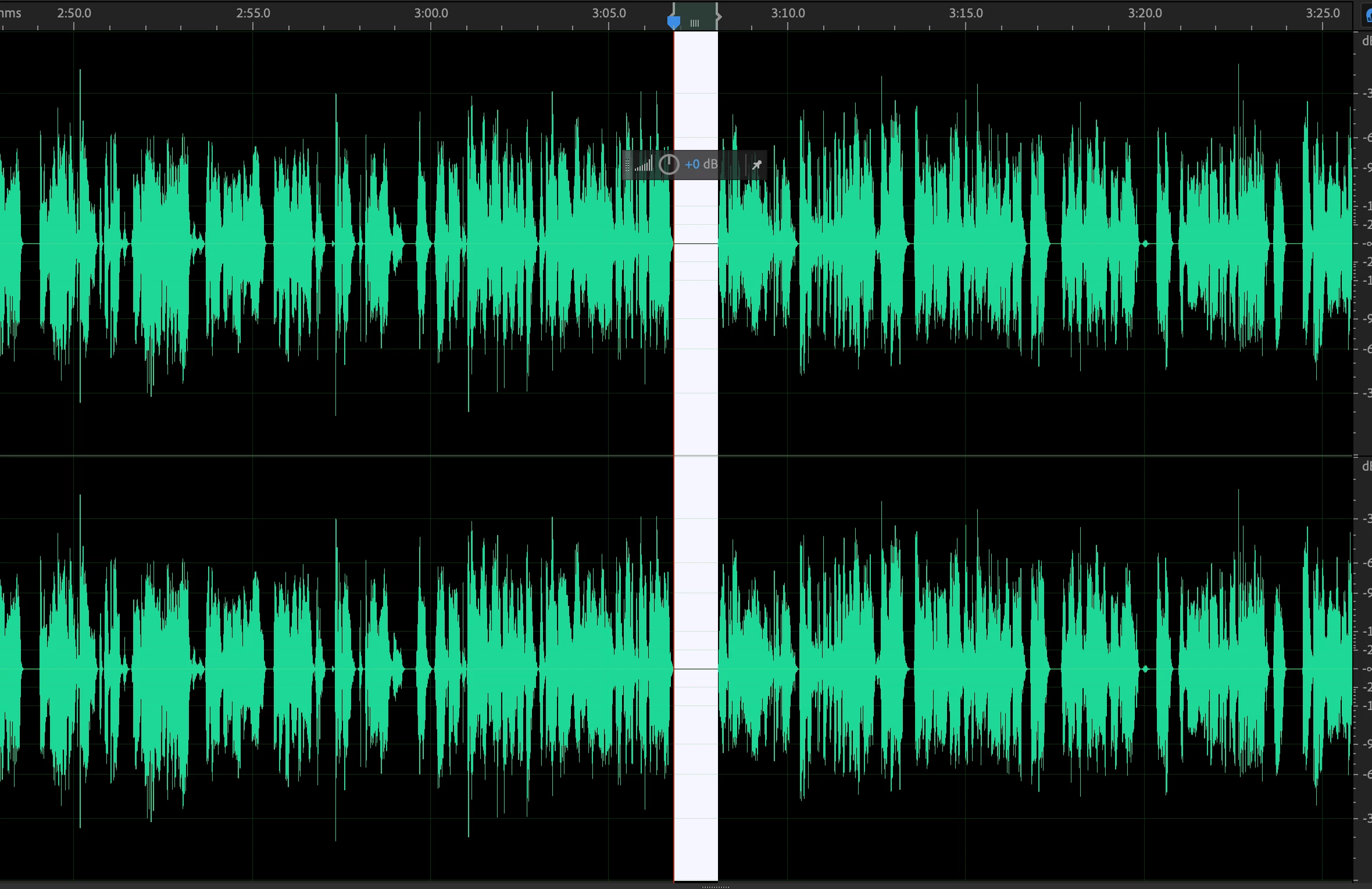
I'm having a baffling issue with the Delete Silence feature. I am editing a podcast with 4 hosts. My process is to do every bit of editing and production needed, export a mixdown, and then do one final "Strip Silence" pass. I do this to shorten the editing time of slicing in the first stage. The problem is that today for some reason, Audition is detecting huge sections of obvious audio segments as suggestions to delete. Even pushing the Define parameters to the extreme is not yielding the correct results. Any ideas what's going on here?
I need to note that the silent segments are areas that I COMPLETELY trimmed out in the first stage, so they are maximum silent. Usually they are very simple and obvious to detect.
I'm running the latest Audition on the latest Mac OS.
Reference Images Below


 AdChoices