


Strange Issue With Adobe Audio
I was working on editing a podcast episode when suddenly the sound cut out. I could see waves but not but when I pressed play, no sound and the level meter didn't move at all. Since then I tried and ruled out issues with:
Back Up seems to have been corrupted too so can't use it
Audio Channel Mapping
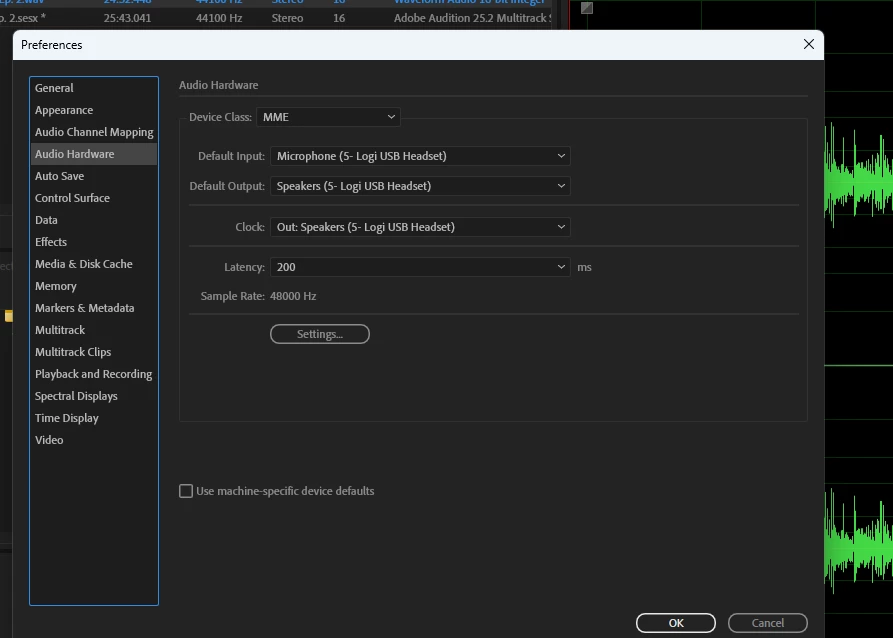
Audio Hardware
Chache Cleaning
Computer Audio
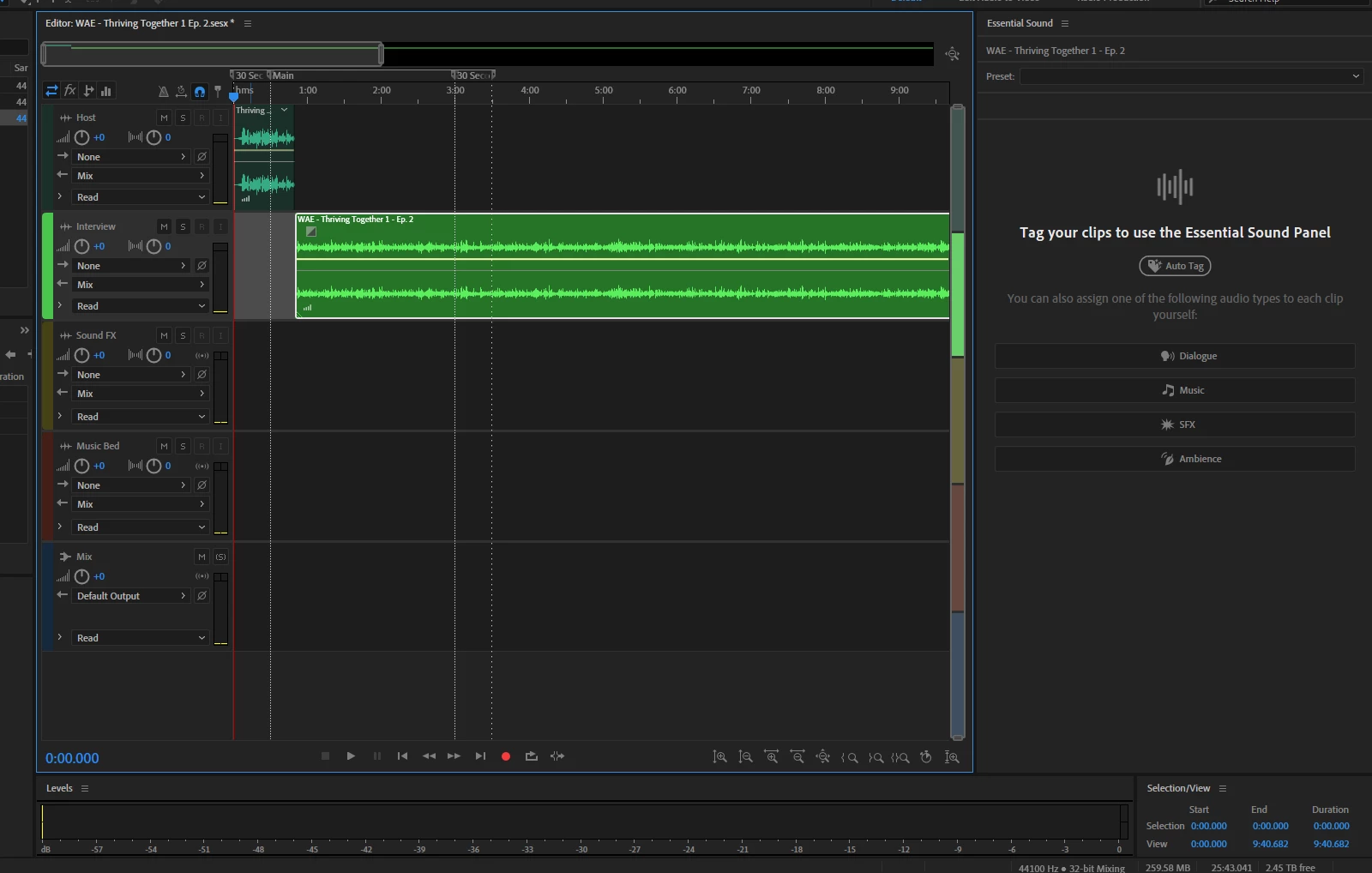
Multitrack - Not muted
Multitrack - No "master" label needed as it wasn't recorded using the software
Nothing is muted or grayed out
Tried converting the audio and then back to see if that would shift something using: VLC, Adobe Media Encoder, Handbrake, Audacity, Reaper
Other things to note:
-Shared file with colleague, and they said it came to them as 25 minutes of silence
-Sound Waves can still be seen
- Levels don't move upon playing, and no sound
- Originally recorded on my Zoom P8 Podtrak and had a successful transfer
- Seems an error happened while I was recording when sound suddenly stopped.
PLEASE HELP! It will be hard to get those two people in the room to record again so i'd rather not. This is my last-ditch effort. Lend me your superior collective brain power!
Images included in case it helps. 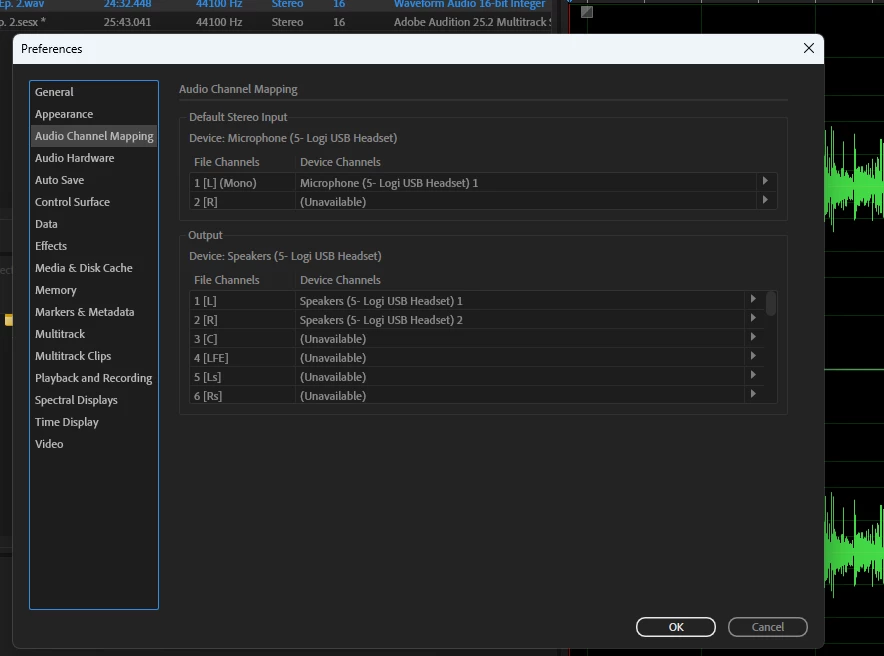
 AdChoices