
Petar Pavlov
Participant
Dec 30, 2021 4:37 PM UTC
Question

Taking a noise print from one channel and subtract it from another

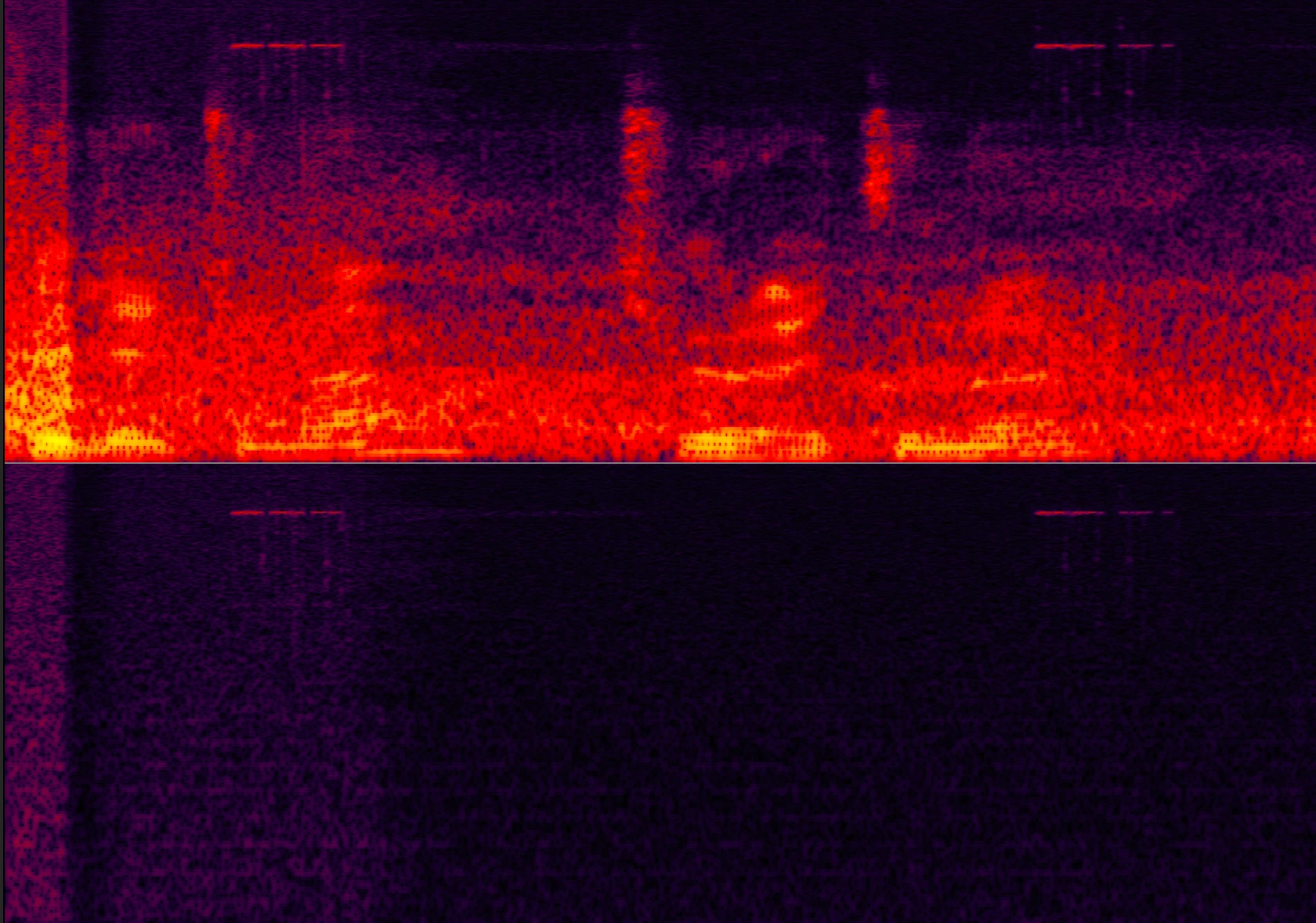
Hello, I have audio files where I recorded only on the left channel. Due to some error with the camera or the cable, there is a specific hiss noise in intervals and some other more silent noise. I noticed that you can clearly see the noise in the right channel sine that one should be empty. My question is can I tell Audition somehow to "take what exists in the right channel and extract exactly the same thing in the left channel"?
 

This topic is closed to new replies. Start a new post to keep the conversation going.

1 reply

SteveG_AudioMasters_
Community Expert
Community Expert
Dec 31, 2021 10:34 PM UTC

If you seperate the channels into individual files, you should be able to copy the contents of the noise file (Ctrl+C) and then open up the other file and use Mix-Paste. This will give you the option to invert what you're pasting, and if you are really lucky with the levels and correlation, then it will subtract that noise from the sound you want.

Translate