
Question
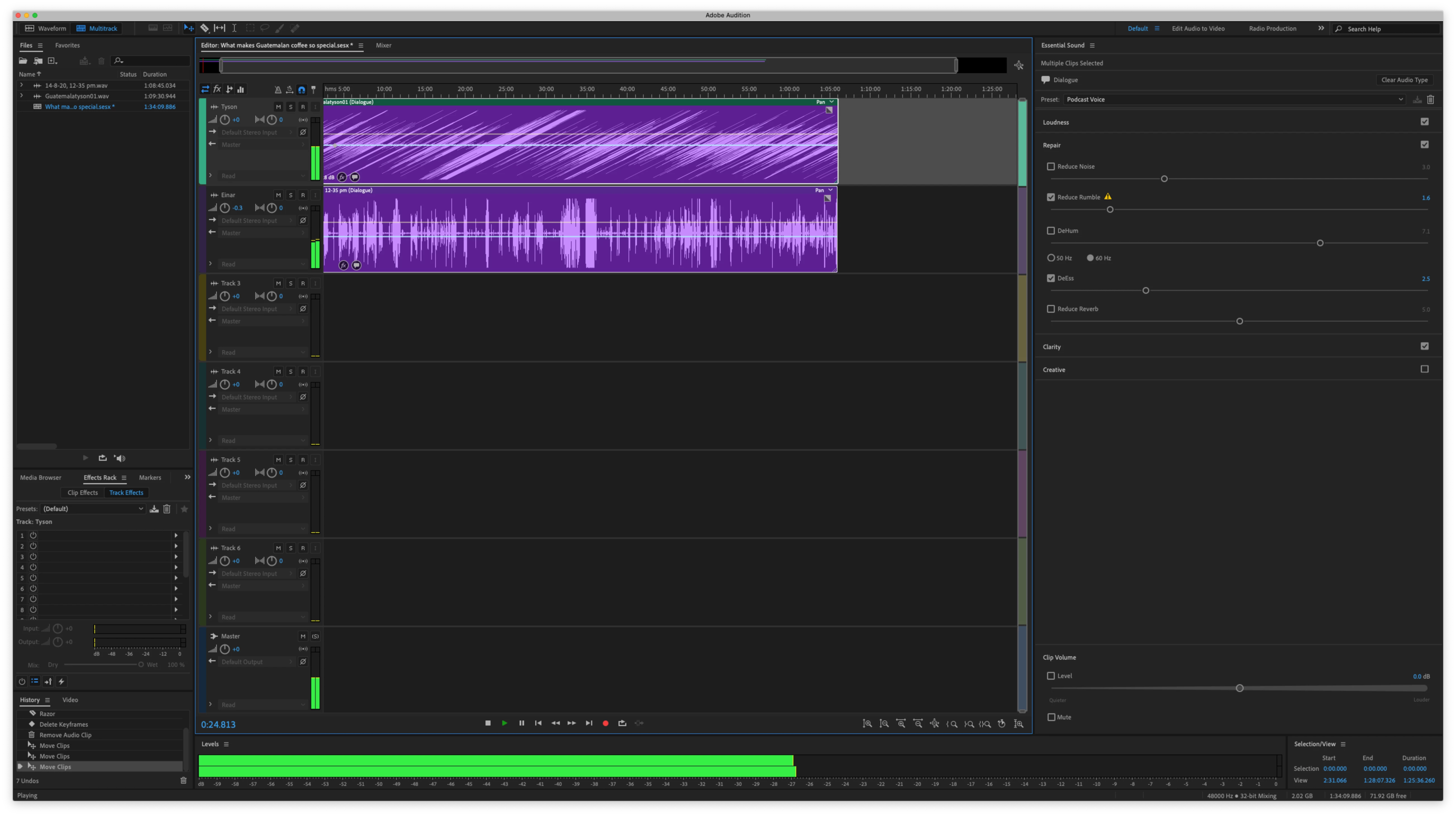
Track 2 waveform sitting on top of track 1
Hi, I'm very new to Audition.
I can't figure out why my 2nd track (purple) is overshadowing the 1st track (green) However you can still see a small bar of the green track on top.
I've tried putting empty tracks in between, but that doesn't work.
I've also tried re-importing and switching which is 1st and 2nd.
I'm sure the solution here is probably quite simple, but I have no idea... 🙃


 AdChoices