


Participant
Apr 11, 2022 1:23 PM UTC
Question

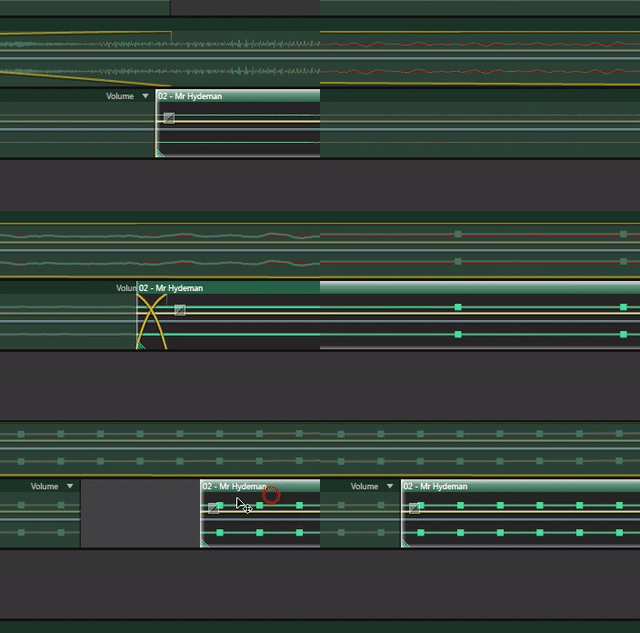
Track placing works wrong

Here's the problem. I think I've accidentally pressed some hotkey and now the tracks aren't placing right as it was before with the autocorrecting. Now I have to zoom to max to place them right, when before that they could be easily placed at the start/end of another track automatically. Please help and save me ton of time, ty
This topic is closed to new replies. Start a new post to keep the conversation going.

2 replies

Community Expert
Apr 11, 2022 2:21 PM UTC

Try turning on snapping, keyboard 's'

Translate
Participant
Apr 11, 2022 3:03 PM UTC

Thanks a lot, didn't know tapping 'S' makes this even tho I'm an active Audition user since like 2011 or so. The more you know...

Translate