

Trimming and deleting without changing length on a multitrack file
Hi all!
I'm editing a multitrack audio file for my podcast and it is getting unviable as I have to trim out every silence to have a more dinamic interaction between all guests.
I can not use the Diagnostics > Delete Silence function because it does not keep the lenght of the file, and it also does not break, it gives me a long and unpaused track.
Is there any feature that cuts off the silence automatically leaving the tracks like this?
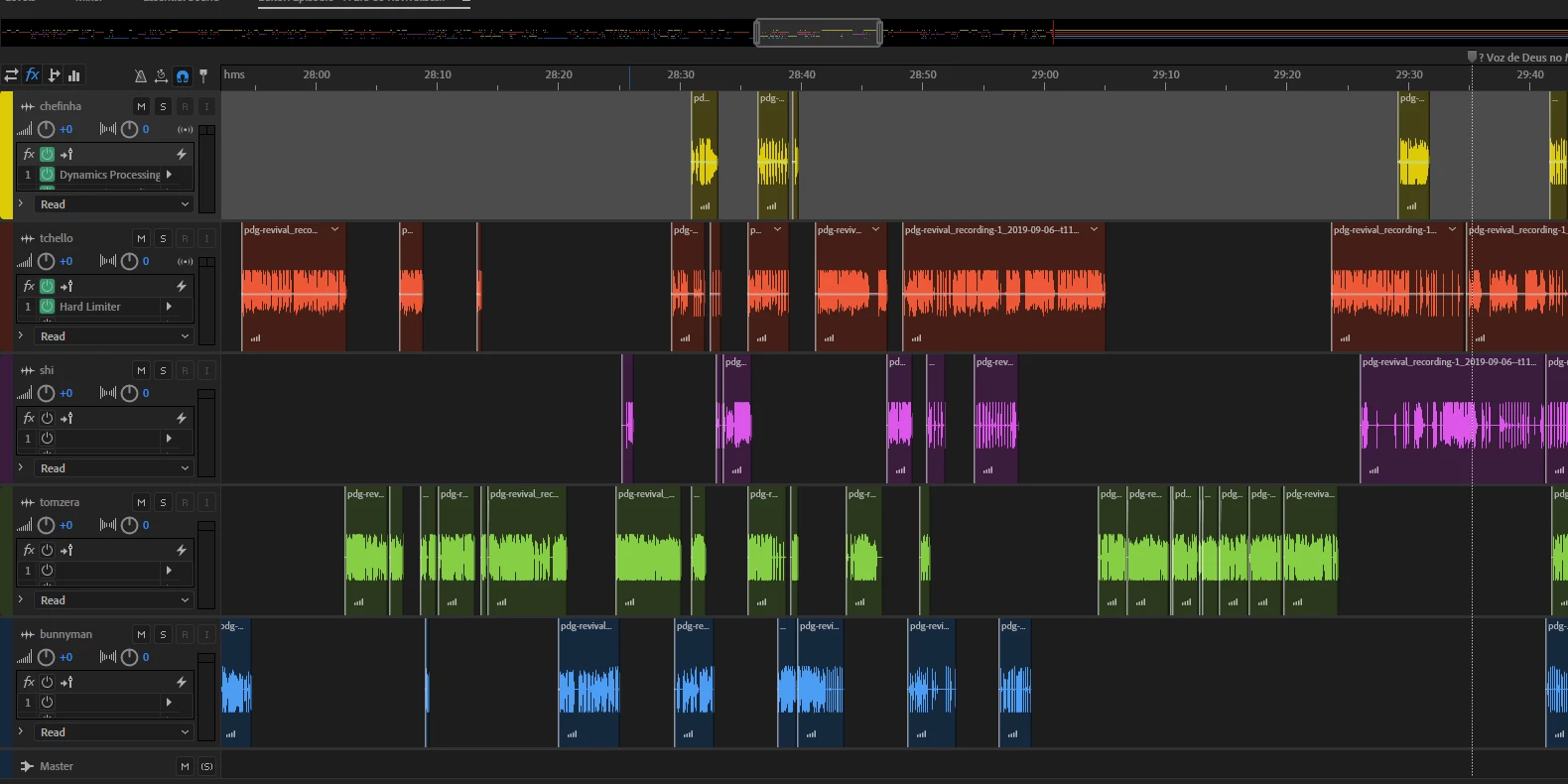
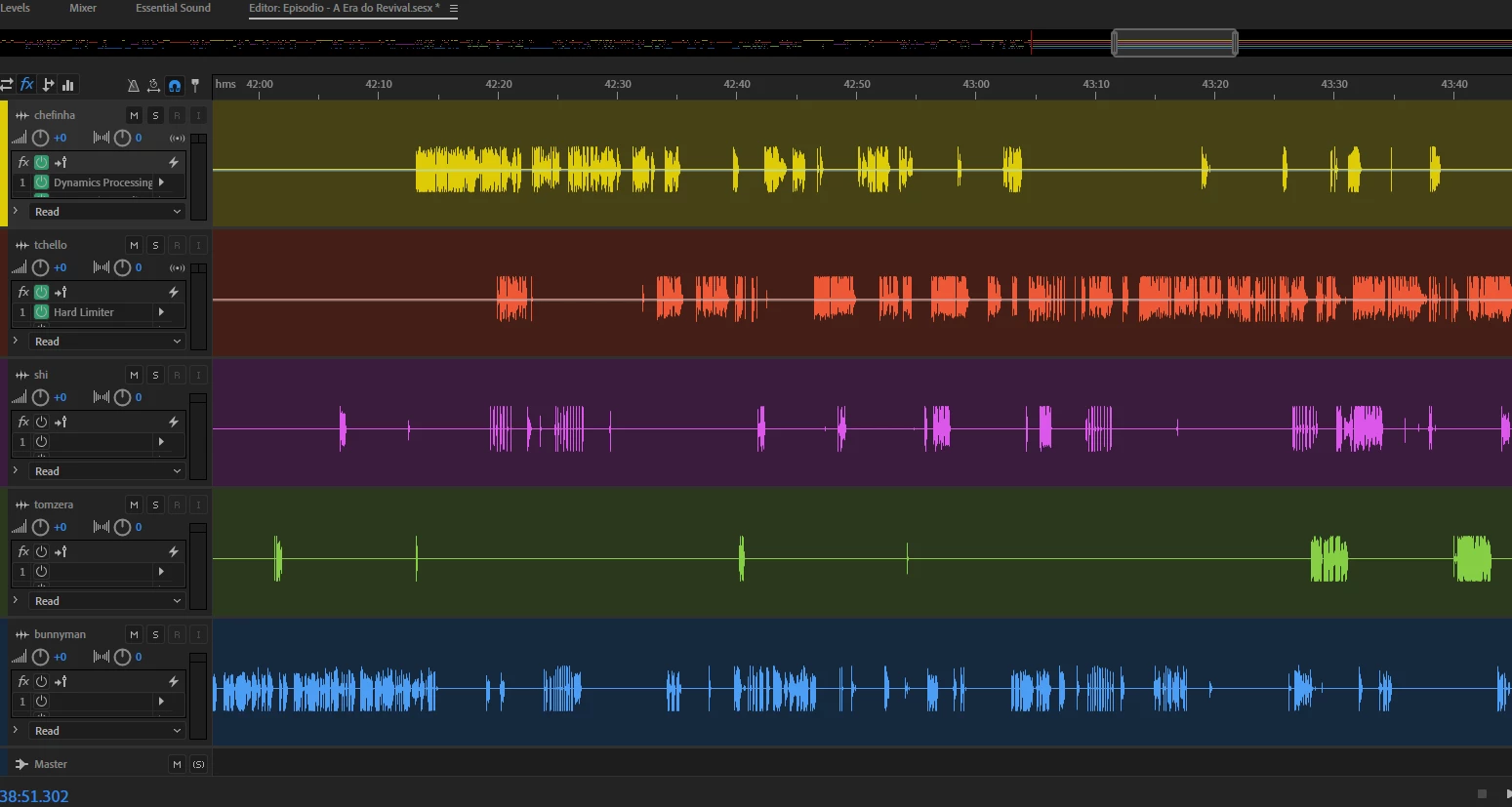
The empty spaces were silences like this:
I have also tried to use Diagnostcs > Mark Audio but if I can not delete what is between markers (or at least cut the track in all markers) this function is also not useful for what I need.
Does anyone has a cool tip for me? I really appreciate because my files are 2h long and it is taking 10X that to edit...
Please help!! 😃
Mari


 AdChoices