



Trying to fix a treble/volume drop out in a captured audio cassette...
Hey all!
First of all, I'm much more of a Premiere/After Effects/Photoshop/Illustrator guy; I'm pretty new to Audition, so if anyone can describe what I want in better terms, let me know!
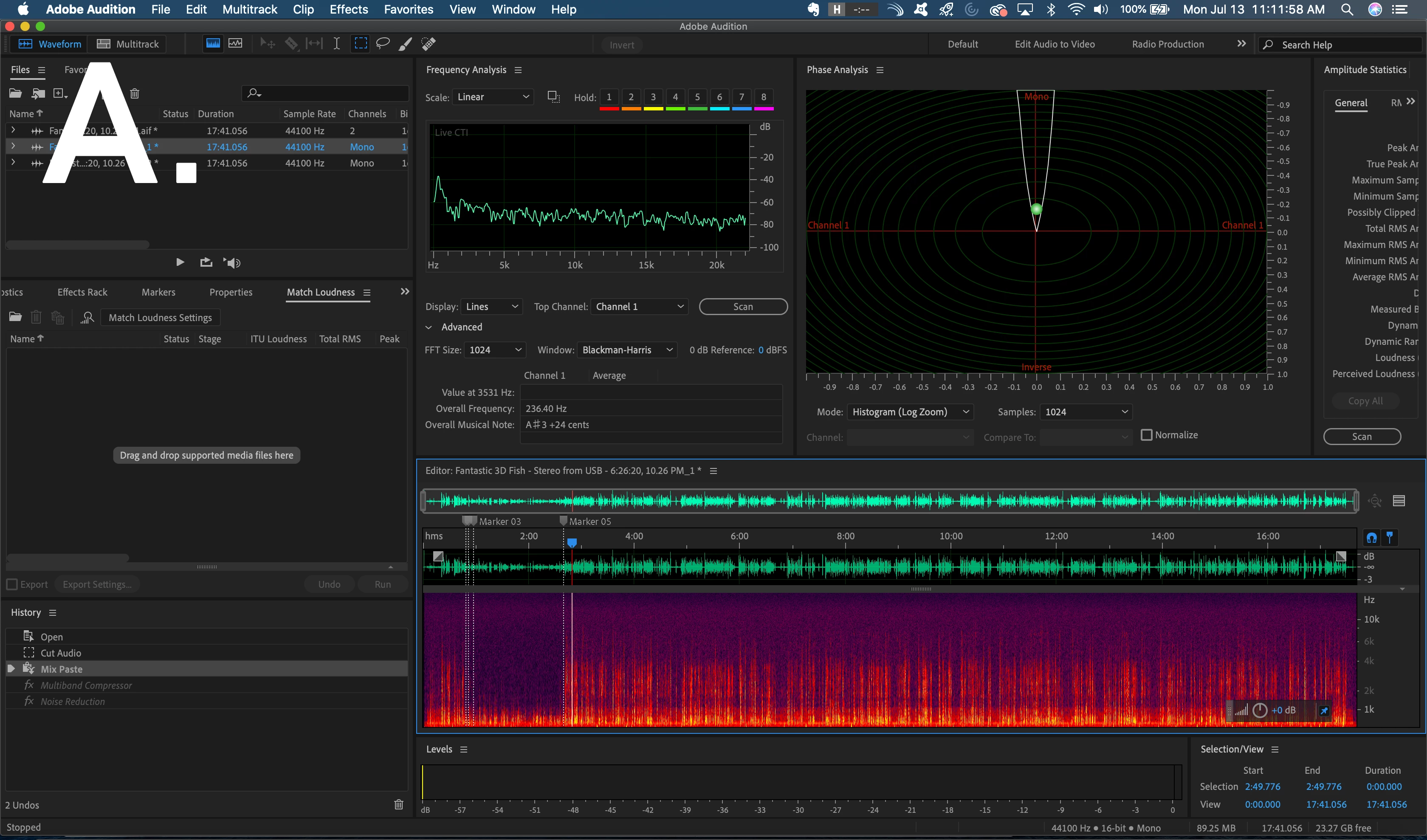
I've captured an old homemade audio cassette from the 1980s and, while that's mostly gone okay, there's a moment where, for maybe about a minute toward the beginning, the volume and treble completely drop down and the audio is extremely low and muffled. You can see the glaring drop in the spectral frequency display below in (A).
I've tried EQ, compression, noise reduction, etc., but either I'm doing it wrong or I haven't managed it. I've been Googling this for a while but I don't even know how to explain verbally what it is I want to do. I'd like to take lower frequency sounds and move/stretch them up into higher frequencies so it matches the rest of the audio. I'm sure they're just plain gone on the audio tape but I'd like to even know if I can shift the lower frequencies into higher frequencies to add clarity in what the speaker is saying (and no, I don't think I want pitch shift - I don't want him to sound like a Chipmunk).
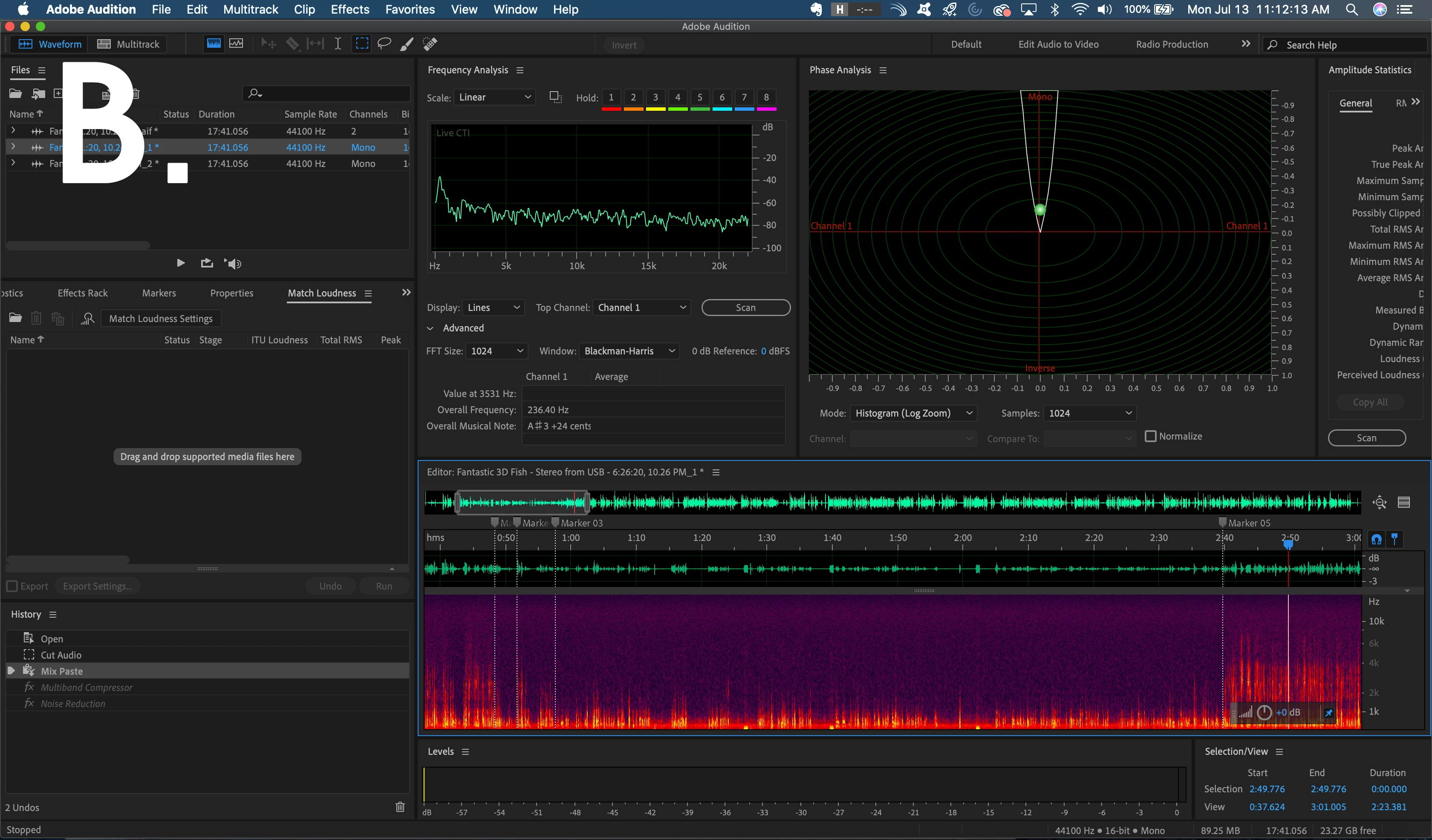
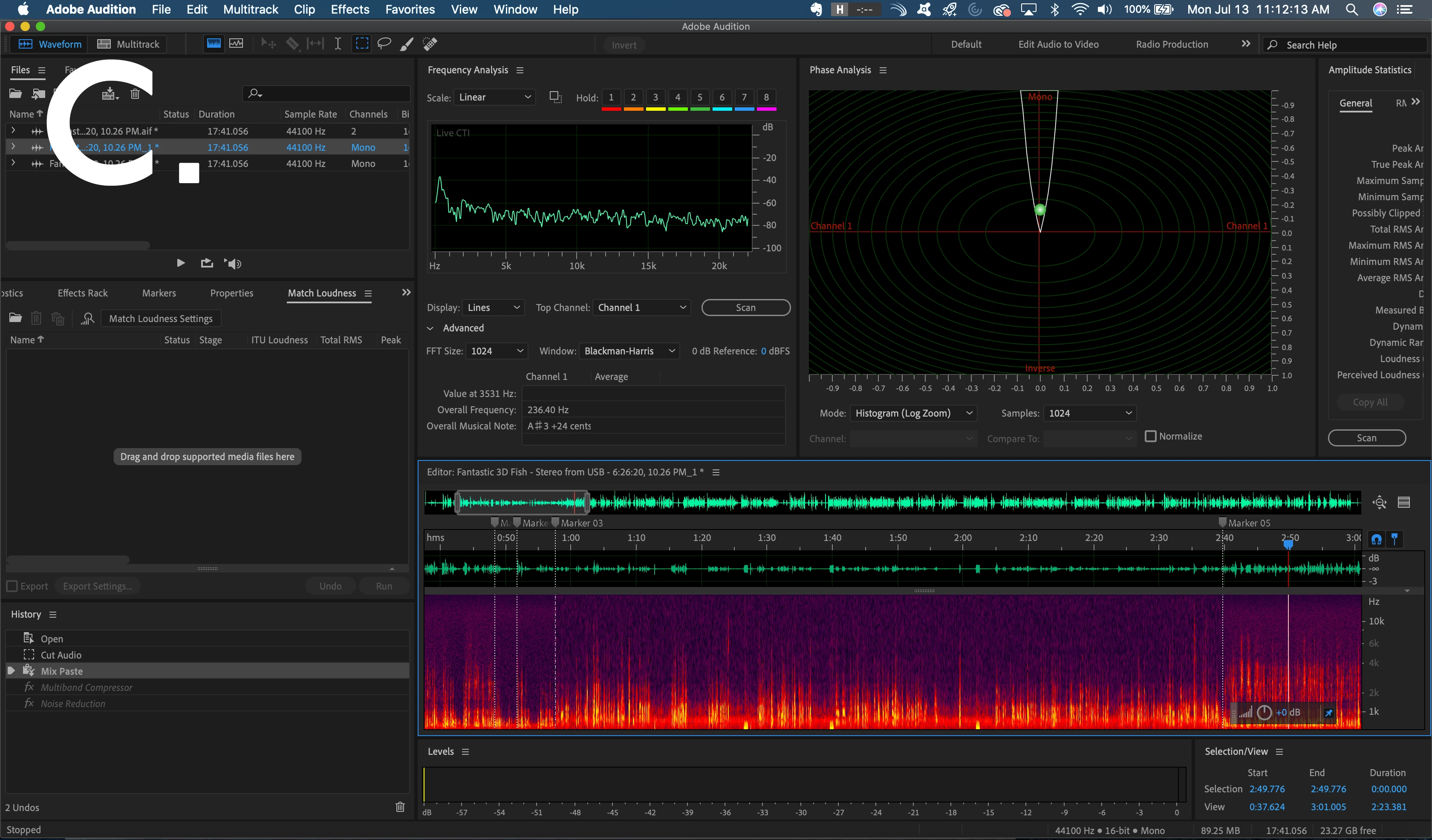
I did a mockup on Photoshop of what I want in a nutshell. I want to turn (B)... into (C).
Can I do that? Is that even possible?
Thanks!
Elliott
 AdChoices