Participant
Jun 14, 2018 8:35 PM UTC
Answered

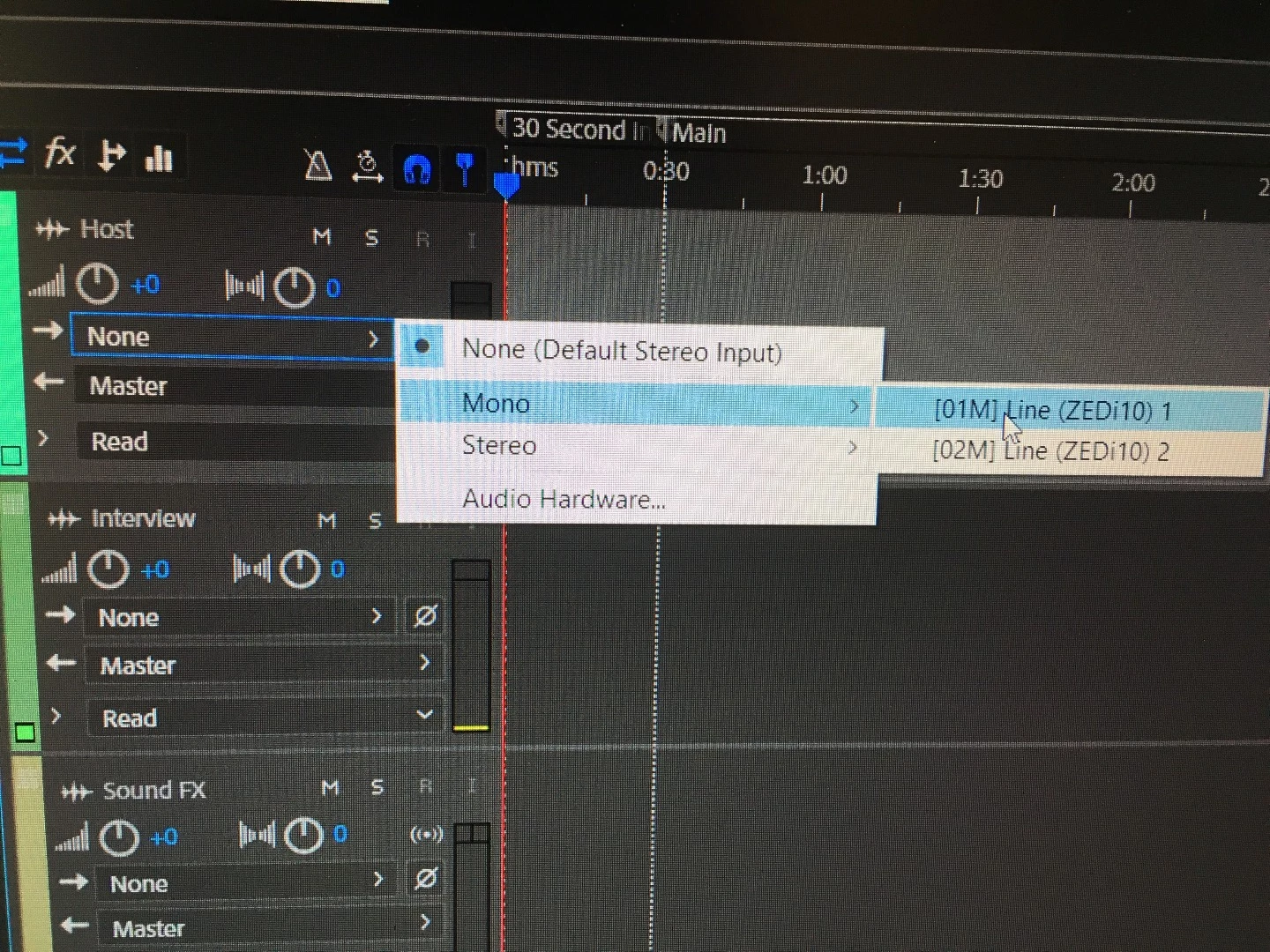
Trying to run 4 tracks of audio and Audition is only finding 2

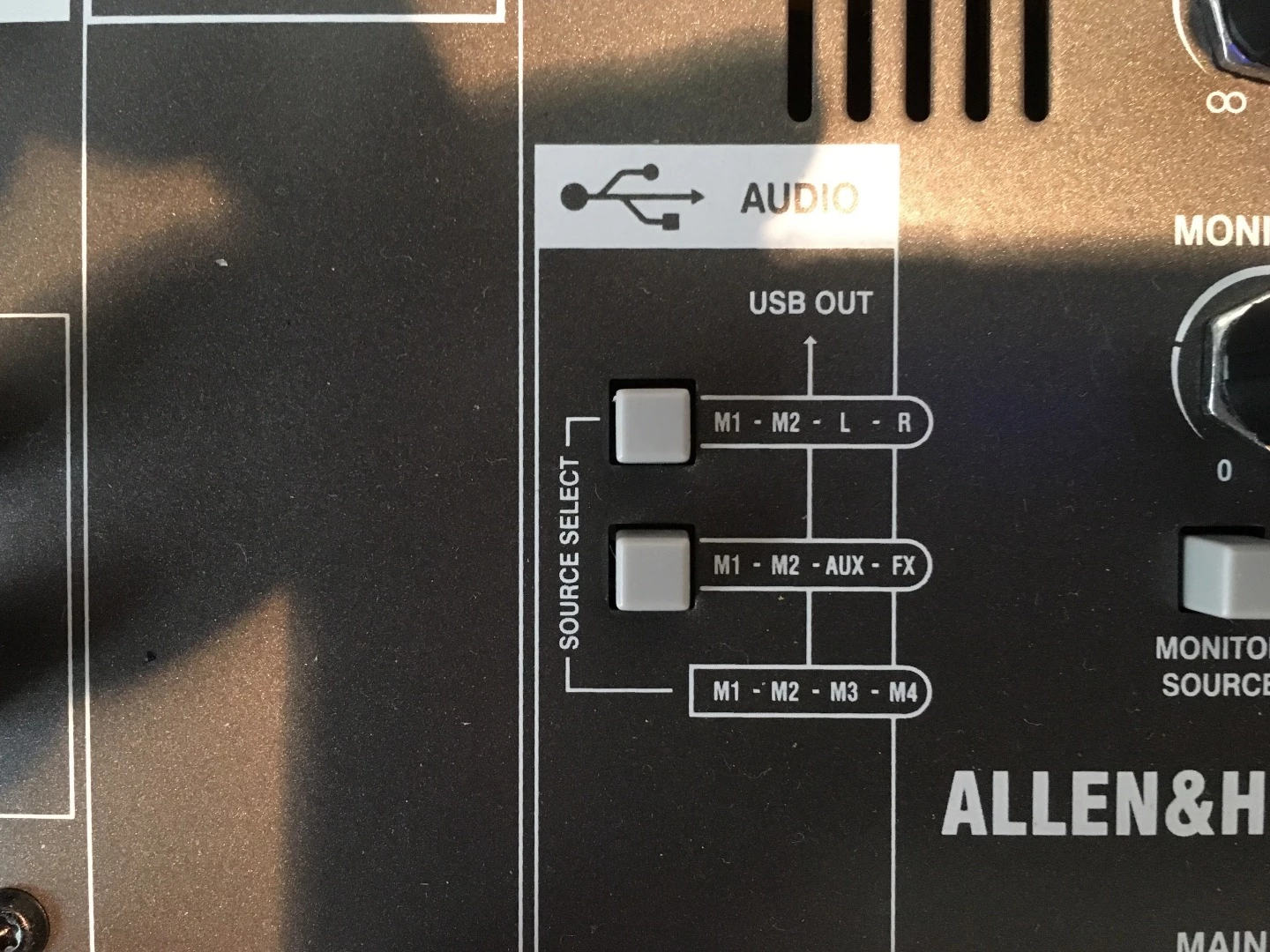
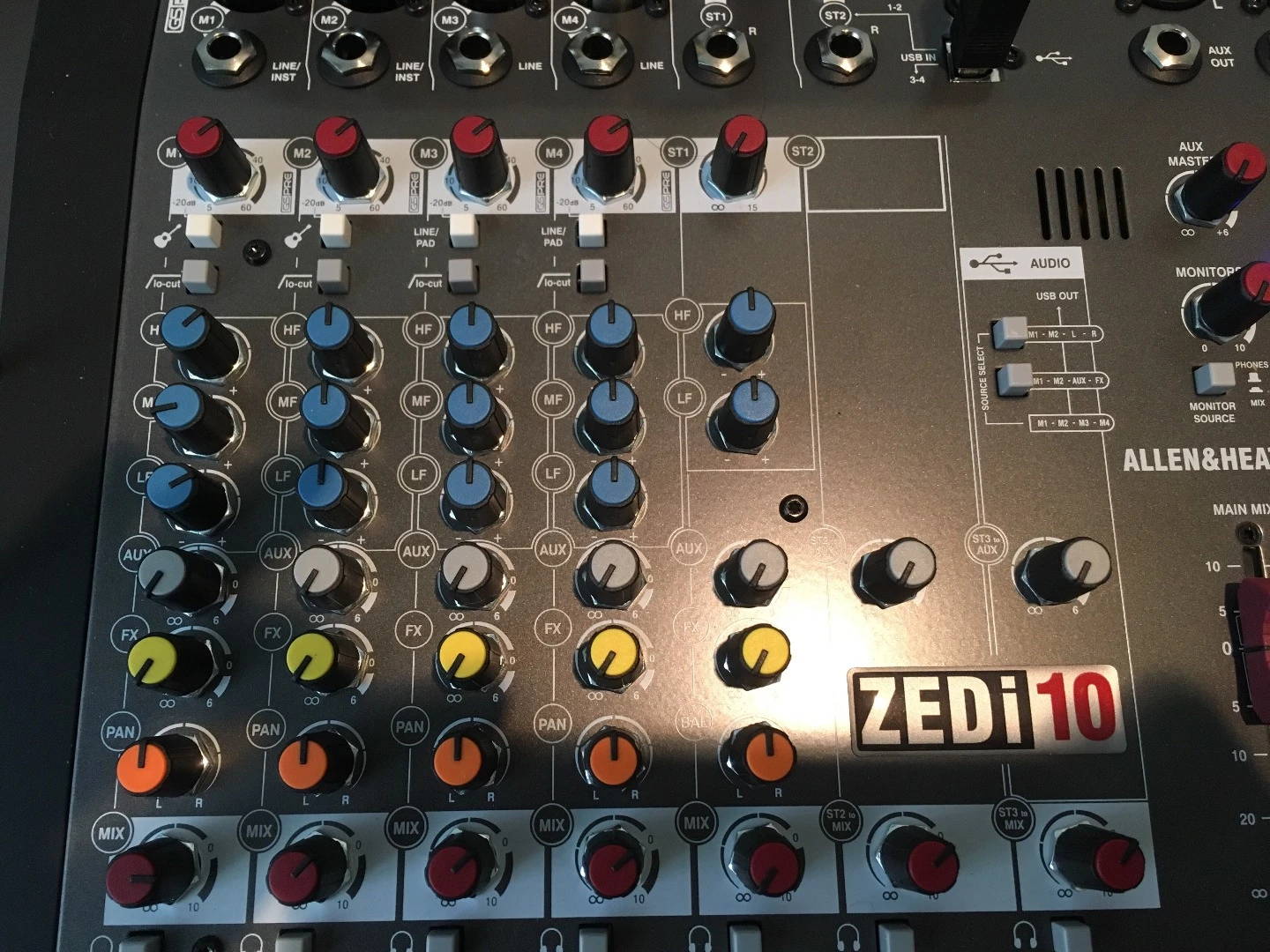
I'm running four mics through an Allen & Heath ZEDi10 mixer.

Best I can tell, it is sending four signals, but audition only gives me the option of selecting input 1 or 2...  3 and 4 aren't there. See images below.

Any suggestions would be greatly appreciate
    This topic is closed to new replies. Start a new post to keep the conversation going.
    ryclark
    ryclarkCorrect answer
    Participating Frequently
    Jun 15, 2018 2:53 PM UTC

    Could you post a screenshot of your audio hardware settings in Audition.


    I suspect that for the A & H USB drivers to work you will have to select A & H ASIO under Device Class in order for Audition to see all four channels once the Windows USB driver is installed. As Richard suggested showing us your Audio Hardware set up page in Audition would help.

    5 replies

    ryclark
    Participating Frequently
    Jun 15, 2018 8:56 AM UTC

    Have you downloaded and installed the Allen & Heath provided Windows USB software? Without it Windows will only see s basic single stereo input.

    https://www.allen-heath.com/ahproducts/zedi-10/

    Translate
    Participant
    Jun 15, 2018 1:54 PM UTC

    After seeing your response, I have downloaded it, restarted my system, and nothing changed. Still only seeing the two tracks.

    Translate
    Community Expert
    Jun 15, 2018 2:31 PM UTC

    Could you post a screenshot of your audio hardware settings in Audition.

    Translate