
Inspiring
July 16, 2021
Question

Unable to open Audition

  • July 16, 2021
  • 1 reply
  • 1458 views

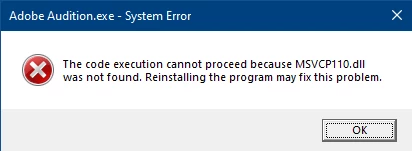
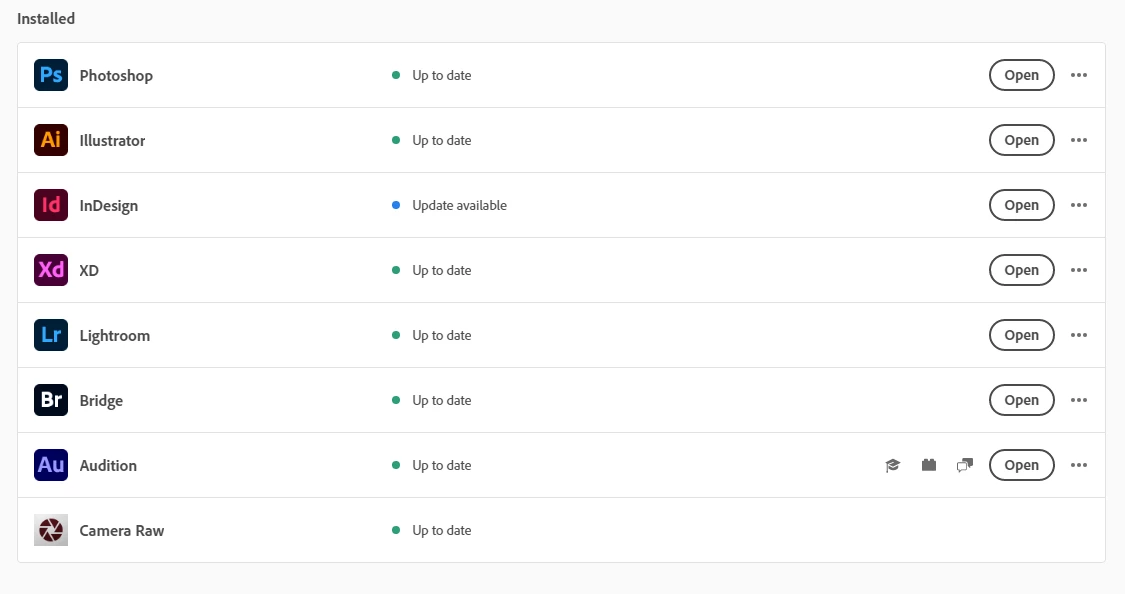
When I try to open Audition I receive this error message. I have deleted the application and innstalled it again but this error is all I get when trying to open it by double clicking the desktop icon. When I try to open it trough the CC desktop application by clicking Open I get no response at all. It doesn't open there either and no message is generated.

I'm on W10. My CC plan is Enterprise. I have no problems in opening any other Adobe applications.


This topic has been closed for replies.

1 reply

SteveG_AudioMasters_
Community Expert
Community Expert
July 16, 2021

This seems to have happened to a lot of people recently, and it's reasonably clear that it's Microsoft's fault. What you have to do is find the appropriate C++ library on the Microsoft site and reinstall it - you can't replace individual .dll files. Ultimately Adobe will have to make sure that it's the updated library that gets installed - hopefully they'll do that soon. If I can find out specifically which library it is that you need to update, I'll post a link to it.

perrybrusAuthor
Inspiring
July 16, 2021

Hm, if this is a Windows thing it's a monster. Not everyone knows how to adjust the registry or deal with C++ libraries. I for one have no clue how to do that. This error must affect millions of Audition users.

SteveG_AudioMasters_
Community Expert
Community Expert
July 17, 2021

It is a bit strange. It doesn't affect everybody, but there have been enough reports of this recently on different machines, all 'missing' the same .dll for it not to be systemic. As far as I'm aware, reinstalling the library - which isn't actually difficult - fixes the problem. If I can find out any more about this next week, I will report back.