
Participant
February 25, 2019
Question

Unable to start Audition in CC 2019

  • February 25, 2019
  • 2 replies
  • 663 views

I've recently gotten a new computer and successfully installed CC and Audition on it. However, on starting audition I get this notificaiton
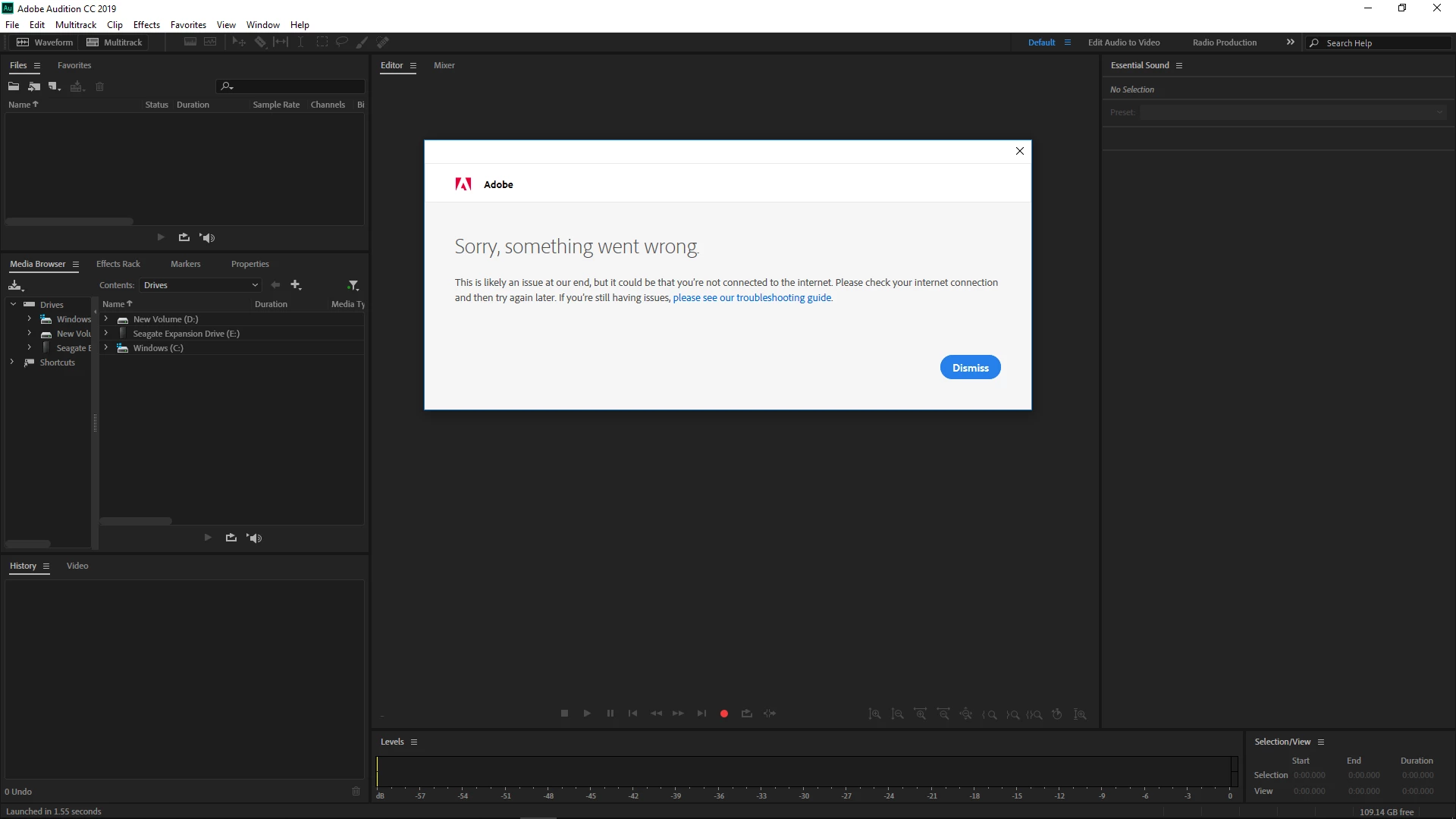
I'm sure I am connected to the internet as I was browsing the web for solutions to this problem. Any help would be greatly appreciated

    This topic has been closed for replies.

    2 replies

    Charles VW
    Inspiring
    February 27, 2019

    This message is from the licensing/authentication system for the subscription. I recommend contacting the normal Adobe Support methods as they're well-versed in this area.

    ryclark
    Participating Frequently
    February 25, 2019

    First of all can you log into your Adobe account OK? Secondly how did you install Audition CC 2019? Normally this would be done via the Adobe Creative Cloud app which would automatically ask for your account details and do the login for you.

    Unit147Author
    Participant
    February 26, 2019

    I can log into my Adobe account no problem. I first installed Audition CC 2019 via the Creative Cloud app and ran into this problem. After consulting the school's IT department, I installed it via the downloadable installer from the Desktop Downloads section of the Adobe website and the problem remained.

    I'm running Windows 10 64-bit

    SteveG_AudioMasters_
    Community Expert
    Community Expert
    February 26, 2019

    One possibility (in fact it seems quite likely) is that for whatever reason, you don't have sufficient Administrator privileges on the machine to enable the login to work correctly. I'd explore that before looking any further, I think.