
MusoCity
Known Participant
December 3, 2016
Question

Using ReWire with Audition CS5.5, CS6 & CC

  • December 3, 2016
  • 1 reply
  • 5238 views

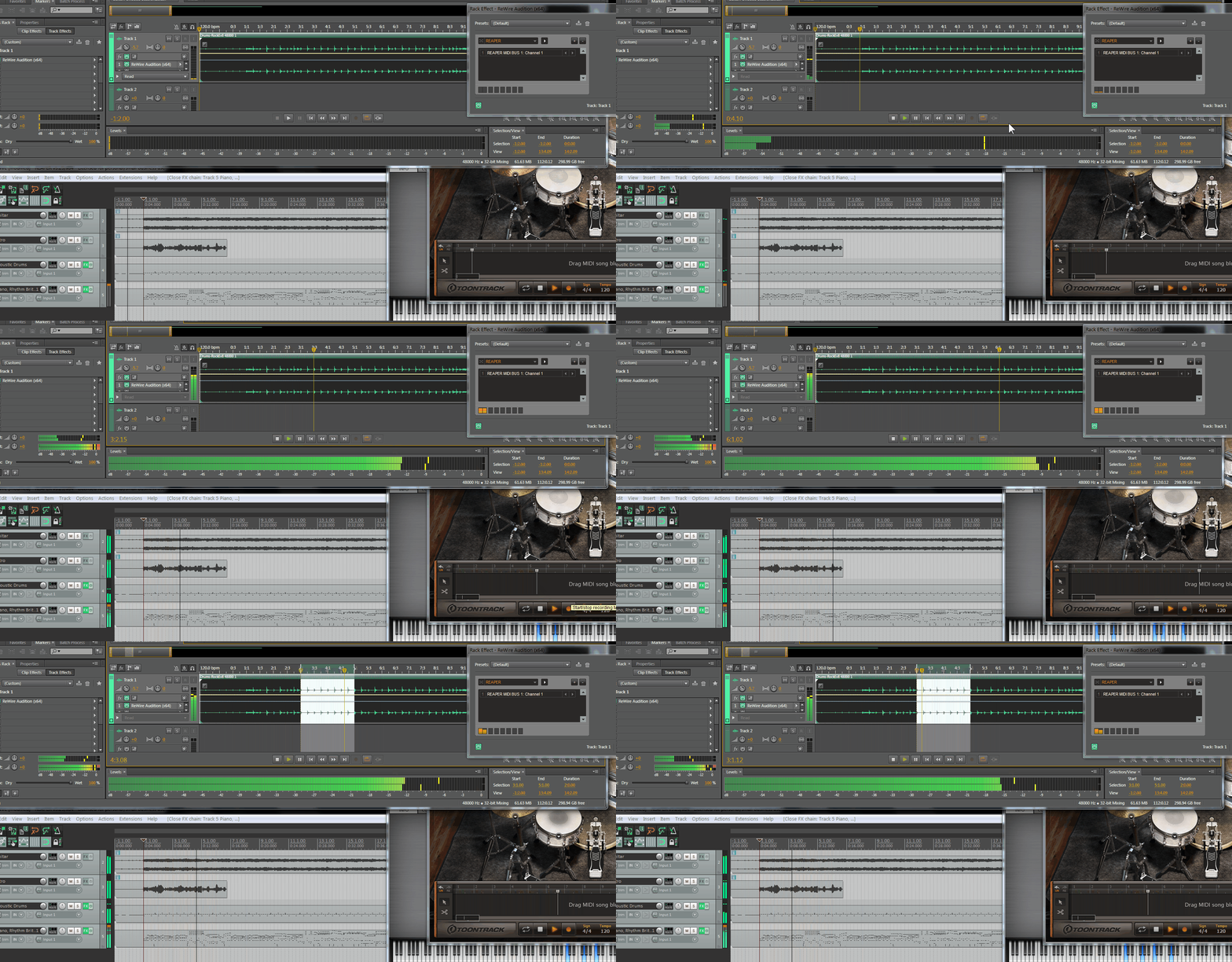
This is a ReWire vsti plugin ReWire VST - VST plugin with ReWire

Download any free 64bit/32bit vst FX plugin rename it  > ReWire Audition (64).dll  ReWire Audition (32).dll

put it in your plugin folder, scan in Audition for it, now rename the original ReWire.dll  > ReWire Audition (64).dll  ReWire Audition (32).dll

now replace the one in your vst folder, load it into a track with any wav file in it.

Set bars beats offset to 1:2.00 as Au sync starts on beat 2, you can slide the tracks or offset in your ReWire slave.

I haven't tried it on Mac but it should work.

You can also load into MiniHost or Blue Cat's PatchWork Re: Using Virtual Instruments in Adobe Audition CC CS (MIDI)

I will try and get an FX plug that will load straight in.
AU_RE_RW.gif

    This topic has been closed for replies.

    1 reply

    prescott911
    Participant
    April 30, 2020

    Hi,


    I'd like to use this rewire function with Reason 11 in Audition CC. 

    How can I do this?

    SteveG_AudioMasters_
    Community Expert
    Community Expert
    April 30, 2020

    This is a four-years-old thread. By the looks of it this worked in Audition 3 - which had Rewire capabilities. They were dropped completely in the re-write when Audition became dual-platform. The plugin referred to is/was a VSTi, and Audition simply doesn't recognise those under any circumstances. And the link in the original thread is dead...


    So tha answer to your question is - I'm afraid you can't.