



Question
Very annoying "restore" box pop up when editing! HEEEELP!
Hi everyone!
I'm running all legit latest version Audition software on a Windows 10 custom built PC.
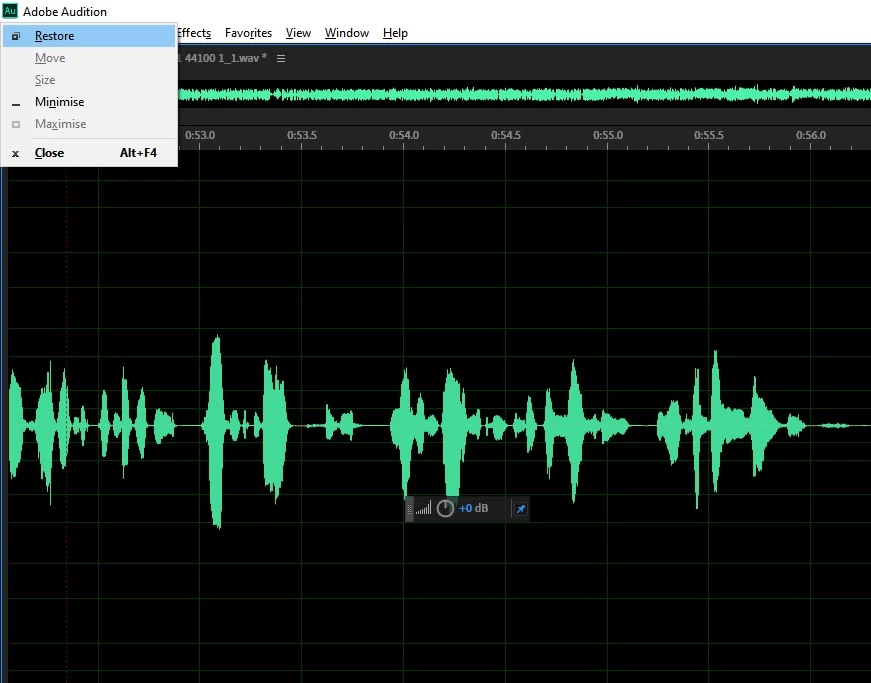
When I'm editing in multitrack or waveform view this little monster pops up and halts my worlflow when I hit space bar (top left of screenshot). I can't tell you how annoying this is. I have no idea what it is and why space bar is assigned to it. I've tried editing keyboard shortcuts and removing this thing is not an option. You need the space bar to start and stop play, which is THE most crucial shortcut when editing... and this pops up and just HALTS everything. Feels like a bug.
Does anyone have idea what this is and how to totally remove it from the space bar shortcut please?
Many thanks
Matt
 AdChoices