
Participant
May 30, 2019
Answered

WASAPI Recording Issue Audition CC 2019

  • May 30, 2019
  • 1 reply
  • 3681 views

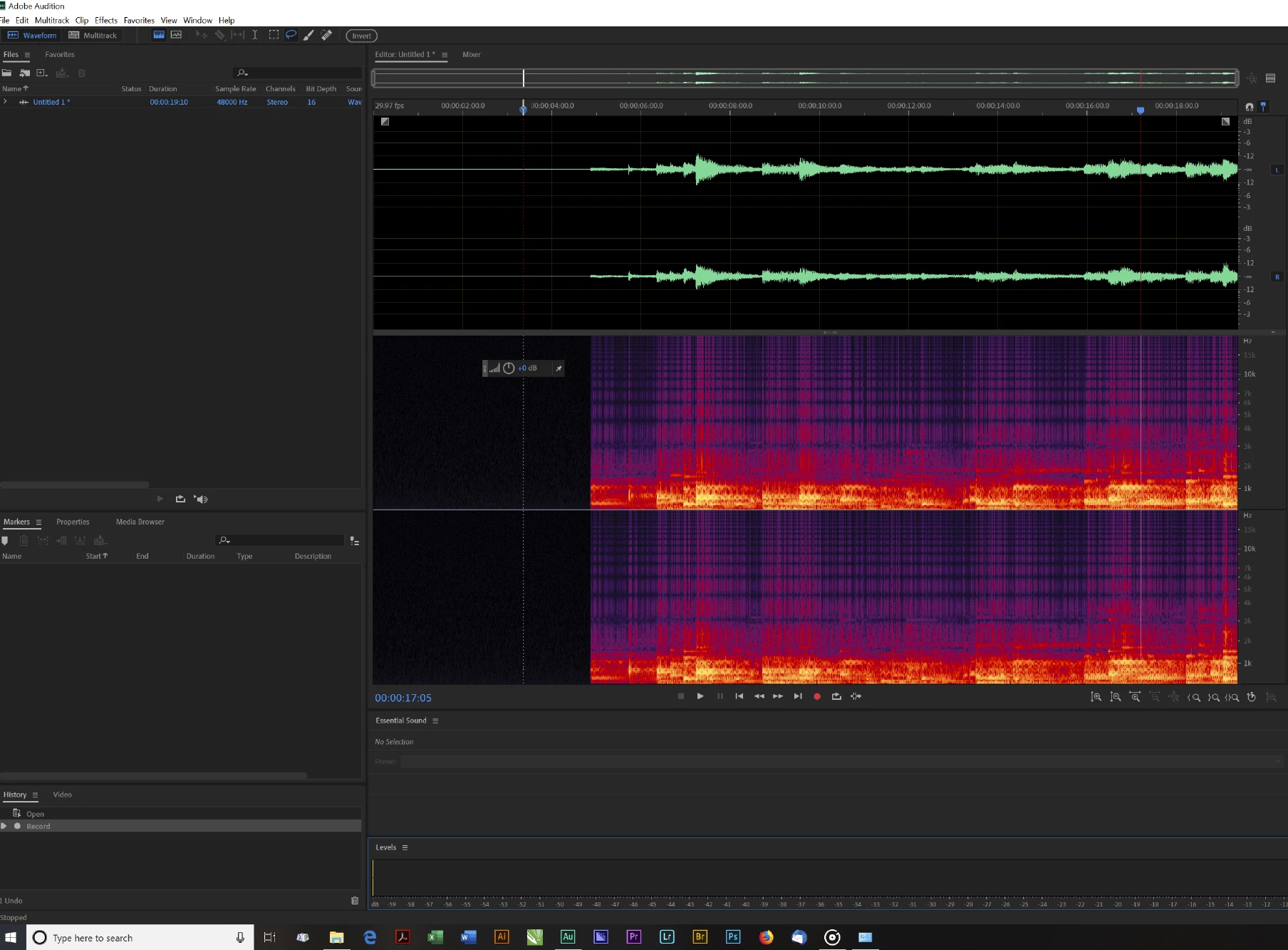
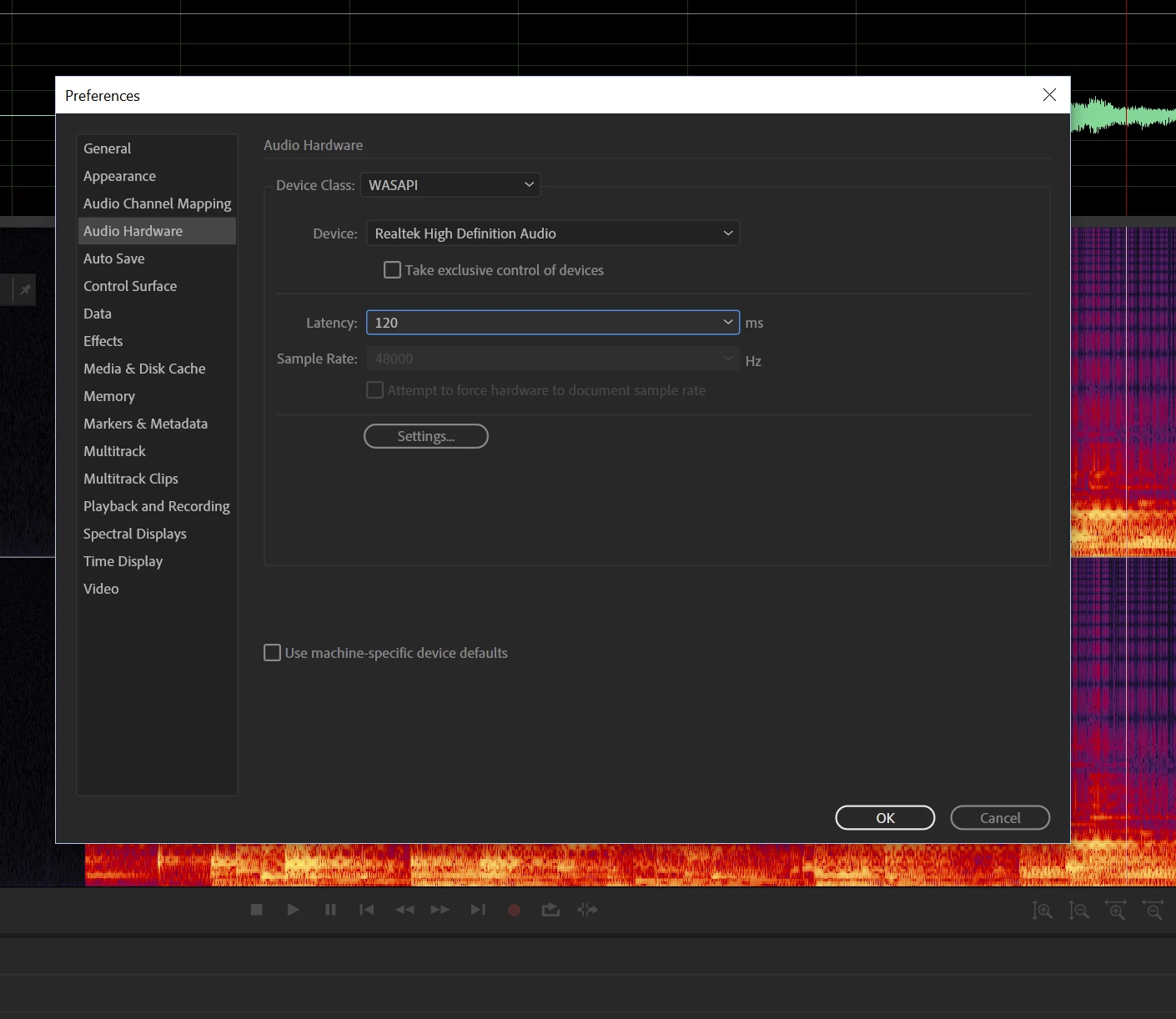
I have setup my WASAPI Realtek Driver and when recording the audio from a source through the PC is choppy and the output graphs show it. I have tried to adjust Latency up/down with no success.

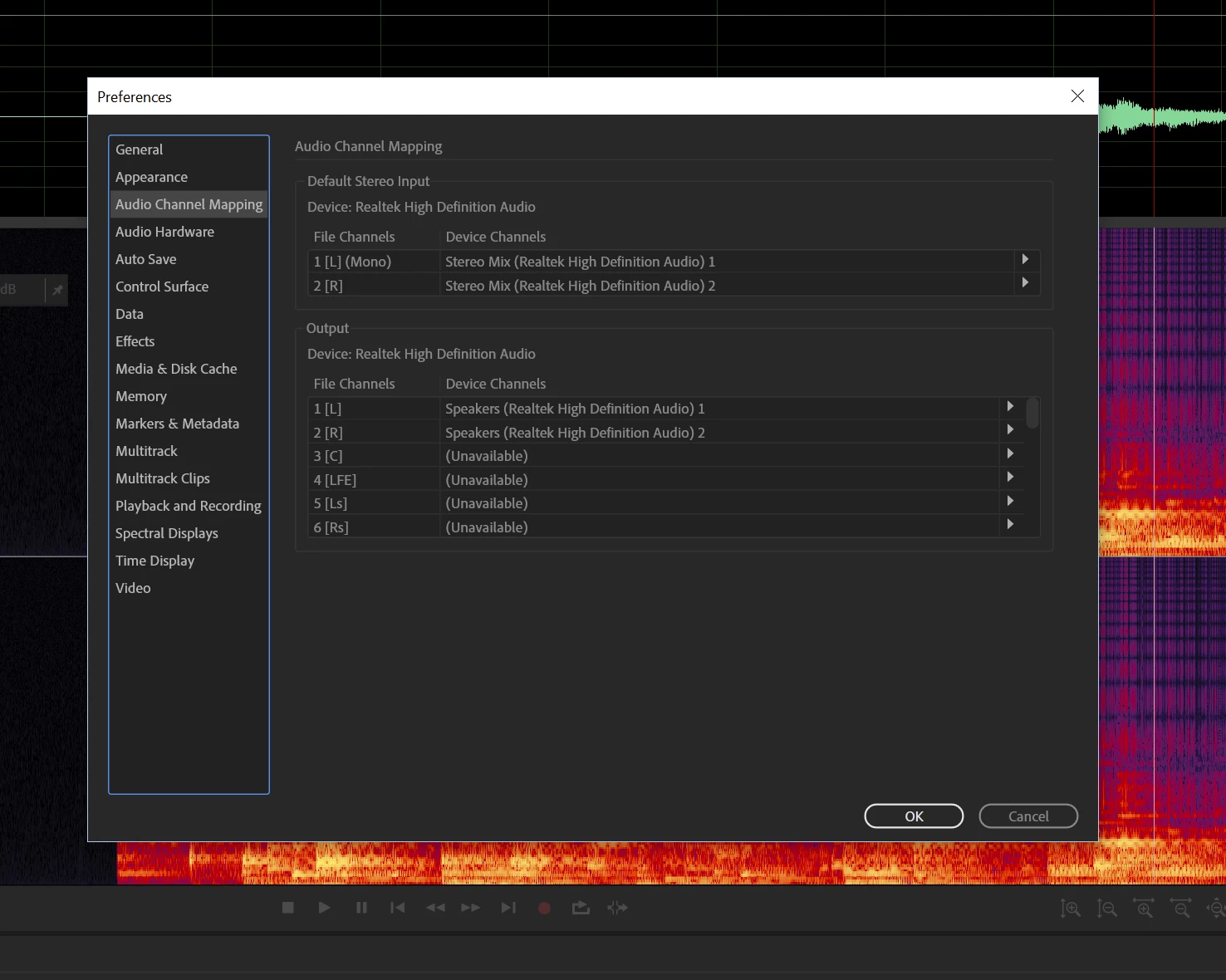
Images of the recorded file, hardware, and channel mapping follow. Playback of previous audio files is OK. Any thoughts would be appreciated.
    This topic has been closed for replies.
    Correct answer ryclark

    I'd try going back to the basic MME drivers rather than WASAPI.

    1 reply

    ryclark
    ryclarkCorrect answer
    Participating Frequently
    May 30, 2019

    I'd try going back to the basic MME drivers rather than WASAPI.

    Photo_ProAuthor
    Participant
    May 30, 2019

    Thanks. That did it. However, when I tried it first, I could not get it to work because "Stereo Mix" app would not load. It showed up when I set up the WASAPI driver. I'm still curious as to the cause...Realtek...Windows...Audition?

    SteveG_AudioMasters_
    Community Expert
    Community Expert
    May 31, 2019

    Photo_Pro  wrote

    I'm still curious as to the cause...Realtek...Windows...Audition?

    Personally I've blamed the RIAA for this for years. It was them who put heavy pressure on M$ and sound device manufacturers to disable 'What you hear' or 'Stereo Mix' facilities on computers because they claimed that millions of people were making illegal downloads of music via this route. Whilst not entering into that particular debate, it's worth mentioning that of course, this disadvantaged all of the people who wanted to use this facility legitimately, and who now have to use external apps to do it. It's pretty easy to do, and makes the RIAA posturing rather ridiculous as far as I'm concerned. Still causes trouble though, and we get a lot of posts about it.