IMQ2006
Participant
October 26, 2020
Question

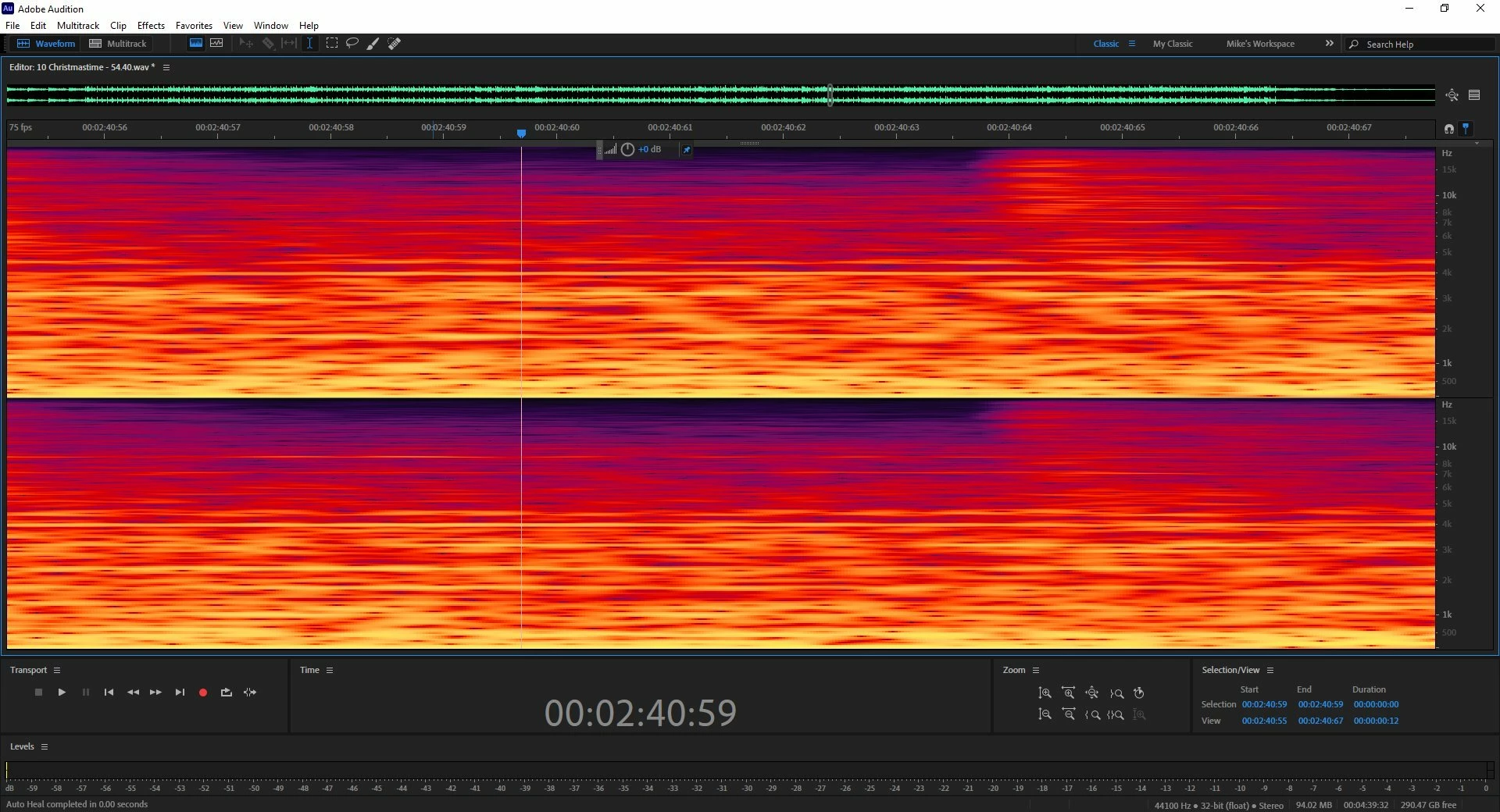
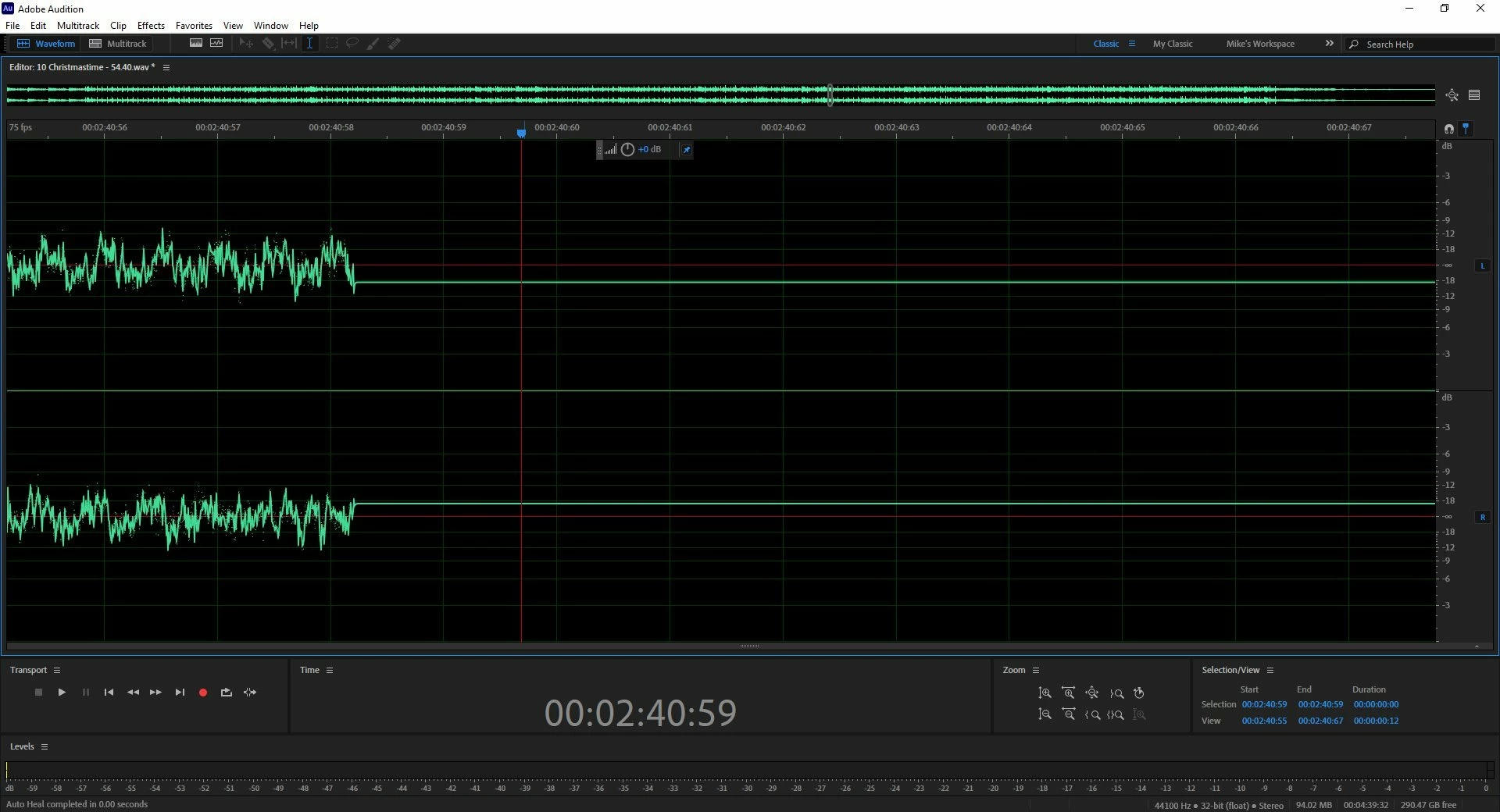
.wav file flat line in editor, not in spectral view

  • October 26, 2020
  • 1 reply
  • 228 views

I use Audition to clean up LP's for digital storage.  I zoom in to remove a click, but after fixing the .wav file looks like I silenced everything.  It plays just fine and the spectral view appears normal. You can even see the full .wav above the editor in the timeline. If I save the file the fix is saved and it will re-open correctly.  This used to happen every so often and restarting the program fixed it.  Tonight it is happening every time I make a fix. Any ideas how to stop this?


This topic has been closed for replies.

1 reply

SteveG_AudioMasters_
Community Expert
Community Expert
October 26, 2020

The most obvious place to start is to go to Edit>Preferences>General and if there's a check in 'Use hardware acceleration for drawing'  then take it out, restart and try again. If there isn't a check in it, put one in, restart and try again. If niether of those works, then check to see if there's an updated video driver. I'm not sure if the hardware acceleration setting is actually available in a Mac (I'm assuming that this is a PC) but the driver update idea still applies, regardless.