
Known Participant
September 23, 2017
Question

WAV Files with Different Bit Depths in Multitrack Session

  • September 23, 2017
  • 1 reply
  • 538 views

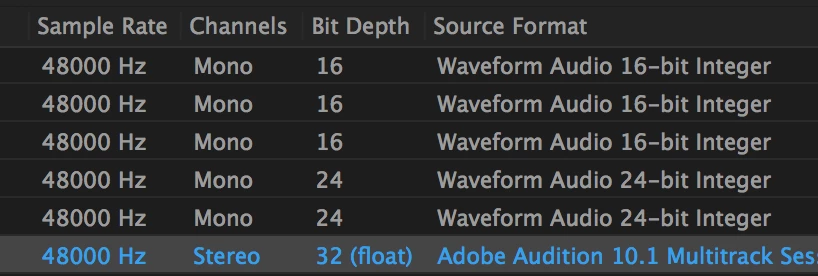
I was sent WAV files from two different sources, some are 16-bit depth, others are 24-bit depth. I have to edit them together in a multitrack session to make it sound like two people are talking to each other.

I don't know much about Audition. Is that going to be a problem for any reason?

Thanks.
    This topic has been closed for replies.

    1 reply

    Bob Howes
    Inspiring
    September 23, 2017

    No huge problems.

    If you create a multitrack session at the bit depth/sample rate you want to end up in, when you drag tracks into the session Audition will offer to convert to the matching bit depth/sample rate.

    Or, if you want to be really careful and precise, you can manually convert files to the spec you want to use.  This option is under Edit/Convert Sample Type.  This is effectively a manual way of doing what Audition will do automatically--but it gives you choices on things like dither so you have full control of how the conversion.

    The important thing using either of these methods it to make sure the session is set to how you want your mix to end up--you can't, for example, change from mono to stereo once you start.

    If you do the conversions manually, I suggest using the Save As command and rename each file so you keep your originals intact.