


Question
Weird mic and refresh icons all over my buttons?
I loaded up Audition today and all of a sudden there are these 2 rounded square icons over each button in Audition, one is a Microphone icon and the other is a Refresh icon but the Refresh also changes to a Pause button sometimes? I have provided screenshots below
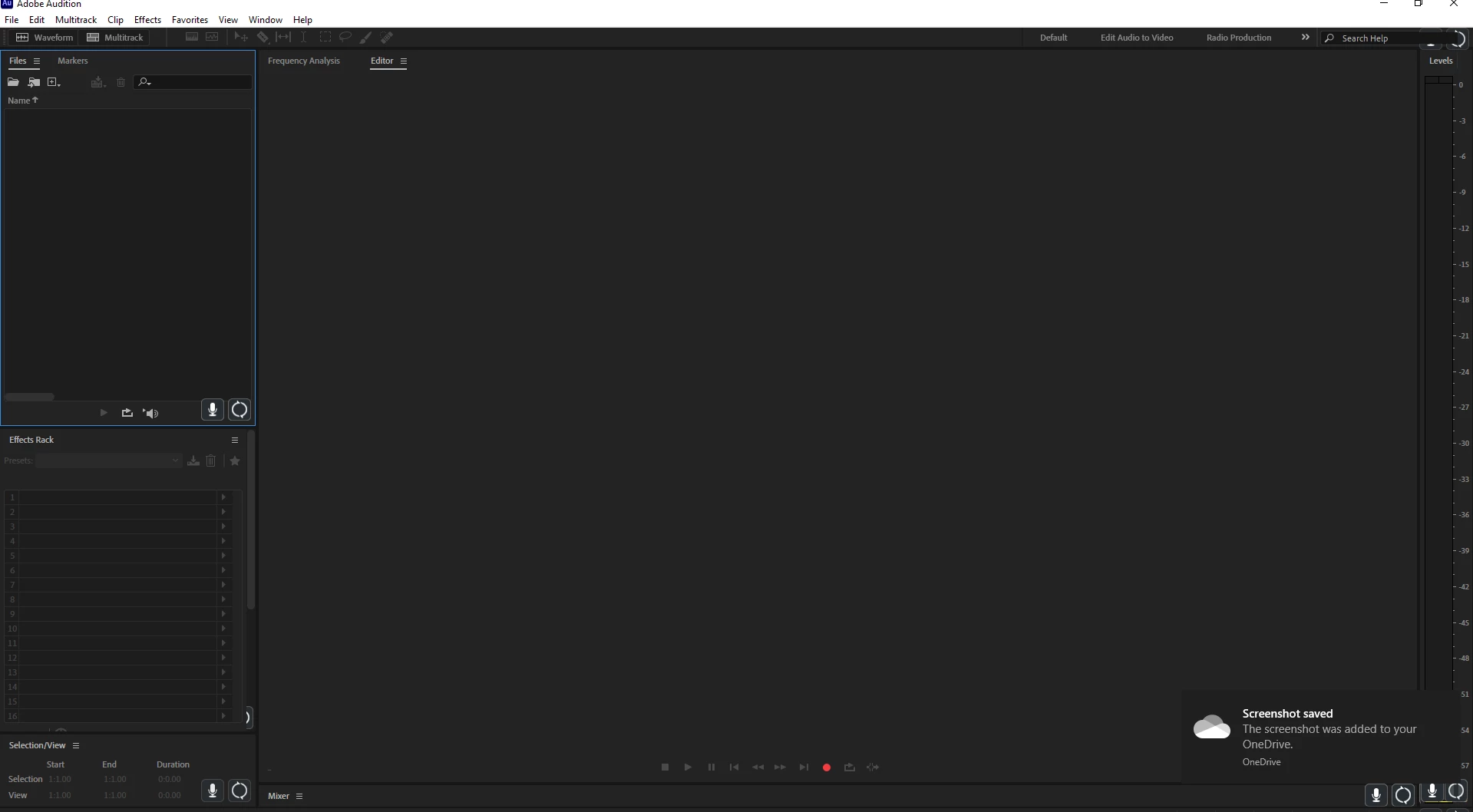
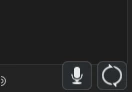
I imagine I accidentally hit a hot key for accessibility settings or something but I can't find the setting.
 AdChoices