Inspiring
December 13, 2017
Answered

Where did generate noise go?

  • December 13, 2017
  • 1 reply
  • 2078 views

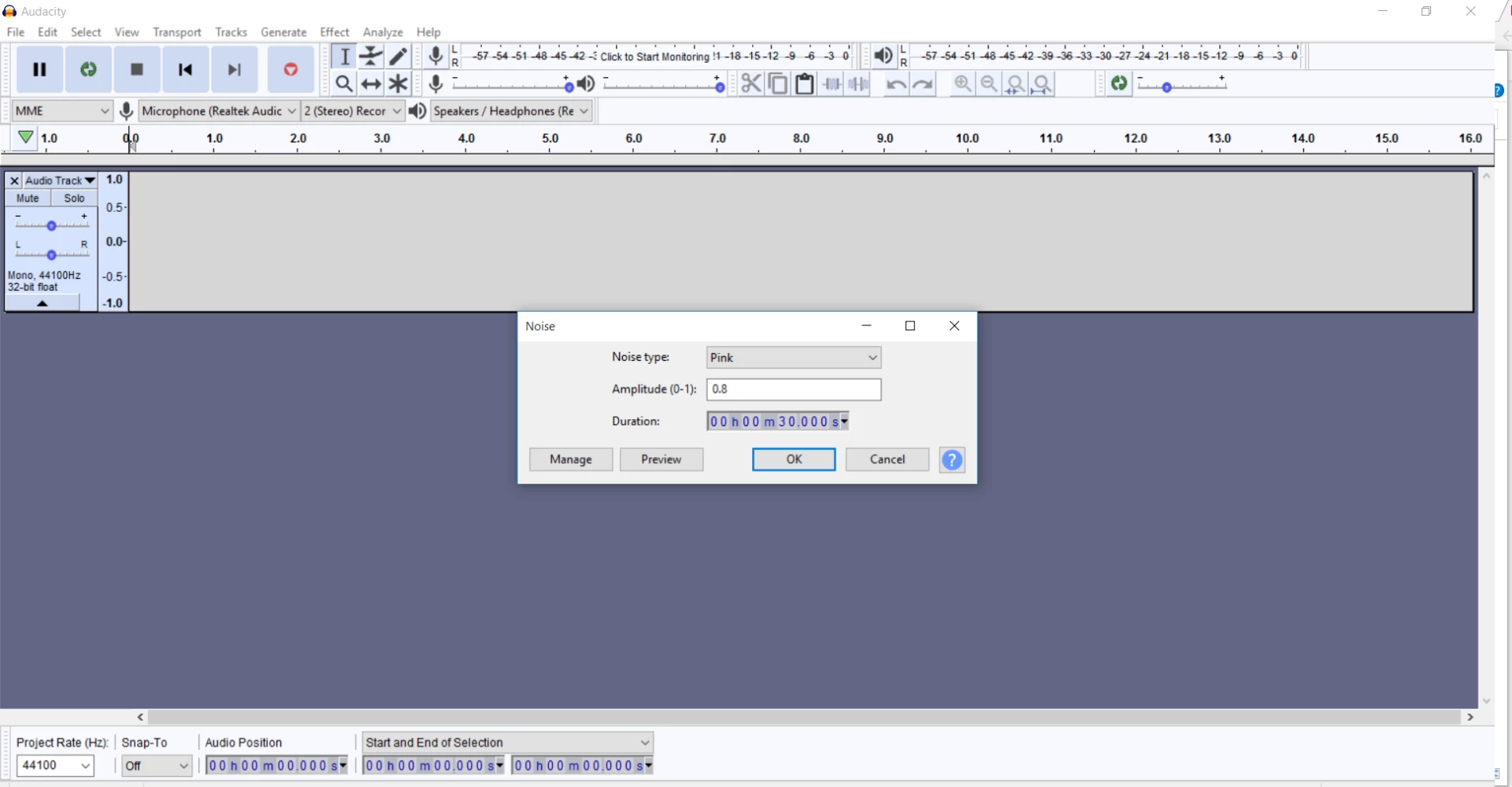
I've been using audition since it was cooledit. I recently upgraded to the new cloud based version and cannot find the noise generation function anywhere. Searching the web brought me here where the answer is

Effects>generate>noise.

There is no Effects>generate>noise.
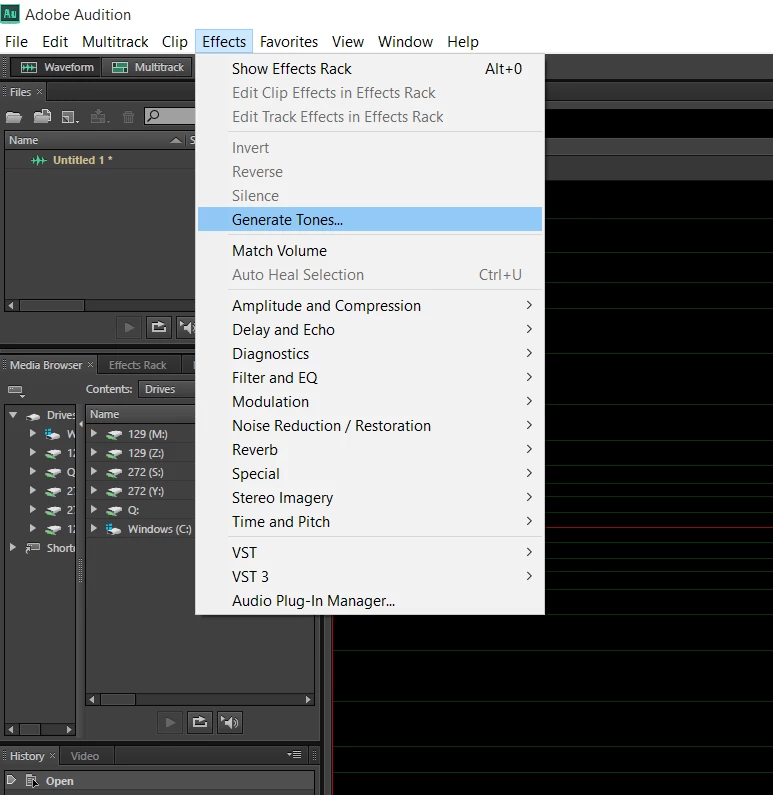
Was the generate noise function eliminated?
    This topic has been closed for replies.
    Correct answer 45571800


    Fixed it!!!

    1 reply

    Bob Howes
    Inspiring
    December 14, 2017

    Are you on CC2018?

    I know it won't be much help to you but just checked my installation and the normal Effects/Generate/then a choice of noise/tones etc is there as normal.

    A re-install might help, otherwise hopefully somebody else might be along.

    SteveG_AudioMasters_
    Community Expert
    Community Expert
    December 14, 2017

    https://forums.adobe.com/people/Bob+Howes  wrote

    Are you on CC2018?

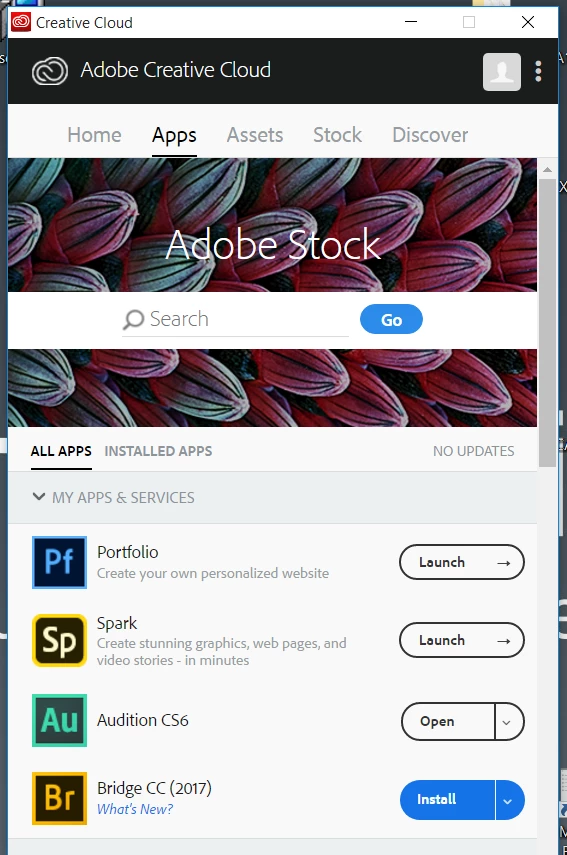
    That's CS6. If you have cloud membership, you've downloaded the earlier version, not the latest, which is CC2018.

    45571800Author
    Inspiring
    December 14, 2017

    Thanks for filling in for Adobe tech support guys. I think you're onto my problem:

    So I went to go and update to the latest version of Creative Cloud from my account hoping that it would give me the right thing. Now I see that Windows 10 is not supported:

    Any thoughts on how to proceed?