


Participant
April 9, 2025
Answered

Where is the preferences button on mac??

  • April 9, 2025
  • 4 replies
  • 581 views

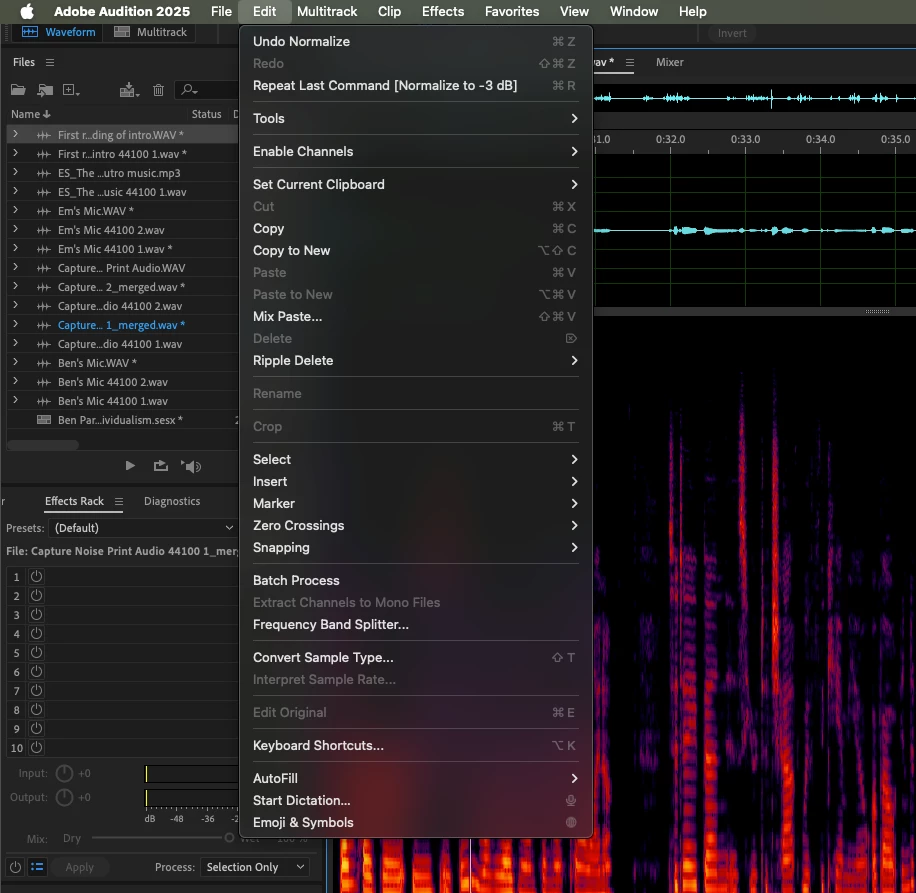
I'm sorry, but WHERE THE HELL IS THE PREFERENCES BUTTON. I'm on mac, running audition 25.2. I simply wan't to toggle synchronize clips with waveform editor. It's not under the edit dropdown menu, and the only thing that comes up when I search "preferences" in the help menu is "Time display<synchonize with time display preferences." Is that the same thing at synchronize with wavform editor? Anywho, this is really frustrating 🙂
 

Correct answer ragandbone-puppets

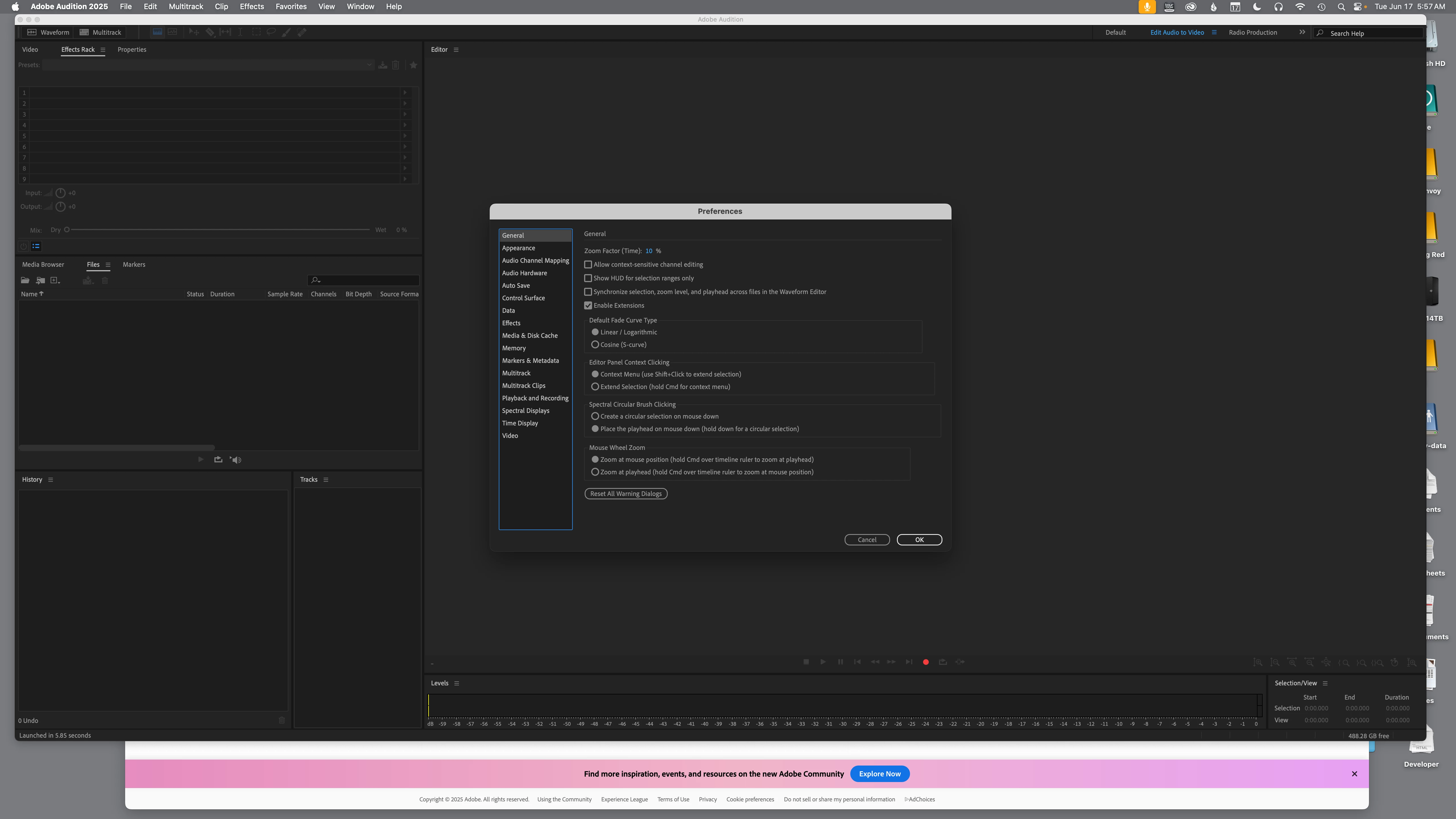
Choose Setting > General and you get this panel:


4 replies

Community Manager
June 26, 2025

Hi paige_7754,


To access the Preferences menu, please navigate to Adobe Audition 2025 (in the menu bar) > Settings > General.

Also, the option to toggle Synchronize clips with Waveform Editor is available under Multitrack Clips tab in the Preferences menu. Hope it helps.


Thanks,

Sumeet

Participant
June 15, 2025

I'm going through the same thing. I see settings but not preferences. And there's no simple audio selection. I just want to be able to see my waveform in the. Multitrack window! Any help would be greatly appreciated. I've spent the last half hour looking for this crazy thing. I'm in Adobe audition 2025.2.0.123

ragandbone-puppetsCorrect answer
Participant
June 17, 2025

Choose Setting > General and you get this panel:


John Waller
Community Expert
Community Expert
April 13, 2025

Preferences is in the same location for all Adobe apps on a Mac.


Click the program name (between the Apple logo icon and the File menu) and it's in the dropdown menu.


See below for example in Acrobat Pro DC:


SteveG_AudioMasters_
Community Expert
Community Expert
April 9, 2025

Apparently (I don't have a Mac so this is unconfirmed) it's here: Adobe Audition menu > Preferences >

So that's the one to the left of the File menu.