
mattm114836
Participant
November 20, 2019
Question

zoom h5 multi track inputs dont come up in audition

  • November 20, 2019
  • 1 reply
  • 2307 views

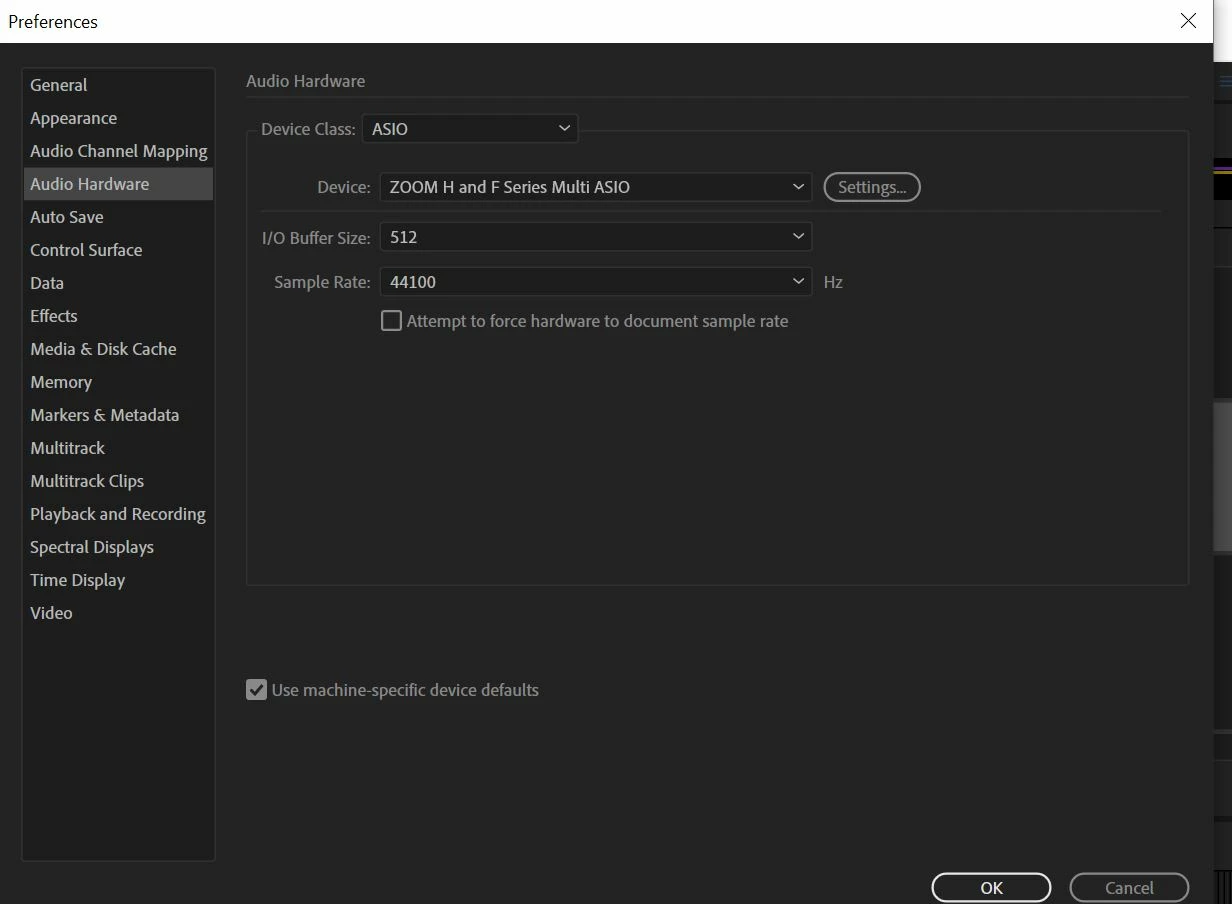
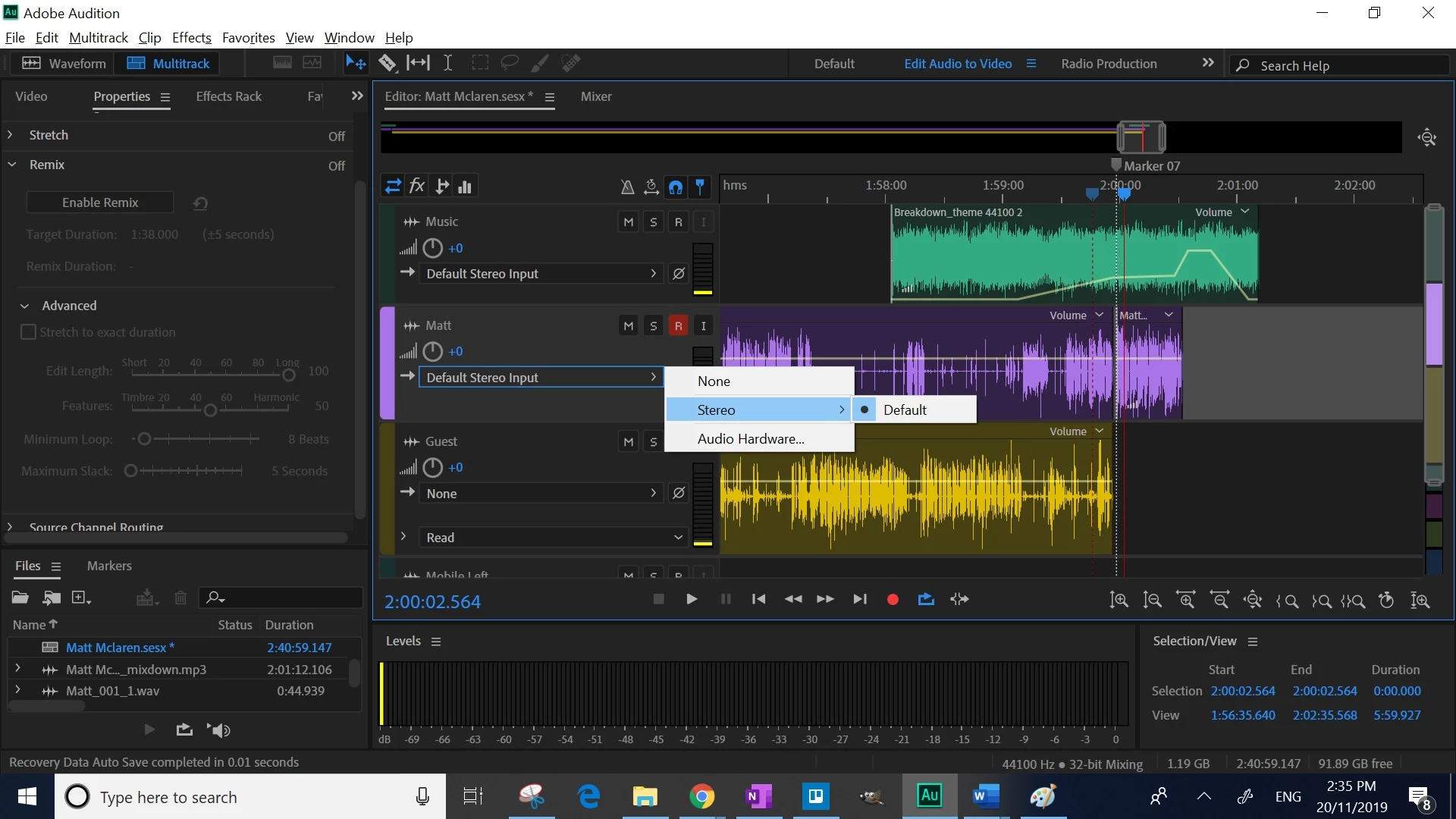
My Zoom H5 multi track function has stopped working in adobe audition. The input selections dont appear. When I set the ZOOM H5 to stereo, it works fine, but the multi track function doesnt work. I have uninstalled the asio drivers numerous times and update the zoom firmware, but no result.
This topic has been closed for replies.

1 reply

SteveG_AudioMasters_
Community Expert
Community Expert
November 20, 2019

If you click on Settings (next to Device) what does it say there?


*update* I've just tried to update everything about my Zoom H4N, including the ASIO driver. And now it gets weird... It doesn't come up as a multichannel driver, and it won't work at all with the current version of Audition - just says that there are no inputs available. But if you try use it with Audition 3, it works fine. Now, the H4N should show up as a four-channel device, but there's no way it does that. I currently have no idea who's fault this is - Windows, Zoom or Audition - could be any, or even a combination. One reason for me being a little suspicious about Zoom is that with a Sound Devices Mixpre-D, the ASIO driver works fine with the current version. Currently there are too many variables to be able to establish what's not happening correctly, but I would have thought that initially, it's worth attempting to get some feedback from Zoom about this. Chances are that they'll do what every other manufacturer does - and blame everybody but themselves, but it's still worth a try.

mattm114836
Participant
November 20, 2019

It brings up the ASIO settings. Ive attached the photos.

SteveG_AudioMasters_
Community Expert
Community Expert
November 20, 2019

I'm honestly not sure what's going on - everything in your screenshots looks correct. I will have to make some further enquiries later...