
Participant
January 8, 2019
Question

Zoom Unsyncing Audio?

  • January 8, 2019
  • 1 reply
  • 200 views

Ok so I'm editing some audio and I need to zoom in to fix some dialogue. when I do, for whatever reason the waveform and the spectral display are going out of sync. I've never encountered this before and I can find anyone else that has. here are some pictures to help show what I'm experiencing

Zoomed in:
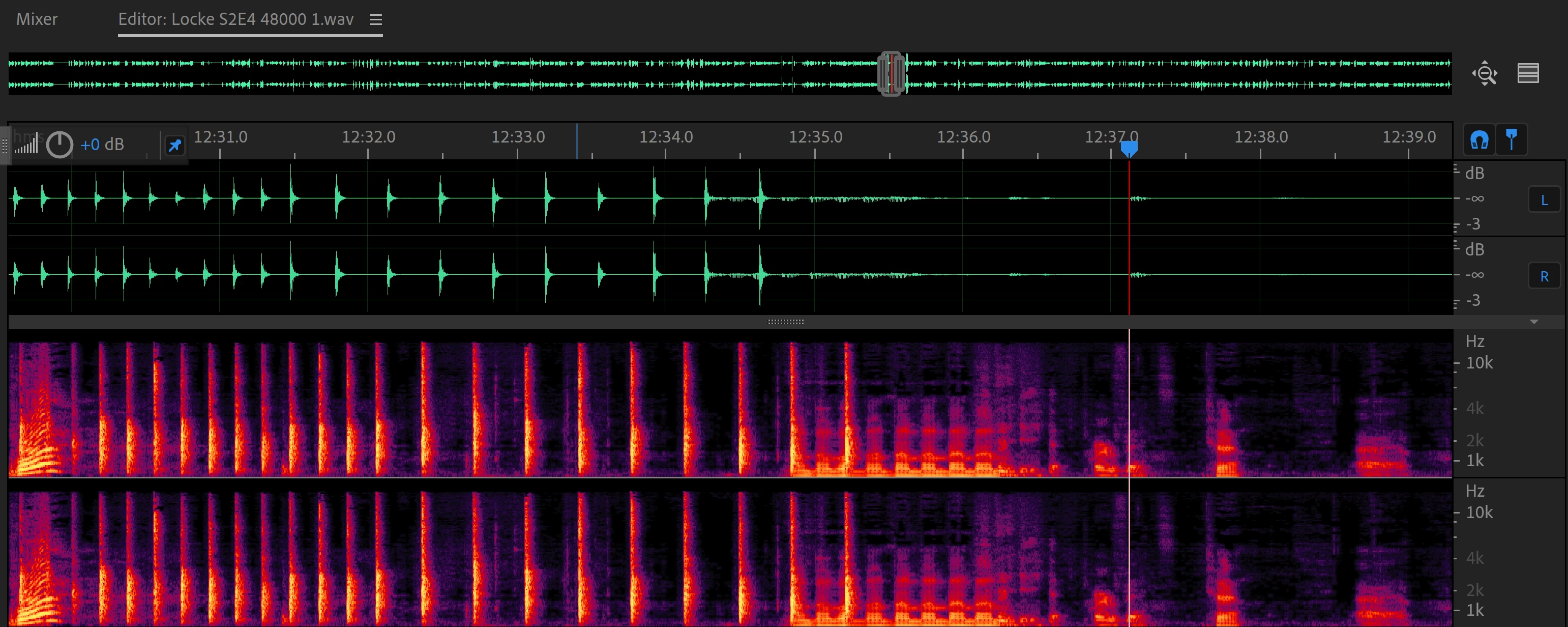
And for whatever reason, if I zoom in a little more, it goes back in sync
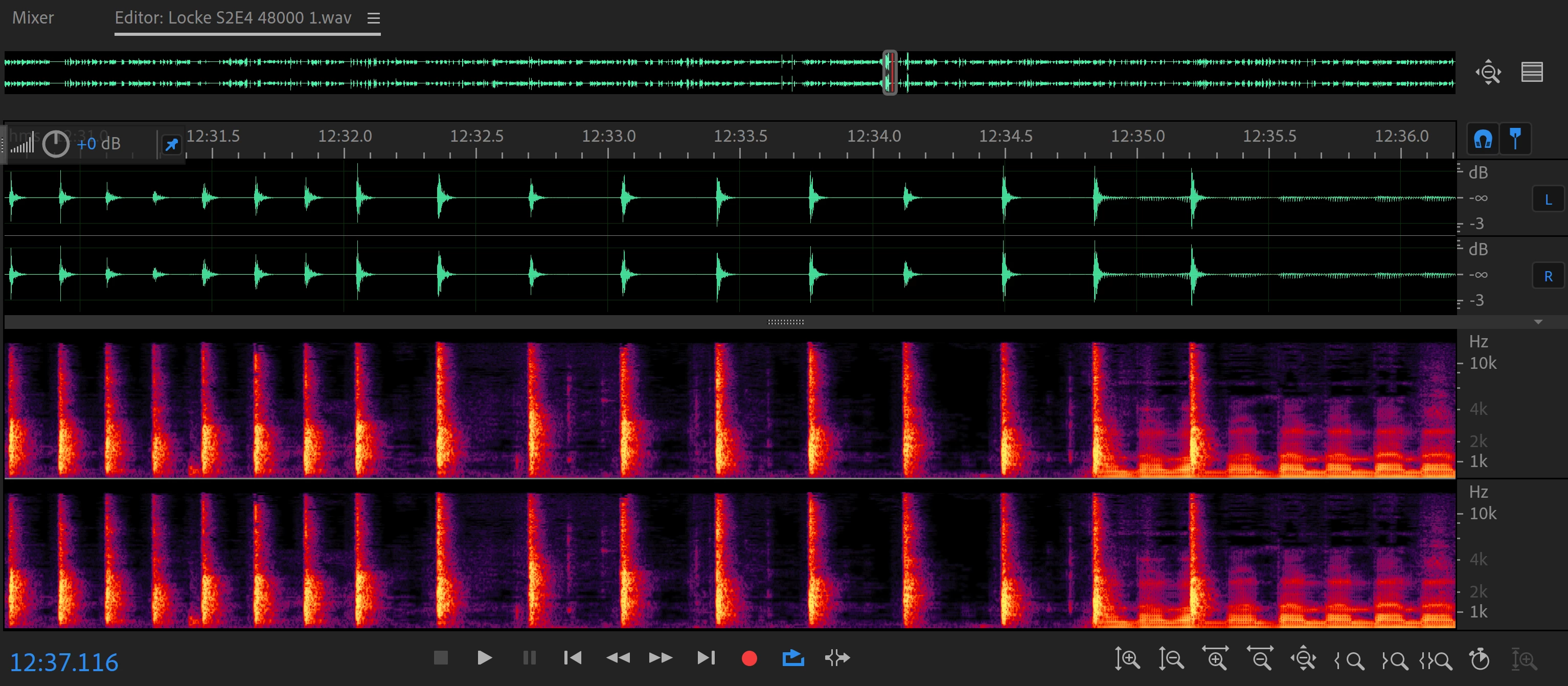
I've already Uninstalled and reinstalled, and I haven't changed anything from what I normally do when editing. So I really have no idea what's going on. It just started doing it today.

I'm on Windows PC if that helps

This topic has been closed for replies.

1 reply

SteveG_AudioMasters_
Community Expert
Community Expert
January 8, 2019

If it's a visual display issue, the first thing you should try is altering this setting:

I can't guarantee that it's going to alter the issue, but you need to check it first. If it's on, turn it off and if it's off, try turning it on (note the bit about the restart).

Other than that, see if there's an update for your video driver. Updating has been known to cure issues like this at a stroke!

Participant
January 8, 2019

the option is already checked, and the drivers for everything are up to date. I made a new project, it seems to work now for whatever reason. It may have just been a glitch when converting the track from mp3 to wav. or something. seems to be working now, although I've lost the progress I made in editing the previous track. but other than that I'm not sure what else could have caused it.