


Participant
February 9, 2024
Question

Camera Raw always crashing

  • February 9, 2024
  • 3 replies
  • 586 views

Anyone else having troubles when editing in camera raw after applying a smart filter? I have the latest version: V25. I use MacOS Sonoma on iMac 2022 M3 chip. 
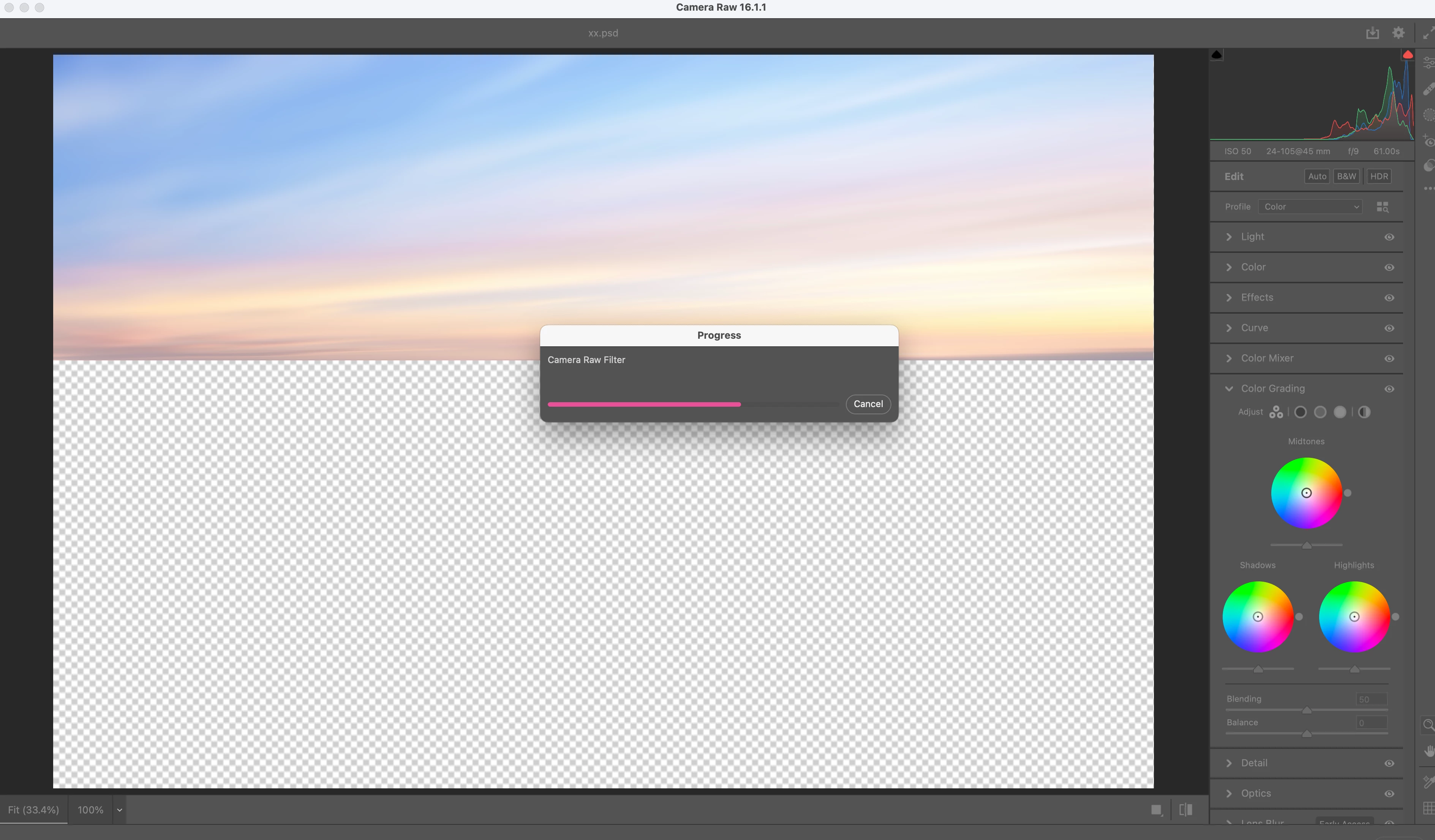
 Whenever I apply a smart filter and then open camera raw the loading bar remains static and I have to force quite Photoshop. 

This topic has been closed for replies.

3 replies

c.pfaffenbichler
Community Expert
Community Expert
February 27, 2024

Which other Filter? 

Are you applying the Camera Raw Filter or editing a placed RAW image in Camera Raw proper? 

Sameer K
Community Manager
Community Manager
February 27, 2024

Hey, @Sophie35359386pg2o. Welcome to the Photoshop Community. I'll need more info to help you figure this out. Please share the system info from Photoshop Help > System info > Copy & paste into a text document > upload & attach here. 


I'll move this to discussions for now. In Photoshop, press & hold the CMD + OPT key, go to Photoshop > Settings > Camera Raw Preferences, and select 'Yes' when prompted to reset Camera Raw preferences.


Let me know if the issue exists. Thanks!

Sameer K

Participant
February 12, 2024

So, after many years this is apparently still an issue.... How is this possible?


I have a smart object, with a camera raw filter on it, I double click it to open and edit it and I am now stuck with a progress bar saying "progress" which NEVER advances (I have let it sit for multiple hours once to test it....) and it takes away focus from everything else which means I can't access any menus or anything, so now my only way to proceed is to cmd + option + esc and force quit Photoshop entirely (Meaning that if I hadn't saved before double clicking the smart filter I would have lost everything I did that auto recover didn't save)


I haven't been able to finish multiple files I'm working on becuase of this, I'm completely stuck. I cannot continue my work on these files, at all.


I'm on a M1 Pro Macbook Pro running Sonoma 14.2.1 but over a year ago I also had this issue so I'm fairly certain it isn't related to the current version of MacOS. I'm also running the latest version of Photoshop as of posting this, but again, over a year ago this was still an issue so.....


I have tried all the suggested solutions that I've found on ALL THE OTHER POSTS about this exact same issue (Some dating back 5 or more years?!?!) like disabling graphics processor, clear photoshop raw preferences, clear cache and so on. Nothing works, still stuck.


I'm now looking for alternative software that actually works and enables me to actually finish my (future) work.


Adobe, fix you damn software, we're paying you ALOT for this garbage.


Participating Frequently
July 3, 2024

Hello Adobe???? Fix this. 

c.pfaffenbichler
Community Expert
Community Expert
July 3, 2024

Hello @Friendly Martian , please read this (in particular the section titled "Supply pertinent information for more timely and effective answers”):
https://community.adobe.com/t5/using-the-community/community-how-to-guide-tips-amp-best-practices/td-p/11601738?page=1


What have you done for trouble-shooting? 

Have you trashed the Camera Raw Preferences for example?