



Question
P: DNG Converter doesn't extract original raws from Denoise DNGs
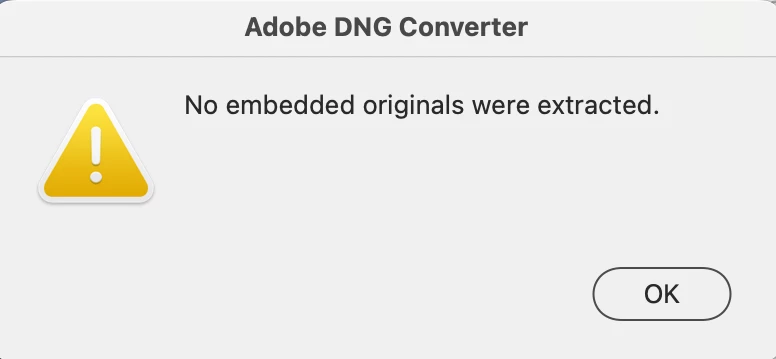
Adobe DNG Converter doesn't extract the original raw embedded in the DNG created by Enhance > Denoise (run from with LR or CR). Tested on LR 12.3 / Adobe DNG Converter 15.3 / Mac OS 13.3.
1. Place this Nikon Z 9 raw into a folder by itself and import it into LR:
https://www.dropbox.com/s/6sew7rh7j08lsfv/DSC_1260.NEF?dl=0
2. Do Enhance > Denoise.
3. Move the generated DNG into a new folder by itself.
4. Run Adobe DNG Converter, click Extract, select the folder from step 3 as the input and output folders:
 AdChoices