
ruthg84
Known Participant
February 15, 2018
Question

404 error: file not found. Captivate 2017

  • February 15, 2018
  • 1 reply
  • 1689 views

Hi,

I'm on Captivate 2017 and after 2 years of publishing projects on Captivate absolutely fine,  I am suddenly not able to make a working export file. When I preview any project in the LMS SCORM cloud, I get an error message:
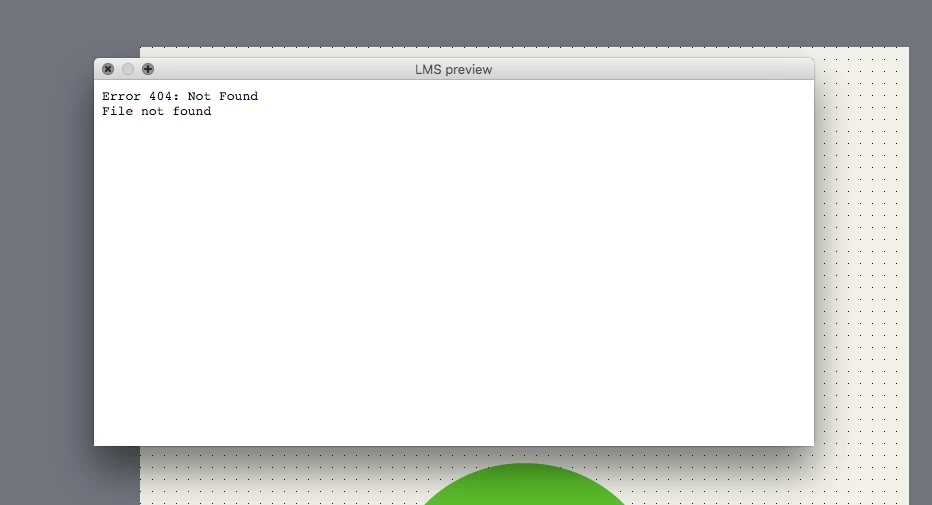
Any reason why this could be? I have not changed anything on my computer- not where the files are stored, nor the username, nor the subscription.

I hope someone can help.

Kind regards,

Ruth

This topic has been closed for replies.

1 reply

Lilybiri
Legend
February 15, 2018

Is this happening to all files? If yes, please clear the cache to start with. If it is not helping, try clearing the Preferences. Which OS do you use? Do you run Captivate as administrator?

ruthg84
ruthg84Author
Known Participant
February 15, 2018

Hi Lily, thanks for responding so quickly.

Yes, it's happening to all files. I've cleared the cache already. Can you talk me through the steps of clearing the preferences?

I'm on a Mac, and yes, I run Captivate as the administrator.

Lilybiri
Legend
February 15, 2018

Look in the subfolder 'utils' under the installation folder and run the file CleanPreferences for Mac, while Captivate is closed.

If you use HIgh Sierra, be sure to install the hotfix as explained in:

Captivate 2017 HTML5 Preview/Publish broken in OS X High Sierra (10.13 or higher) | eLearning