patrickc21077820
Inspiring
July 23, 2019
Answered

7 tabs advanced interaction images not showing

  • July 23, 2019
  • 9 replies
  • 1345 views

Using Captivate 2019 on a Mac. I couldn't find any answers that were less than a couple years old. Here is my problem. I have a stock Captivate learning interaction, 7 tabs to the right with advanced interaction, that shows and hides each group of text captions. I added images to the groups. In each of the 7 groups, the tab actions either show or hide, but only the first group shows both the text AND the image. I have it set up so that when you click the tab, the heading and a photo appear. The photo then fades to reveal a text block underneath it. The first group of two text captions and an image works fine. But, going down the list of tabs, the TEXT for each of the remaining 6 tabs works fine, but the IMAGES are NOT SHOWING. I tried bringing all the images to the front in the group, but that didn't work.  Also, if I moved the second group to the top, that worked fine, but then the same thing happens–no images for the remaining 6 tabs, including the first group that was shuffled beneath. Do I need to stagger the start of the images in the timeline? Or, is it going to "play" just once, showing the first image all the way through, but then not jump back to "play" the subsequent images. That shouldn't matter since the action is supposed to be a tab jump to the next group.
    This topic has been closed for replies.
    Correct answer patrickc21077820

    The first slide is empty

    Slide 2  - in Captivate

    Image 2 : the timeline - 3 text caption, 1 image (timing - fade out only 0.5sec ), 7 smartshapes

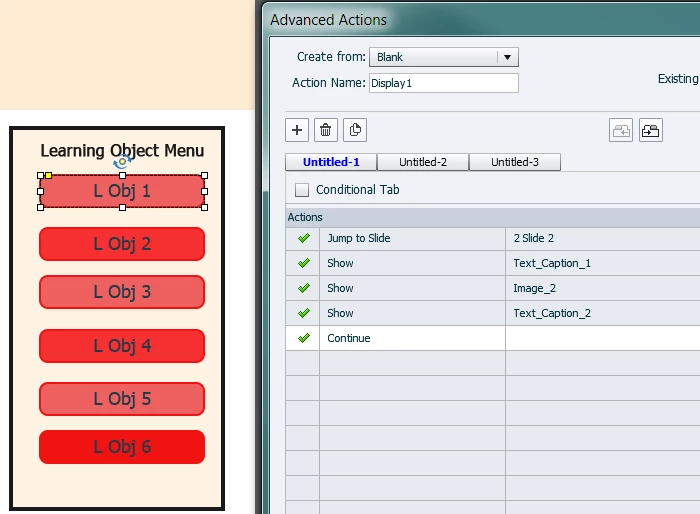
    The Action on L Obj 1 - (slide 2)

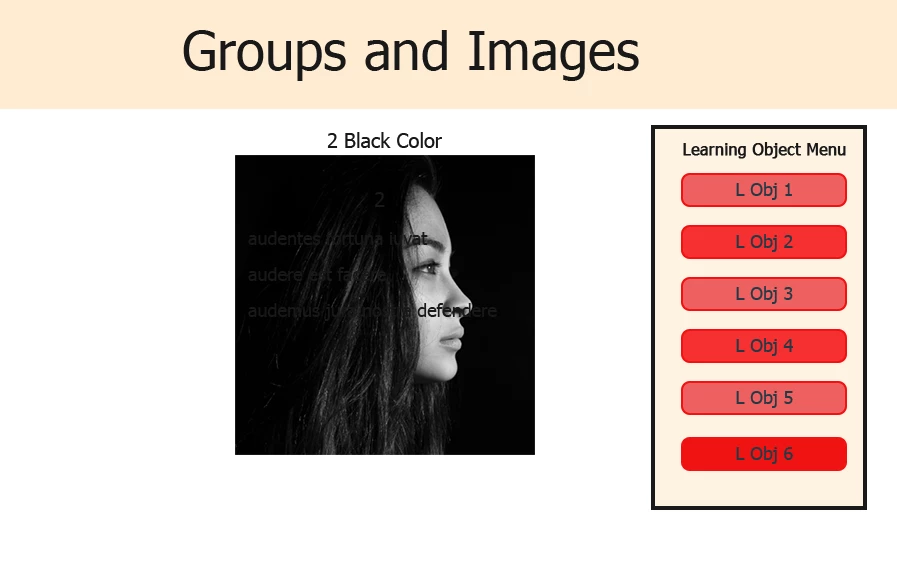
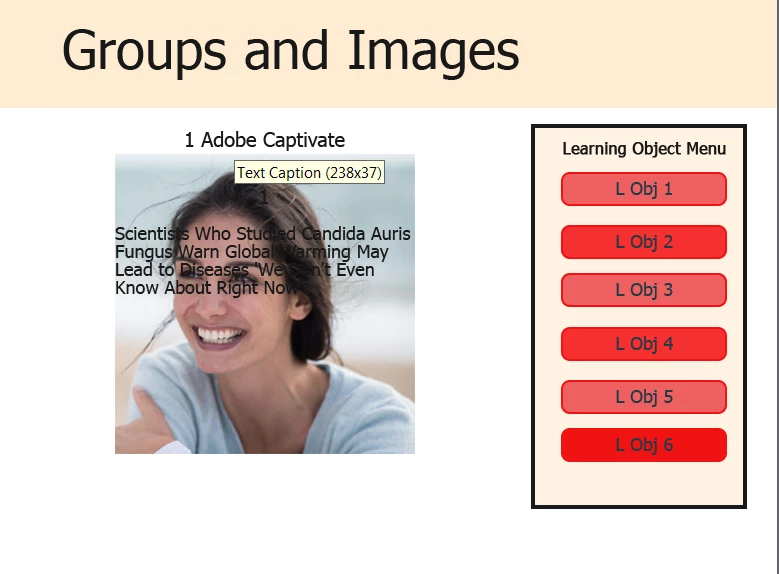
    Slide 3:

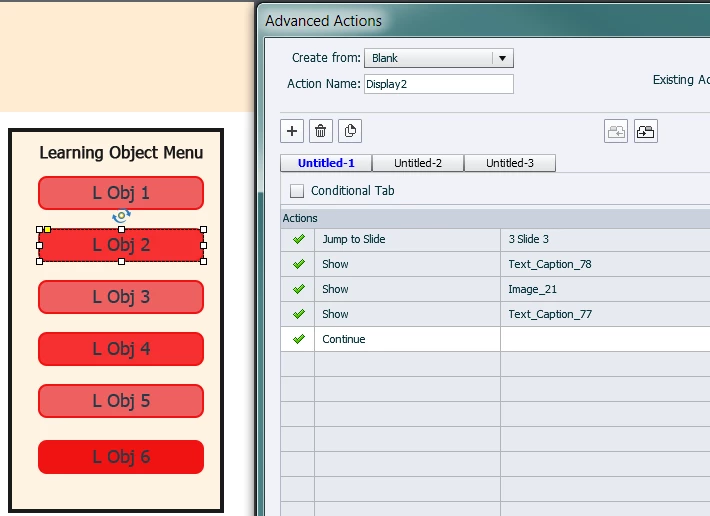
    The Action for L Obj 2: (slide 3)

    You continue with the other slide 3,4,5,6,7

    Repeat the same process.

    Luis


    Finished in one hour. I just made separate slides to jump to with each button. Photos on top fade out to expose the copy underneath. Everything works fine. No groups, no tabs, no hide and show. None of that is needed or worked, so I want back to the "old way." It's fast and works. Doing everything on one slide takes too much time and is science project. Thank you for looking into solutions.

    9 replies

    LuisXIV
    Participating Frequently
    July 23, 2019

    Hello Patrick,

    I develop a possible solution to you problem.

    I will post the information tonight.

    I am using the same logic that you are using, therefore

    you are not learning a new way of doing thing.

    If you want to do it this way so be.

    Luis

    patrickc21077820
    Inspiring
    July 23, 2019

    Don't bother. I used this sample interaction to save time and wasted 12 hours trying every possible workaround to get it to work. I will just author the module the way that has worked in the past by making everything a separate slide with the buttons on each slide and jumping to them. Something this simple cannot be so difficult. It is just clicking a button to reveal a group with a picture and text captions and the picture was supposed to fade out. I tried effects instead of a transition on the pics and only one of those will play. I think the more you work on something it must just get all corrupted and there is no going back. This is just too simple not to be able to trouble shoot it.

    LuisXIV
    Participating Frequently
    July 23, 2019

    The first slide is empty

    Slide 2  - in Captivate

    Image 2 : the timeline - 3 text caption, 1 image (timing - fade out only 0.5sec ), 7 smartshapes

    The Action on L Obj 1 - (slide 2)

    Slide 3:

    The Action for L Obj 2: (slide 3)

    You continue with the other slide 3,4,5,6,7

    Repeat the same process.

    Luis

    patrickc21077820
    Inspiring
    July 23, 2019

    patrickc21077820
    Inspiring
    July 23, 2019

    patrickc21077820
    Inspiring
    July 23, 2019

    This shows how the pic fades to reveal text underneath. It is from the first tab for demonstration, since the others do not work.

    patrickc21077820
    Inspiring
    July 23, 2019

    patrickc21077820
    Inspiring
    July 23, 2019

    patrickc21077820
    Inspiring
    July 23, 2019

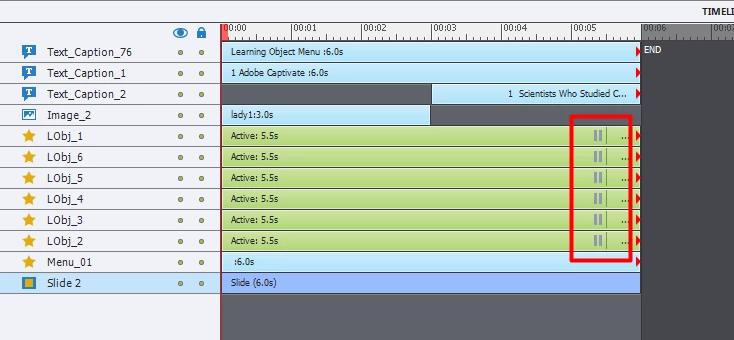
    1-7 are the groups, opened by the "Learning Objective" tabs. #7 is uncollapsed to show the order of the assets in the group.

    patrickc21077820
    Inspiring
    July 23, 2019

    patrickc21077820
    Inspiring
    July 23, 2019

    patrickc21077820
    Inspiring
    July 23, 2019

    The advanced actions window. The Learn_Obj_7 content is shown and all the others are hidden. The problem is only the top group in the timeline shows the pic. If I moved Learn_Obj_4 to the top of the timeline, then that group would show the pic, but none of the other groups will show the pics.

    Lilybiri
    Legend
    July 23, 2019

    Can you clarify, because you talk about 'interaction ', but I suspect you mean a custom interaction created with advanced actions? There is a Tabs Learning Interaction, hence the confusion, and a panel called 'Advanced Interaction' as well.

    Can you please post a screenshot of the timeline and a Preview of the used advanced action(s). You probably used duplicate advance actins, not shared actions (which could be much more appropriate). From your question I also suppose you are using a Delay command in that action and a motion path effect? Did you create custom effects for that purpose?

    patrickc21077820
    Inspiring
    July 23, 2019

    All the images are posted.

    Lilybiri
    Legend
    July 23, 2019

    Why is that timeline so long? I don't see any audio, which would be the only reason for having such a long timeline. Once the staggered shape buttons have been on the stage you can pause the timeline with shape button 9£. No need to have that pausing point so late. I suspect that is a Next button, which means that the inactive part of the slide will never be visited, and is superfluous.

    The Advanced action has 3 Continue commands: Either the means it has been corrupted, or you are releasing the playhead, which should not be the case in an interaction.

    Although I would prefer to used multistate objects instead of all the Show and Hide, if you prefer that older erthod, at least use some grouping / That could allow to create a shared action which will make your project a lot smoother. ou talk about fading, For fading, why not apply an effect instead of adding a transition which needs the timeline? There is an Alpha From To effect available.

    You are on CP2019, is it 11.0.1 or 11.5?

    BTW Are you new to Captivate? Sorry to ask.You talked about a stock Learning interaction... but it is not one packaged with Captivate. Where did you get it, and for which version was it created? Maybe that is what gives me the impression that it is very old style.

    LuisXIV
    Participating Frequently
    July 23, 2019

    Hello patrick,

    I done something very similar to that.

    Can you upload a sample image and highlight the problem.

    Be specific about what you want to achieve.

    The forum will take it from there.

    Luis

    patrickc21077820
    Inspiring
    July 23, 2019

    Ok all the images are posted.