Daniel Albarran SA&A
Inspiring
October 26, 2022
Answered

A button doesn´t reset the quiz

  • October 26, 2022
  • 1 reply
  • 526 views

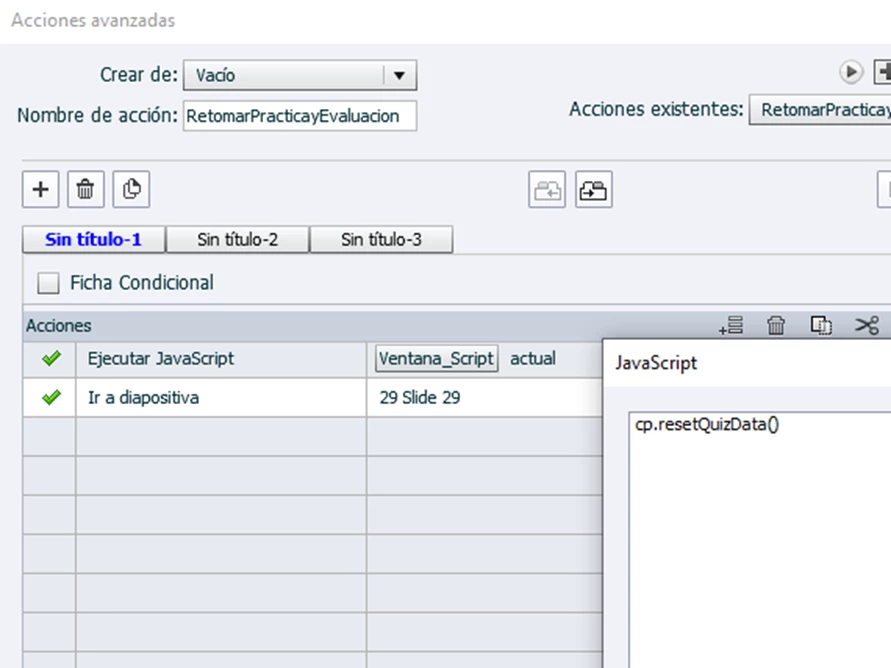
Hi, in a results slide, I set a button with an advanced action that resets the quiz and jumps to certain slide (I used a javascript line suggested by Paul Wilson). 

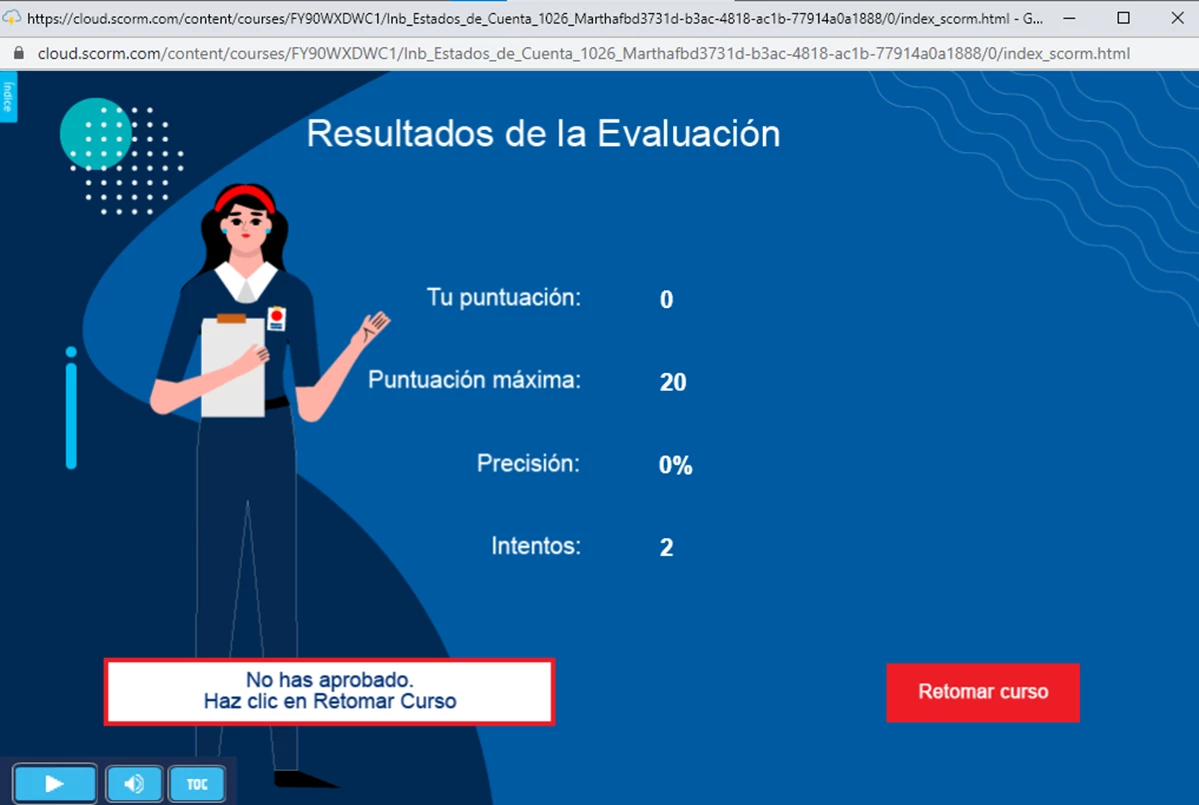
The problem is that when testing in ScormCloud, in a second and subsequent attempts, the result slide  shows "zero", even when I did all the quiz correctly (it should show the score of 20 and the aprroved statrus). Any suggestion?


    This topic has been closed for replies.
    Correct answer Lilybiri

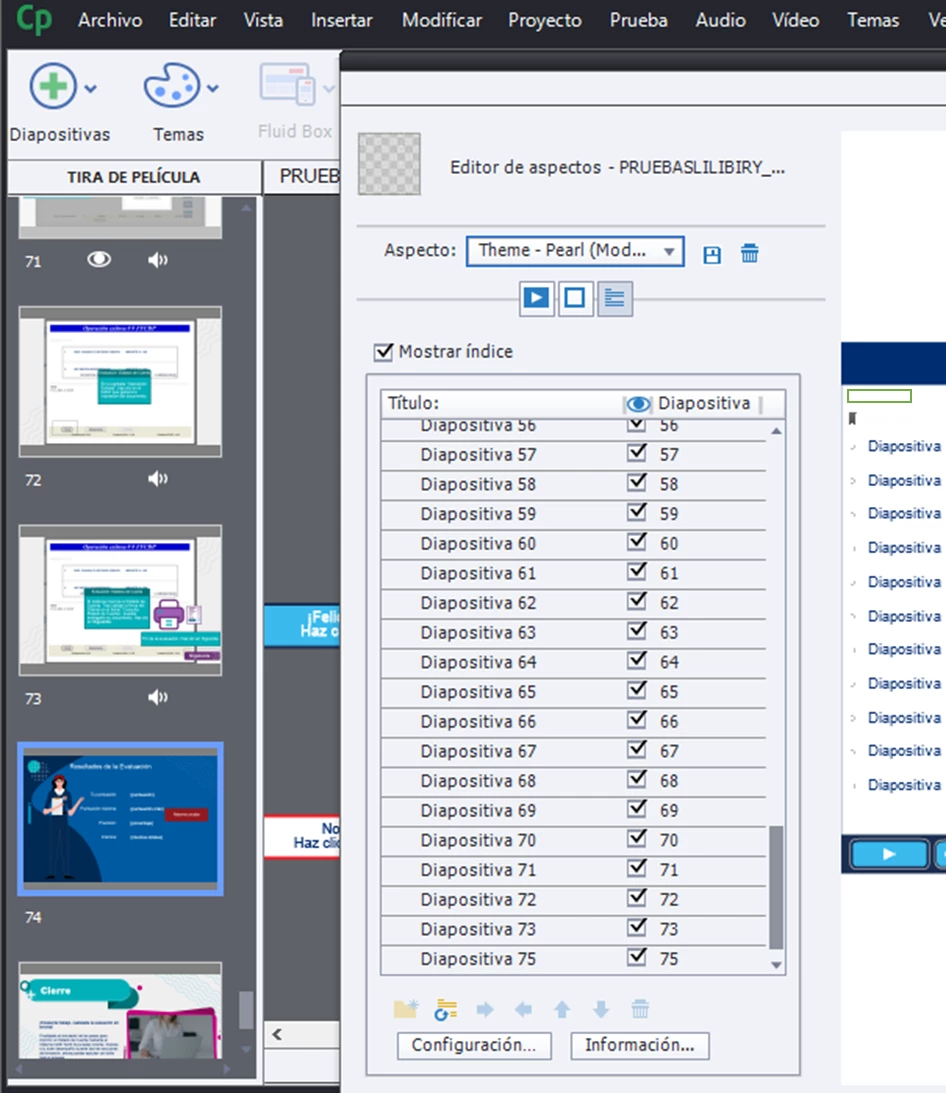
    Hi, Lieve; it didn´t work. I see that the results slide (#74) is not included in the index. 

    I had hidden several slides, Is that a factor to consider in the index numbering?


    You need the correct index number of the results slide. You can identify it by inserting the system variable cpInfoCurrentSlide on the results slide in a text container. Previewing in Browser will show you the correct index number. 

    1 reply

    Lilybiri
    Legend
    October 26, 2022

    You are not the first to have issues with that same JS solution. Why do you not use the included functionality which means that you reset all answers by clicking the Retake button on the Results slide. Moreover I see that there is no Continue (I don't know how it has been translated in your version) button which is the most important button on the Results slide to have its full functionality.

    What do you want exactly on that Results slide? It is always better to use the inbuilt functionality and I probably could help you set it up. 

    How many attempts do you have on Quiz level? Do you have any action On Enter for the Results slide? Which actions did you specify in Quiz Preferences, Pass/fail? 

    Daniel Albarran SA&A
    Inspiring
    October 26, 2022

    Thank you. I´d like that the Retake button resets the quiz and jumps to a specific slide (the one the beggins the Try Me mode). I understand that the inbuilt Reset button doesn´t allow more actions than reset and jump to the quizz beggining, so the Results slide has an advanced action on enter: if the user passed (100% correct, as my client wants), show a custom button to advance to the closing slide. If the user fails (even one error means failing), show another custom button that resets the quizz and jumps to slide 29, where the Try Me mode beggins. 

    Certainly the inbuilt Reset button wass missing, and the inbuilt Continue buton was present but outside the slide. 

    Now: I changed this parameter to 100% (it was 80%) 

    I did a try and it worked for me, but I´m testing wiyh other users to check if it works for them too.

    Lilybiri
    Legend
    October 26, 2022

    You have infinite attempts on quiz level.

    Why make it so complicated. Get the Continue button back and define the Success action in Quiz Preferences instead of using the On Enter event for an advanced action.

    You can tweak the functionality of the Retake button if you don't want to jump to the first quiz slide, by using the On Enter event of the first quiz slide and use this advanced action:

    IF cpQuizInfoAttempts is greater than 1

         Jump to slide X

    ELSE

         Continue


    You can always edit the label of any button, but do not just delete them or move them out of the slide. 

    Have a look at this blog post:

    Quiz Tweaks 5: Results slide - eLearning (adobe.com)

    In most consultancy jobs I had to solve issues with quizzes, and believe me I do know in-depth what is built in as Quiz functionality. JS is not always the solution although it seems 'easy'.