
Birch19
Known Participant
March 25, 2020
質問

A few lessons behave in a strange manner when reviewing a completed lesson

  • March 25, 2020
  • 返信数 1.
  • 281 ビュー

I am having an issue with a few lessons and I can not figure out why this is happening. We have a captivate template we start each lesson with to speed up and make each lesson look the same no matter the content.

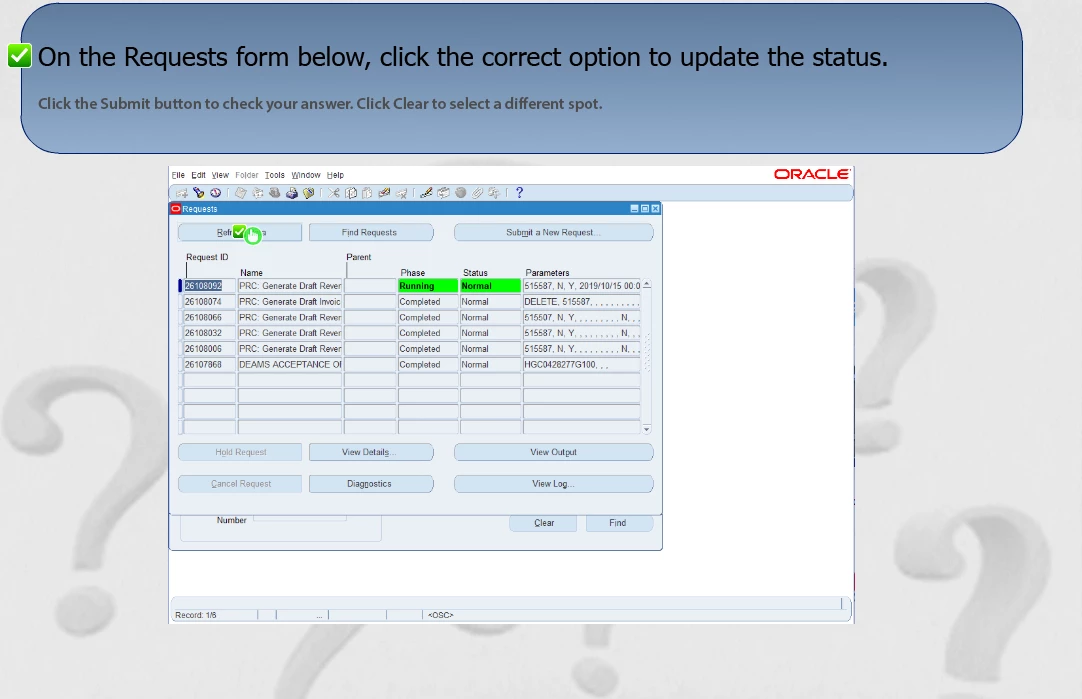
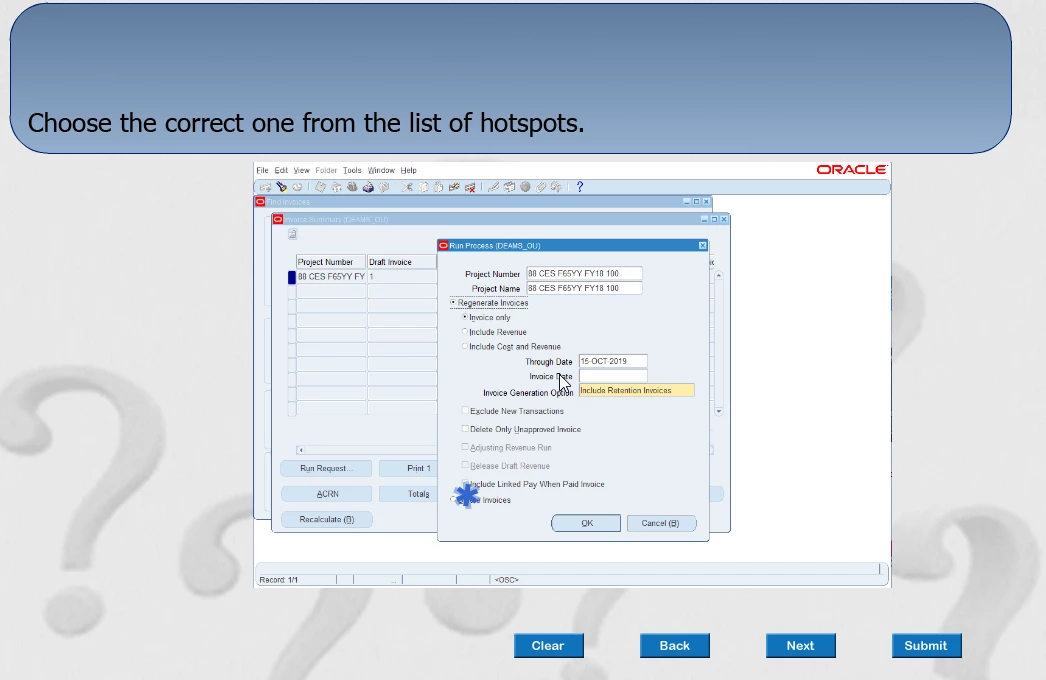
With that said I have several courses/lessons published using this template. 99% of them work as designed. I have two lessons which work perfectly when the learner takes the lesson and completes the quiz questions at the end. However when the learner go back to these two lessons to review the content, the quiz questions are missing the quiz navigation buttons so the learner can not navigate the lesson when reviewing the quiz. I tried recreating one of the lessons from scratch and have the same issue. Again 99% are working fine using our development workflow. I can not figure out why these particular lessons behave this way in the quiz section. I have attached two images as examples. They are hot spot examples. The good one has the buttons, the bad image has the buttons missing with green check marks on the screen.

Any ideas what can cause the buttons and green checkmarks to appear in a review mode would be appreiciated.
    このトピックへの返信は締め切られました。

    返信数 1

    Lilybiri
    Legend
    March 25, 2020

    If you are really using a cptl-file, which is the file type of a template in Captivate, the origin may be there. There are some bugs in those template files. I never use them since at least 3 versions. Design consistency is in the Theme, and having a custom theme, which is tested after each upgrade is the way to go.

    Since you are missing the navigation review buttons, I suspect this is an old template from before the introduction of those navigation buttons. Check the quizzing master slides please. I had a similar problem yesterday, and the reason was indeed that the theme was no longer up to date, maybe even corrupt.

    It is even possible that the master slide for hotspots was not updated. There are 4 different quizzing master slides. The screenshots don't tell much, they appear very tiny. Master slides need to be screened.

    You didn't tell which version you are using now (Help, About Captivate)? And in which version your 'template' was cRreated,

    Birch19
    Birch19作成者
    Known Participant
    March 25, 2020

    Thanks for the response. You are correct the template is a cptl. I use,  Create from template, when I start a lesson and then the lesson is saved in a cptx format. I am using Captivate 2017. The template was created in Captivate 2017.

    It is a strange one because I have over 70 lessons created using this template as a starting point and only 2 lessons have this behavior. I was leaning towards the hot spot master as a possible culprit but I do hava another lesson which uses a hot spot question type and it is working as design. I just can not pin point what is unique about these two lessons.

    Lilybiri
    Legend
    March 25, 2020

    It is because of those unpredictable results that I quit using a cptl-file.  Check if you are in Review mode by inserting the system variable cpInReviewMode. I suppose you checked the Quiz Preferences, and tried 'Reset master slide'? 

    Please, create a theme, not a template. If you need more than what is possible with a theme, use a cptx file as 'template'.

    Personally I neveer use the default Hotspot quiz slide, but create a custom slide which allows more control. In CP2019 I use SVGs as hotspots, they can have any form.