Known Participant
February 25, 2015
Question

Actions and Advanced Actions not working correctly. - Captivate 8

  • February 25, 2015
  • 1 reply
  • 465 views

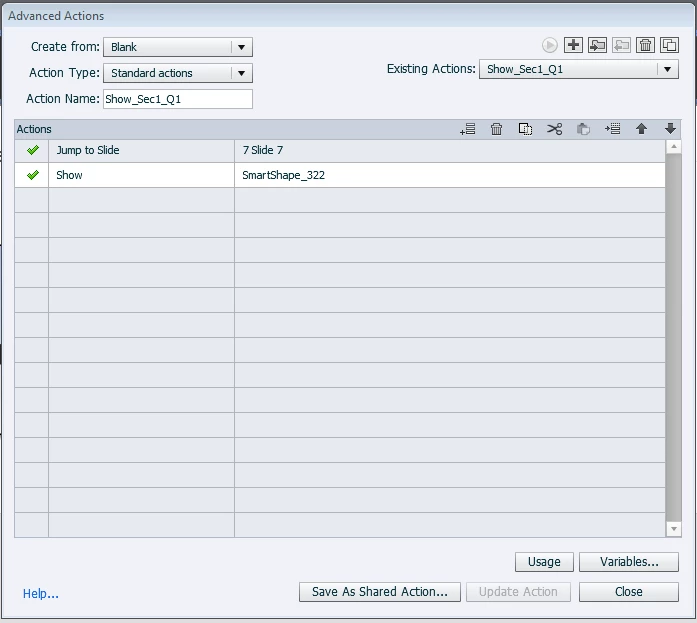
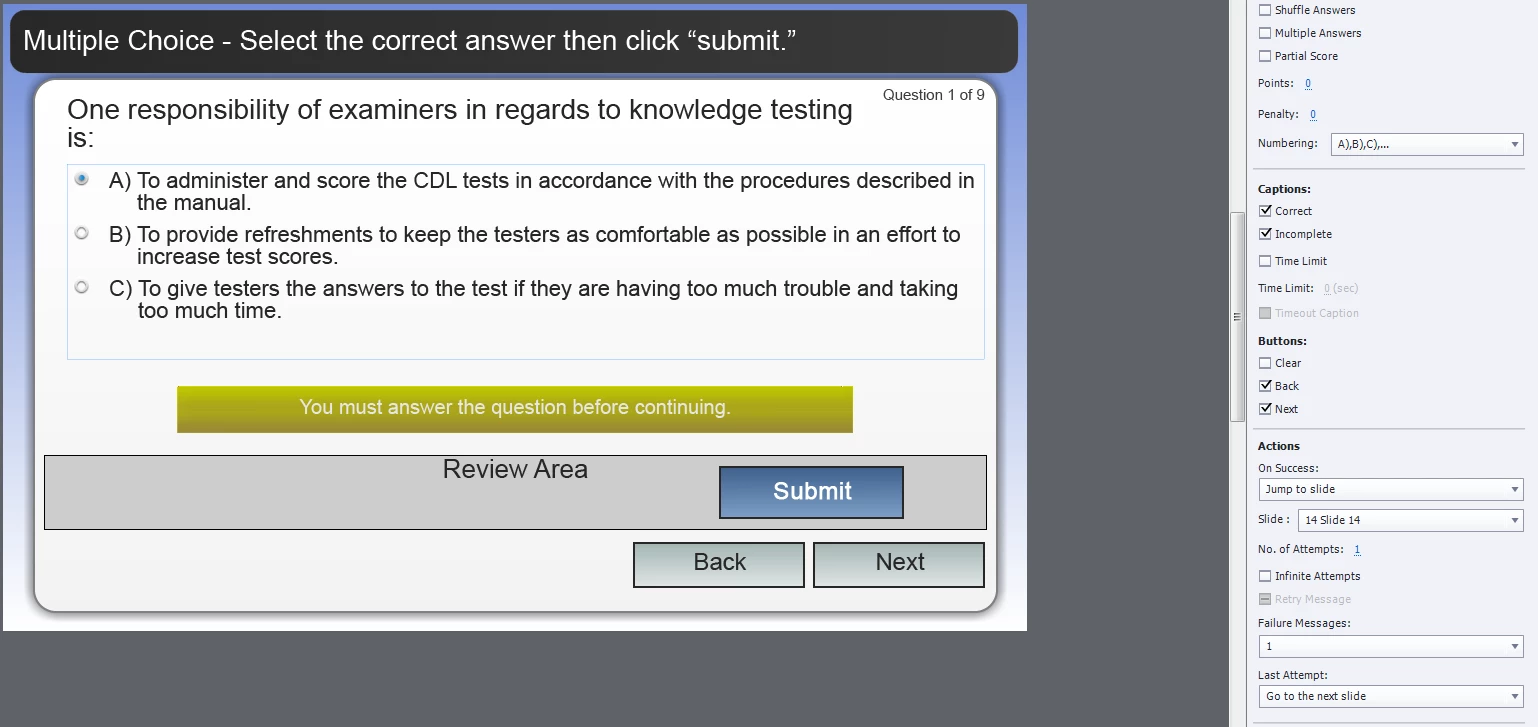
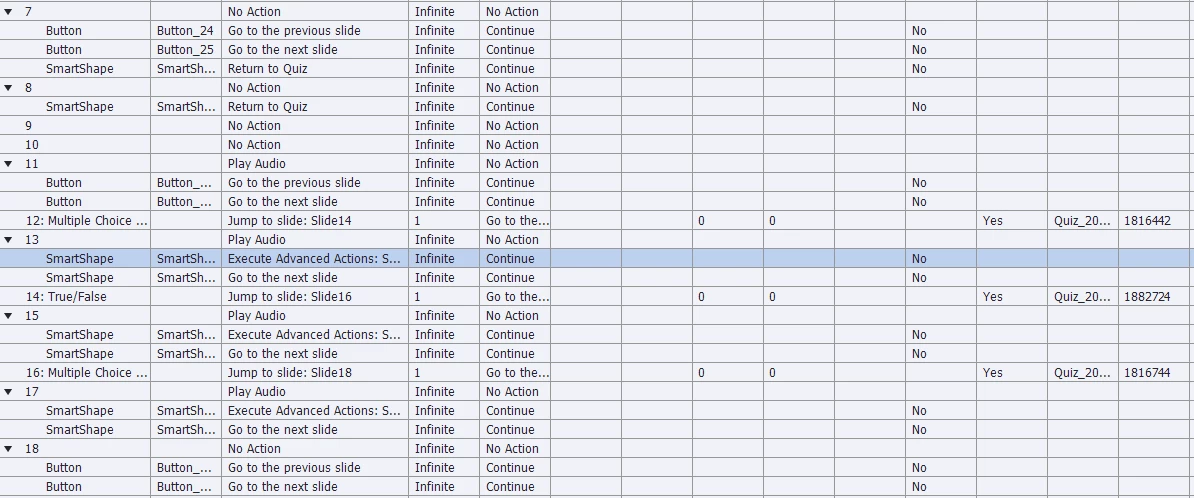
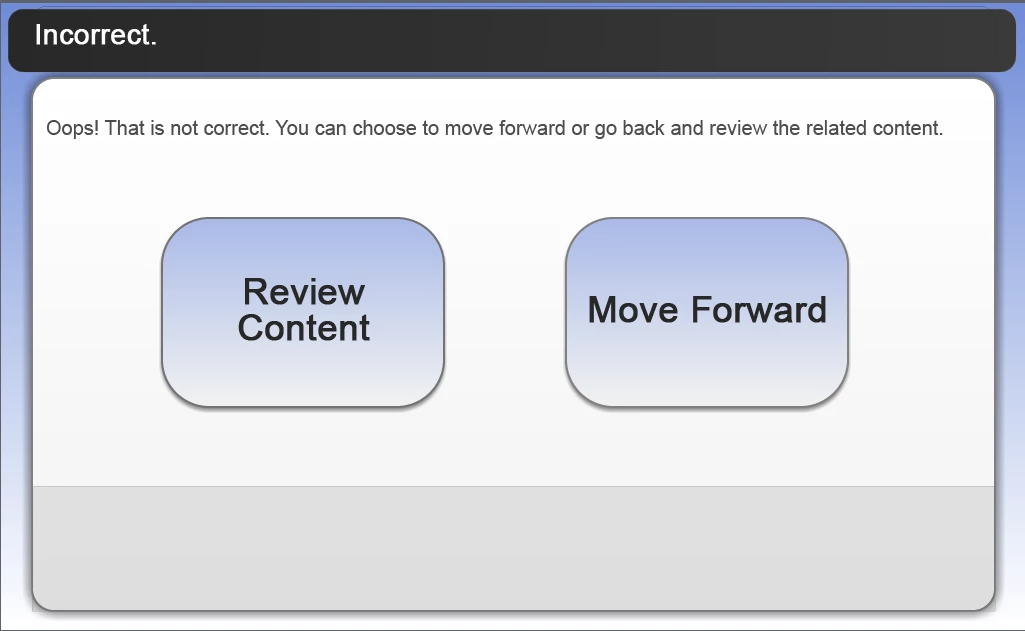
In our project, we have it set so that after every section the student is asked three quiz questions (they are set on the default quiz slides.) On success, the person jumps to the next question slide. On failure, the person goes to next slide which has two buttons - one that allows them to simply move forward to the next quiz question and one that allows them to go back and review. The "Go back and Review" button takes the person back to the specific content slide that contains the answer to the question they are being asked. This button is set to advanced actions "Jump to Slide ..." and "Show Button..." - The button is a 'Return to Quiz' button to allows the person to find the answer then try the question again.  I know that the buttons on the default quiz slides cannot be programmed to do a specific action, but every time we click 'Submit' it seems fine until we click 'Next' to move ahead, it then routes us back to one of the content slides (Slide 7) instead of the next slide (if wrong), or the next question slide (if right). I have looked at the Advanced Interactions Window and there is nothing linking this slide to anything. I have not had this problem with any of our other modules or sections. I have tried creating new question slides and it did not work. I deleted Slide 7 and it worked fine the first time through the preview, but then when I viewed the preview again, it started jumping back and would not even let me get to the questions. Can anyone help?
    This topic has been closed for replies.

    1 reply

    Lilybiri
    Legend
    February 25, 2015

    I suspect the automatic Remediation feature is working, can you have a look at: Remediation in Quizzing -AdobeCaptivate 6 - YouTube

    The idea is that the Next button on the content slide has a double functionality: if the slide is visited not from a question slide it will act as a normal Next button, if navigation is from a question slide, the button will return the user to the question slide, action is set to Return to Quiz. You made it too complicated, IMO, but that is only personal opinion.

    You cannot program the embedded objects on a question slide, but you can add a shape button to a question slide:

    Buttons on Question/Score Slides in Captivate 6? - Captivate blog

    tlkruAuthor
    Known Participant
    February 25, 2015

    I agree that it is too complicated, however, we have no say so.  I did watch the video, but he set the quiz (if wrong) to jump back to the content page. We have ours set to 'Go to Next Slide' (if wrong) so I am still confused as to why it is jumping back to the content page when the only button that is supposed to do that is the 'Review Content' button that does not reside on a quiz slide.

    Lilybiri
    Legend
    February 25, 2015

    Normally the Next button on a question slide is not needed, because it has the functionality of Skipping the question. It is however needed if you want to allow Review.

    Another explanation is that you did change the normal work flow for a question slide, where a two-step process for submitting will take automatically the user to the next slide.

    Question Question Slides in Captivate - Captivate blog

    What did you do to need the Next button? If the user submits:

    1. Feedback appears with the indication to press Y or to click on the slide, happens at the pausing point of the Question slide (default is 1.5secs)
    2. When user presses Y or clicks, the actions Success/Last Attempt are executed if all attempts are exhausted, and you have only 1 attempt on Question level: the actions are by default Continue, but you can change it to 'Go to Next Slide' to shorten the waiting time (or drag the pausing point closer to the end of the slide).

    What did you change?