Participating Frequently
May 27, 2020
Question

Add Img in JavaScript Popups in My Captivate Project

  • May 27, 2020
  • 1 reply
  • 554 views

Hi Guys,

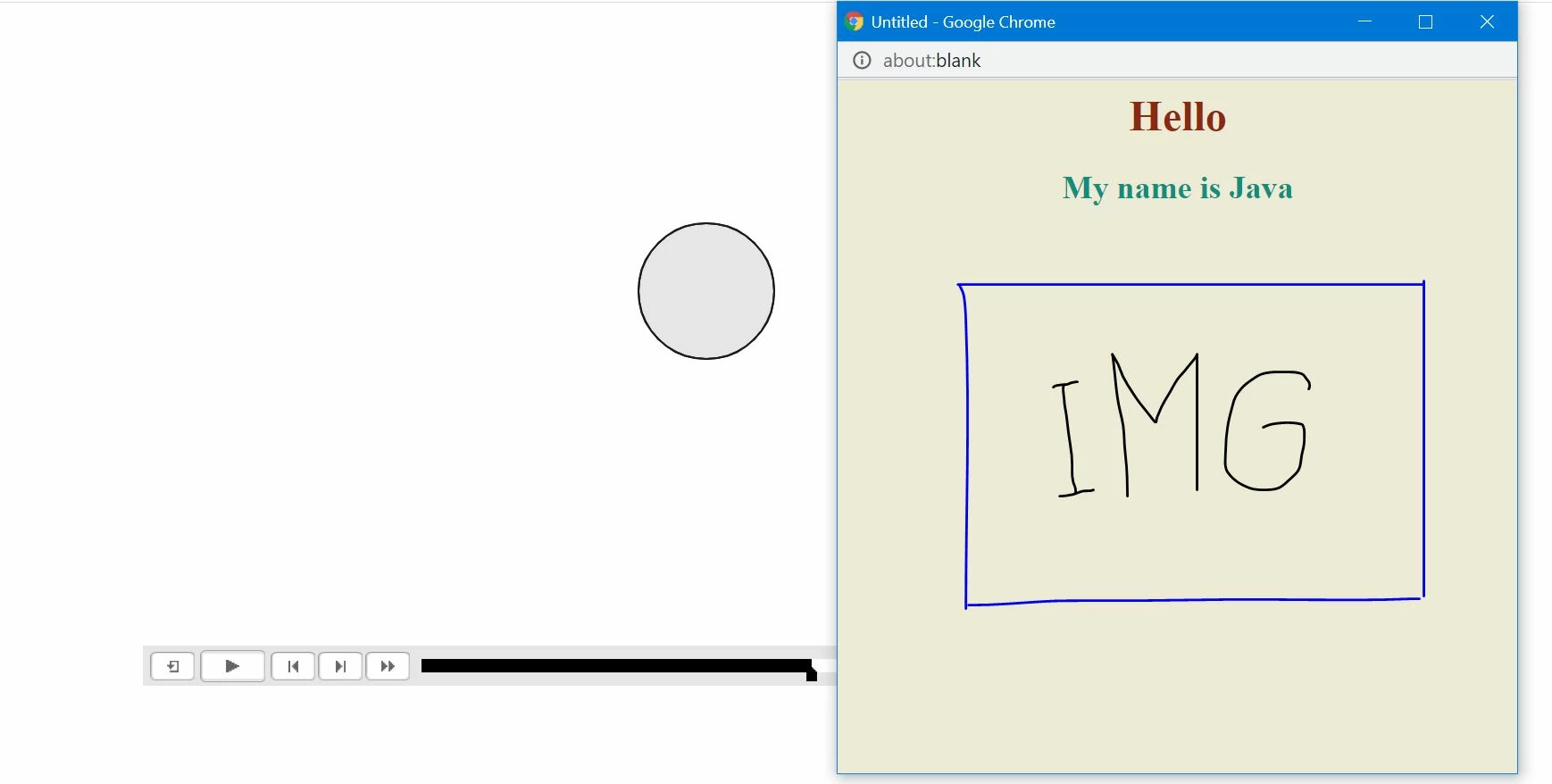
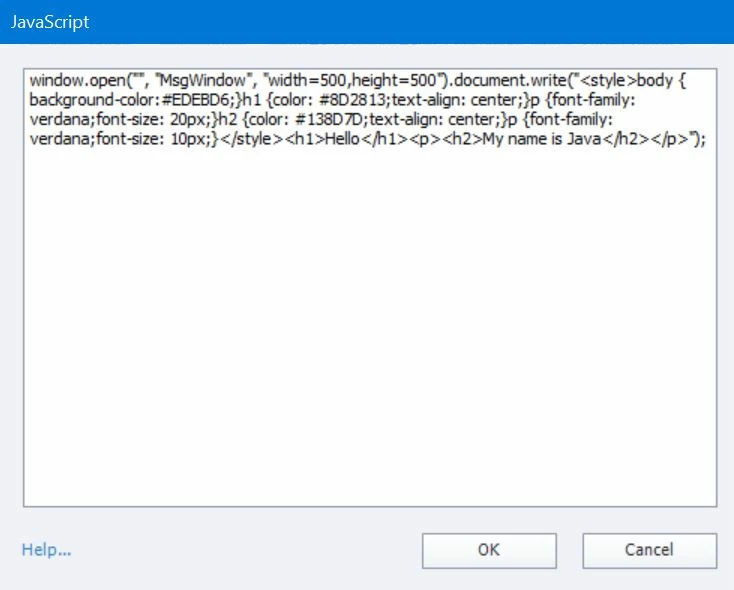
Could I ask for your advice about how to Add Img in JavaScript Popups in My Captivate Project.

I’m a bit confused about Javascript. Now I can create a text format and the next step I want to add an image under the text. Would you recommend what I could do?
 

    This topic has been closed for replies.

    1 reply

    RodWard
    Community Expert
    Community Expert
    May 27, 2020

    My first question would be: Why do you need to use JavaScript to do this? Why does it have to be inside a JavaScript popup?  Captivate has a perfectly easy way to insert an image onto a Captivate slide and layer it over the top of another element such as a SmartShape to make it look like you have a popup.  You can easily use simple actions to show or hide the grouped objects. 


    If you use JavaScript popups you are going to find them blocked in many cases by the web browser popup blocker settings.  How is doing this this way more beneficial or essential to your project?

    Participating Frequently
    May 27, 2020

    I want to add a button to learn more. And then open a new window and display a little information In my project. Thank you.

    RodWard
    Community Expert
    Community Expert
    May 27, 2020

    You can do all of that without the danger of having JavaScript popups blocked by using the methods I described above.


    I support the use of JavaScript, but only when you really need it to accomplish something Captivate cannot do, not for the sake of it, and especially not when it's more likely to cause problems.