





Question
Adding a button component to a video block
I have created a custom video content block in Captivate but now I have a new problem. I want to add a button to the second column of the block, but it seems that Captivate does not recognize the button component in a video block. I could add a button to the slide, but to do that would require adding an additional row under everything, which would defeat the purpose of the layout (see below).
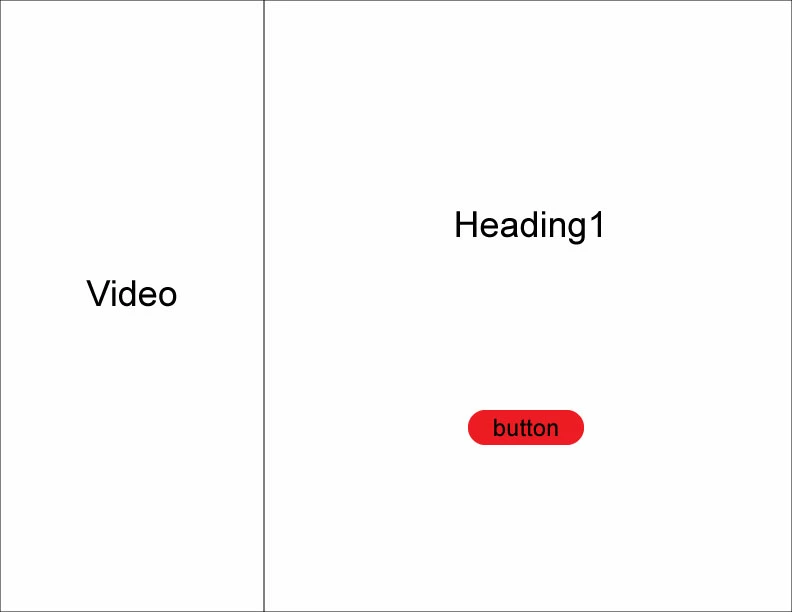
Also, you cannot load a video component to an image block. I've tried that too.
 AdChoices