
lacyd66120137
Participant
January 3, 2018
Question

Adobe Captivate 2017 HTML5 Preview will not work

  • January 3, 2018
  • 4 replies
  • 623 views

Whenever I try to preview HTML5 in a browser, either thru a combo or responsive-only project, the preview is a white screen of death with a revolving gif that never resolves. I have tried with an existing project, a converted project, and even with a brand new responsive only project (that consisted of one boring slide --no color, one line of simple text). None of them work. I have tried in the latest version of Firefox, as well as Chrome, on my MAC. My combo projects play the SWF preview just fine. What is the deal? I have also tried to publish thru the SCORM cloud and get the error message "failed to preview in SCORM cloud" (this, even with simple 1 slide file). I have searched endlessly for a solution, but conveniently, when even logged in to Adobe, even by accessing support from the community tab within Captivate (in case Adobe likes to block forum support to non-Captivate purchasers), any possible relevant thread returns this cryptic/spooky error:
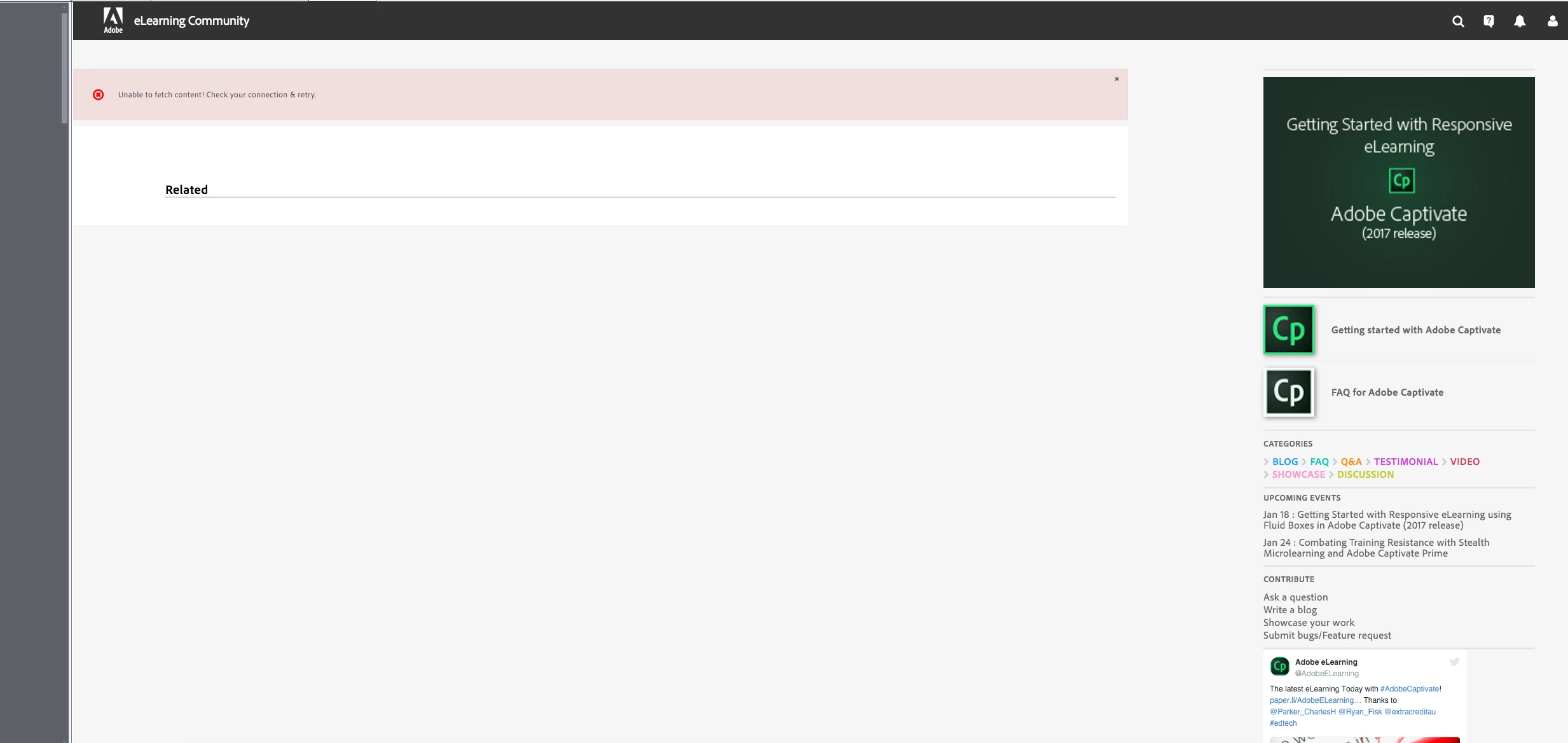
I am really new to Captivate, and am trying my best to resolve this with the limited resources I have, but this kind of blackballing seems just plain rude, lol. About the HTML5 non-preview, any ideas, any one?

This topic has been closed for replies.

4 replies

lacyd66120137
Participant
January 3, 2018

What's a hot fix? How do I ask for that?

Also, would like to add that I am in the process of converting combo projects of SWF/HTML5 to straight HTML5 since students saw a blank white screen if they viewed the original classes within a browser that had Flash disabled/blocked. These same students would refuse to install/allow Flash for business security reasons. For some reason the SCORM files didn't care to deliver HTML5 if flash was not available...oh, the problems I keep running into with Captivate...

Erik Lord
Inspiring
January 3, 2018

As Rod suggested above, and you're doing, just publish to HTML. No reason at all to publish to SWF anymore (other than if you have to support old/established browser/computer specs).

You can submit the issue and request Adobe create a 'hot fix' patch for the CP, to address the High Sierra issue, here:

Feature Request/Bug Report Form

There's no guarantee at all how quickly that'll have an effect.

In the meantime, best solution is to work on a Windows machine, or a Mac that does not yet have High Sierra installed.

I hope that's possible!

Lilybiri
Legend
January 3, 2018

About SCORM Cloud: it needs to be a SCO, did you turn on Reporting for that file? If it is not a SCO, it will not work on SCORM Cloud.

lacyd66120137
Participant
January 3, 2018

Pretty sure it is on, since students have been taking classes and having their scores reported in an LMS for over 8 months now...

RodWard
Community Expert
Community Expert
January 3, 2018

The Dual Publishing option that publishes both SWF and HTML5 output uses a file called multiscreen.html that checks the end user's browser to decide which output to give them.  But it will only deliver HTML5 to mobile browsers, regardless of whether or not the desktop user's browser is HTML5 capable.  Not very clever I agree.

I recommend you forget about using dual publishing and SWF output at all.  Just go with HTML5 from now on for everybody.  But with HTML5 you need to make sure you are delivering or testing the content from a web server, and that web server MUST have JSON files enabled.  These are probably the reasons why you have been experiencing issues.

lacyd66120137
Participant
January 3, 2018

Captivate 2017 Release 10.0.0.192, macOS High Sierra

Lilybiri
Legend
January 3, 2018

High Sierra is not compatible with CP2017. You should ask for a hotfix.

Erik Lord
Inspiring
January 3, 2018

What version of Captivate are you using?

You mention you're on a Mac - what version of the OS?

I believe there may be issues with the latest (Sierra?) and Captivate, as the latest Mac OS version is *newer* than the latest version of Captivate... (I could be wrong, I don't use a Mac)