Participant
August 20, 2022
Question

Adobe Captivate Assets

  • August 20, 2022
  • 1 reply
  • 105 views

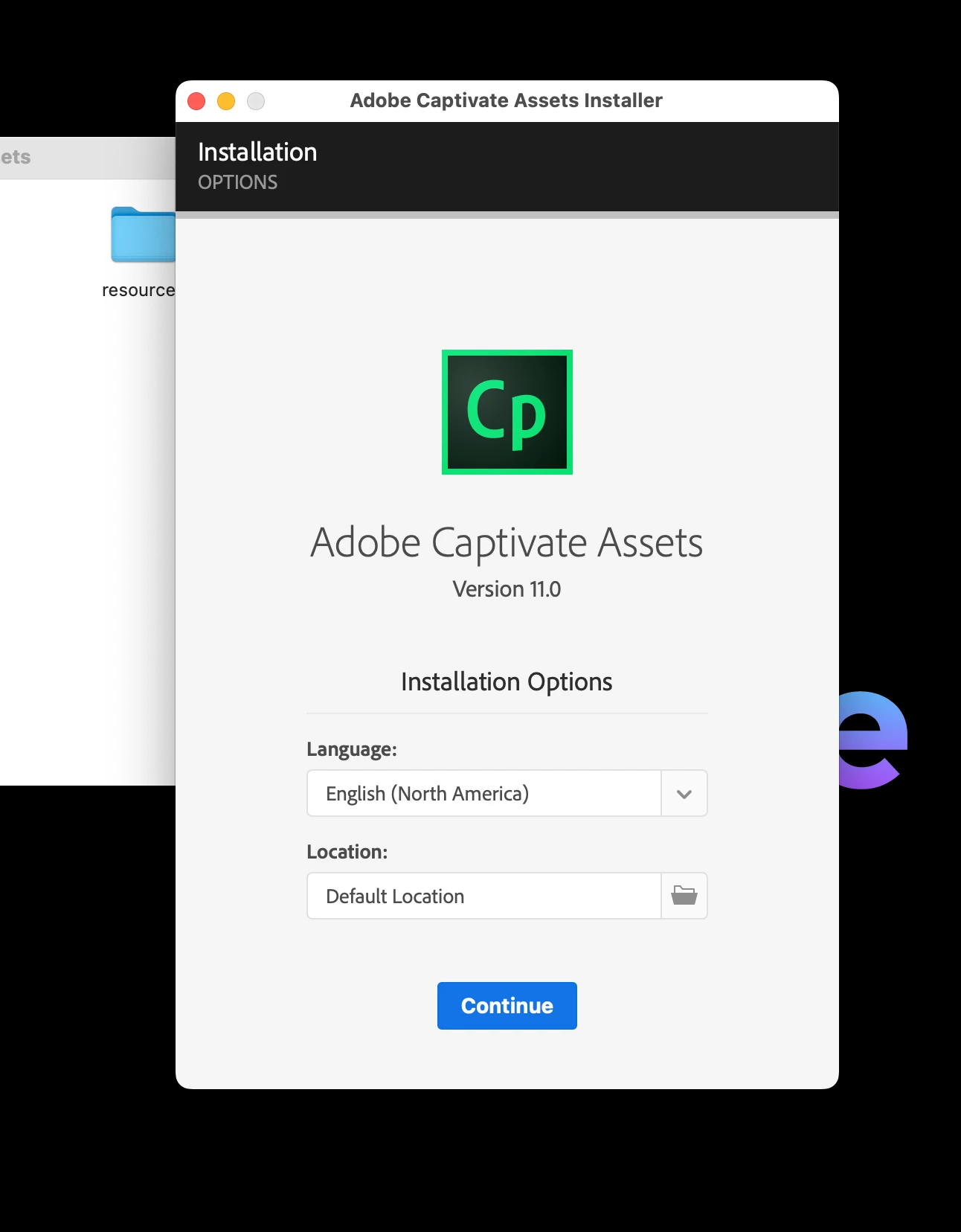
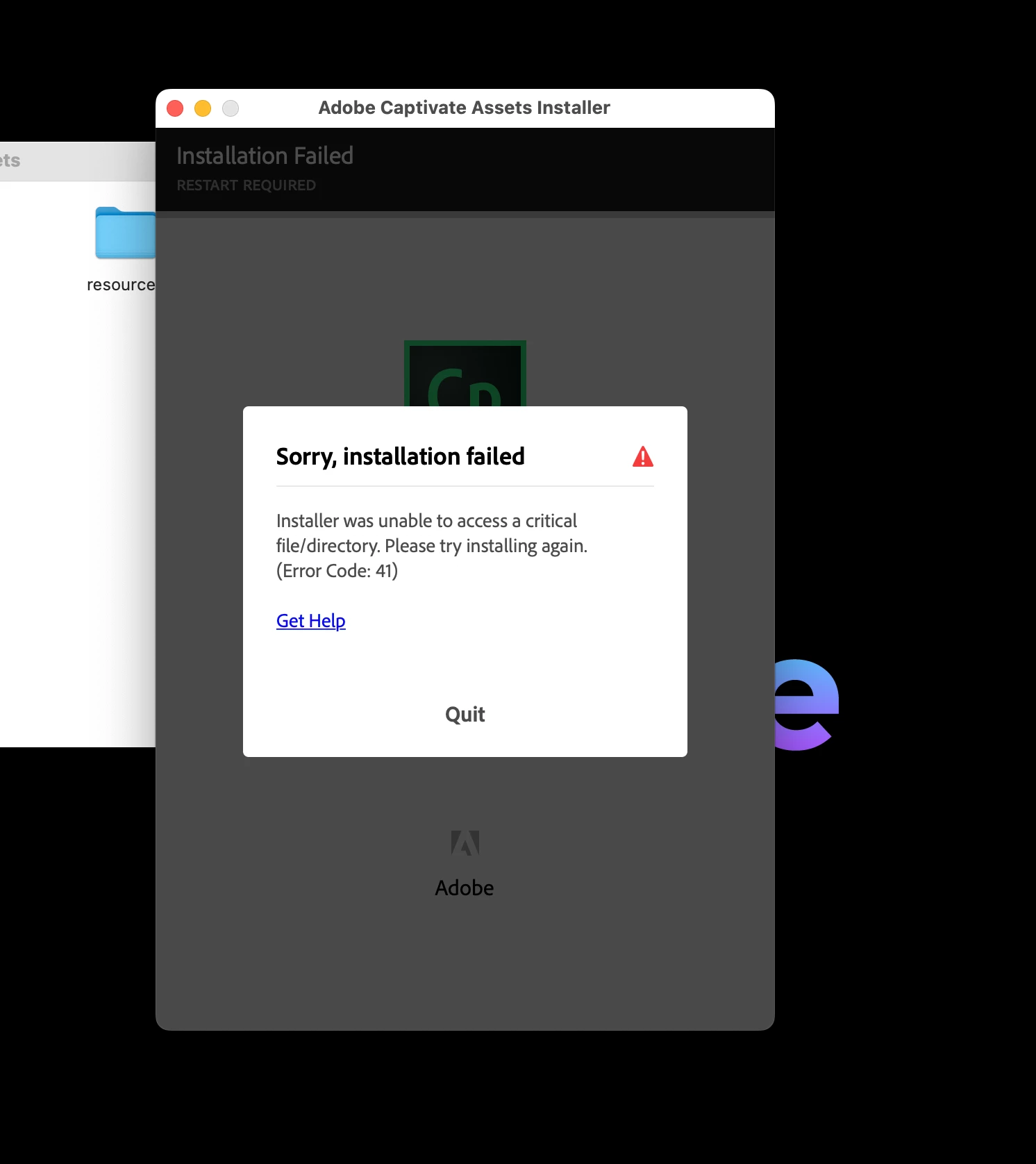
I purchased Adobe Captivate.  When I tried to access assets, they were greyed out.  Although nobody said that I would need to download assets, it appears that I needed to install assets.  I found a page to download them from. Once downloaded to my Mac, I am prompted to identify a location.  I leave it at Default.  Then I get this.  No help whatsoever from Adobe, of course.  Should I find another product and get a refund  Please help.
    This topic has been closed for replies.

    1 reply

    Lilybiri
    Legend
    August 28, 2022

    Notifications are off on this forum, or I would have replied your question when it was posted.

    Some questions for you:

    • Is your OS version compatible with the Captivate version. Monterey needs version 11.8 of Captivate.
    • The default location seems not to be accessible. Are you using a roaming profile?
    Participant
    August 28, 2022

    I have version 11.8.0 710.  It seems that there was a bug that needed to be fixed by Adobe.  They fixed it within a day and now, suddenly, the assets appear.  However, I face a similar issue with installation of Neon, given that I wish to use Speech Management.  "You have not installed NeoSpeech voices. The installation fails.  Yet another bug?

    Lilybiri
    Legend
    August 28, 2022

    Glad it was fixed.  I am a Win user, and that makes it difficult to help Mac users.

    NeoSpeech: did you try to install from the Text to Speech dialog box? Its title is Speech Management.