


Participant
July 26, 2024
Question

Adobe Captivate Classic Installer Stuck

  • July 26, 2024
  • 4 replies
  • 780 views

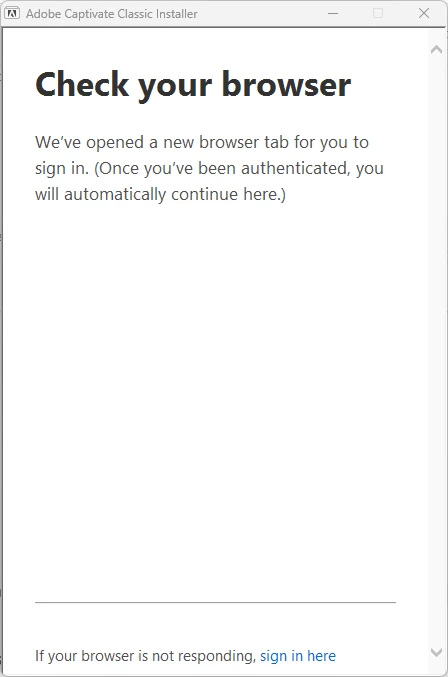
I am installing Adobe Captivate Classic on a new Windows 11 laptop. When I run the Set-up file and get to this screen:
Microsoft Edge opens to the following screen (I had previously attempted same, with same result, and logged in 'successfully'):
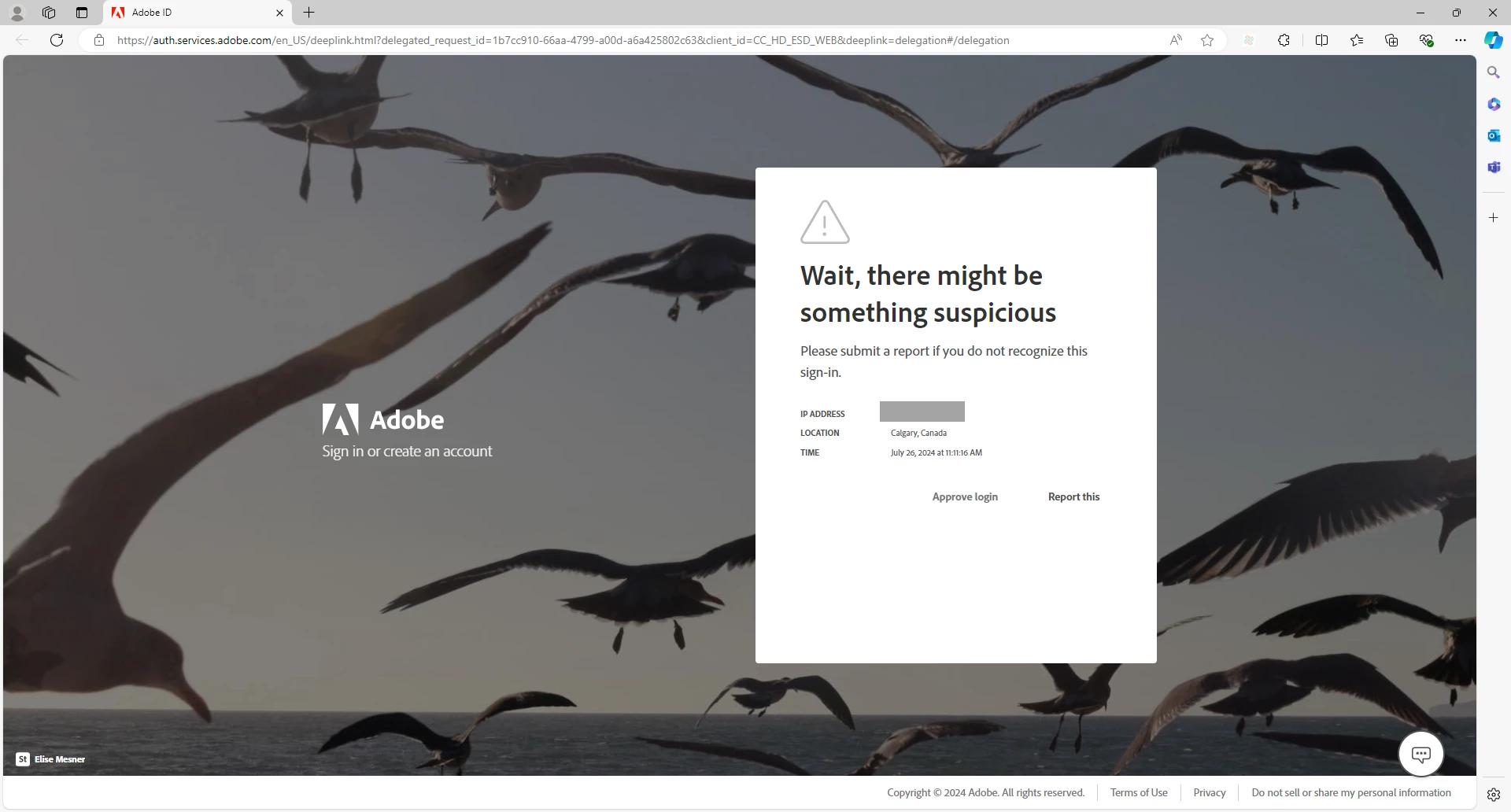
Then, since I know it's me trying to log in, I click Approve login, and get this:
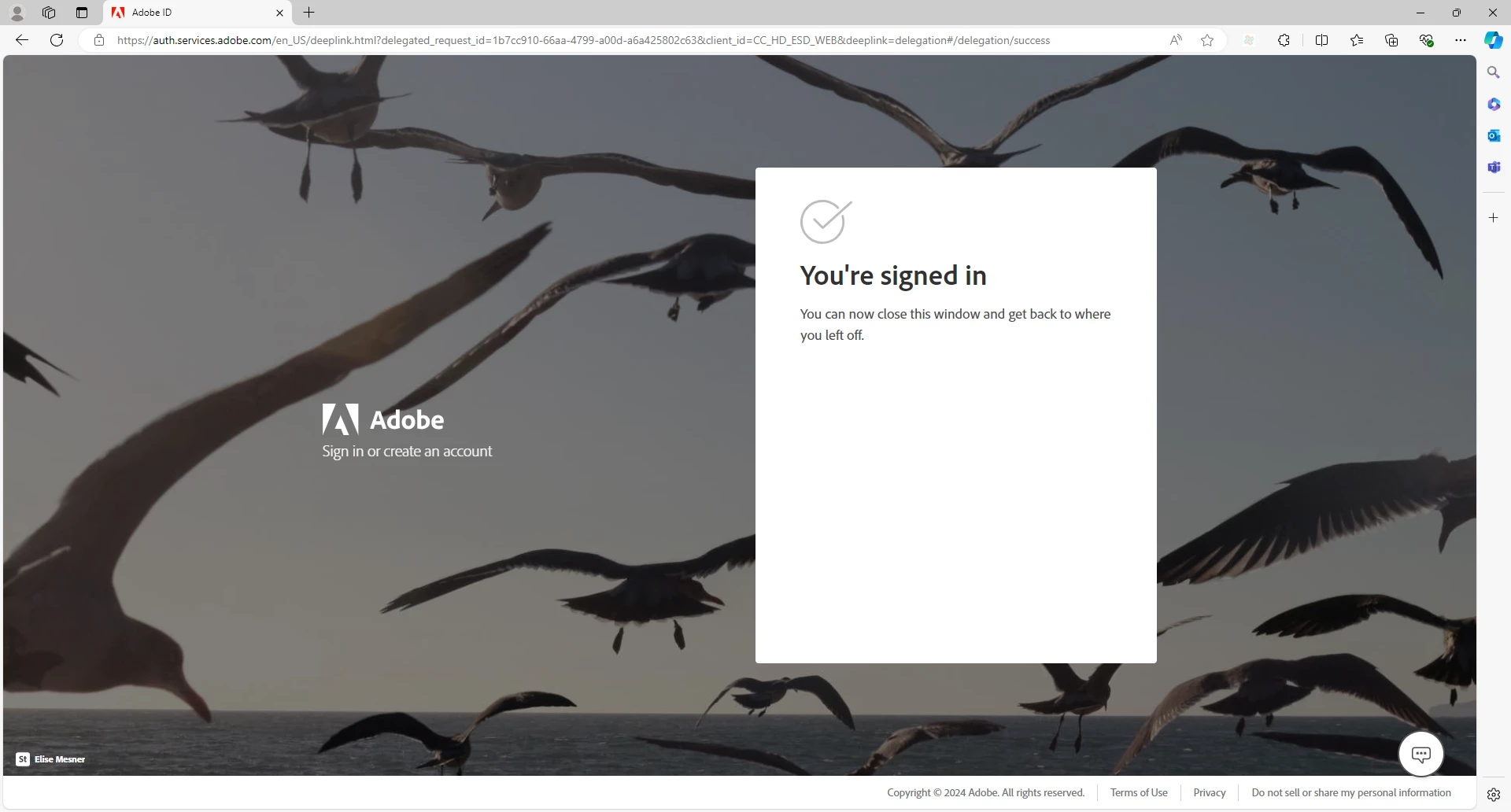
So, I return to this screen and wait for something to happen:
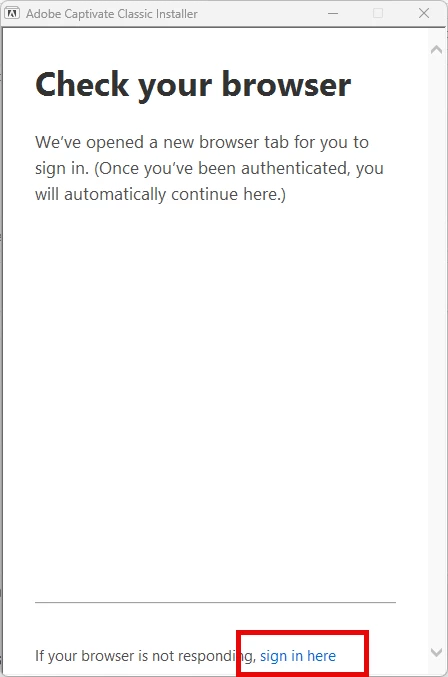
Nothing happens. The install does not proceed. The product is not installed.

Just for fun, I click sign in here (as above), but nothing happens.

The installer is stuck. How can I resolve this issue?


Note: I did update our company name and primary email address. This may be related.
Please help, thank you. 🙂

4 replies

Participant
November 12, 2025

Looking for any working solutions or theories regarding this problem.  I am currently experiencing it for use on company machines.

Participant
September 28, 2024

Has anyone else experienced the Adobe Captivate Classic Installer getting stuck? It can be incredibly frustrating! If you've found any solutions or workarounds, please share! Also, it might be worth checking if your system meets all the requirements or if there are any updates needed before installation. Let's help each other out!

Participant
July 29, 2024

Update: For some reason, Adobe Creative Cloud desktop had to be installed; after which, the Adobe Captivate Classic install was successful. 🙂

Lilybiri
Legend
July 27, 2024

Do you have more than 1 Adobe account?

Participant
July 29, 2024

Thank you for your reply. Good point. For this company, no (just one account), but I did transfer over ALL related files from the old laptop to new laptop (e.g., Adobe folder project files, Program Files folder contents, etc.). Perhaps I should delete the bits I copied over from Program Files and try again... ? Likely causing a conflict.