
Adobe Captivate Classic – Publishing & Project Creation Issues After Preference Changes
Hi everyone,
I’m facing a serious issue with Adobe Captivate Classic and I can’t seem to fix it.
What happened:
I made some changes in the Text Caption visual settings under the project’s publishing preferences. After that, Captivate stopped working properly.
Here’s what’s going wrong:
When I try to create a new blank project, nothing happens — the screen stays the same as if the button is not working.
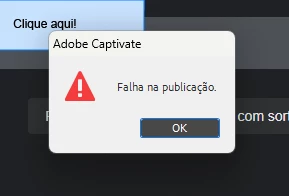
If I try to record a software simulation, it records fine, but when I try to publish or even preview it in HTML5, I get a publishing error.
When I attempt to reset publishing preferences to default, Captivate crashes and closes by itself.
What I’ve tried so far:
Uninstalled and reinstalled Captivate.
Used Revo Uninstaller to completely remove all files and registry entries before reinstalling.
Unfortunately, after reinstalling, the exact same problem persists.
Has anyone experienced something similar or knows how to fix this? Any help would be greatly appreciated.
Thanks in advance!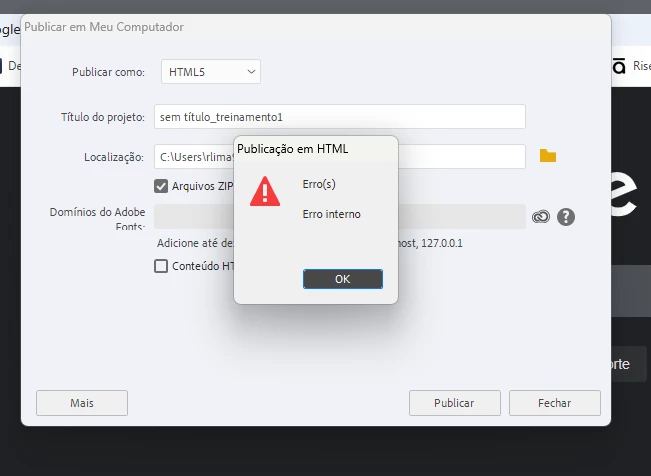


 AdChoices