


Question
Adobe Captivate Classic Radio Button Widget Won't Resize
Hi, I'm using Captivate Classic (CpC) 2019. I'm struggling with the radio button widget. I've inserted a widget through Interactions > Learning Interactions. I am able to add my text and adjust font by double-clicking into the widget. I'm also able to delete a radio button from there (I only want one radio button). But I'm having two issues.
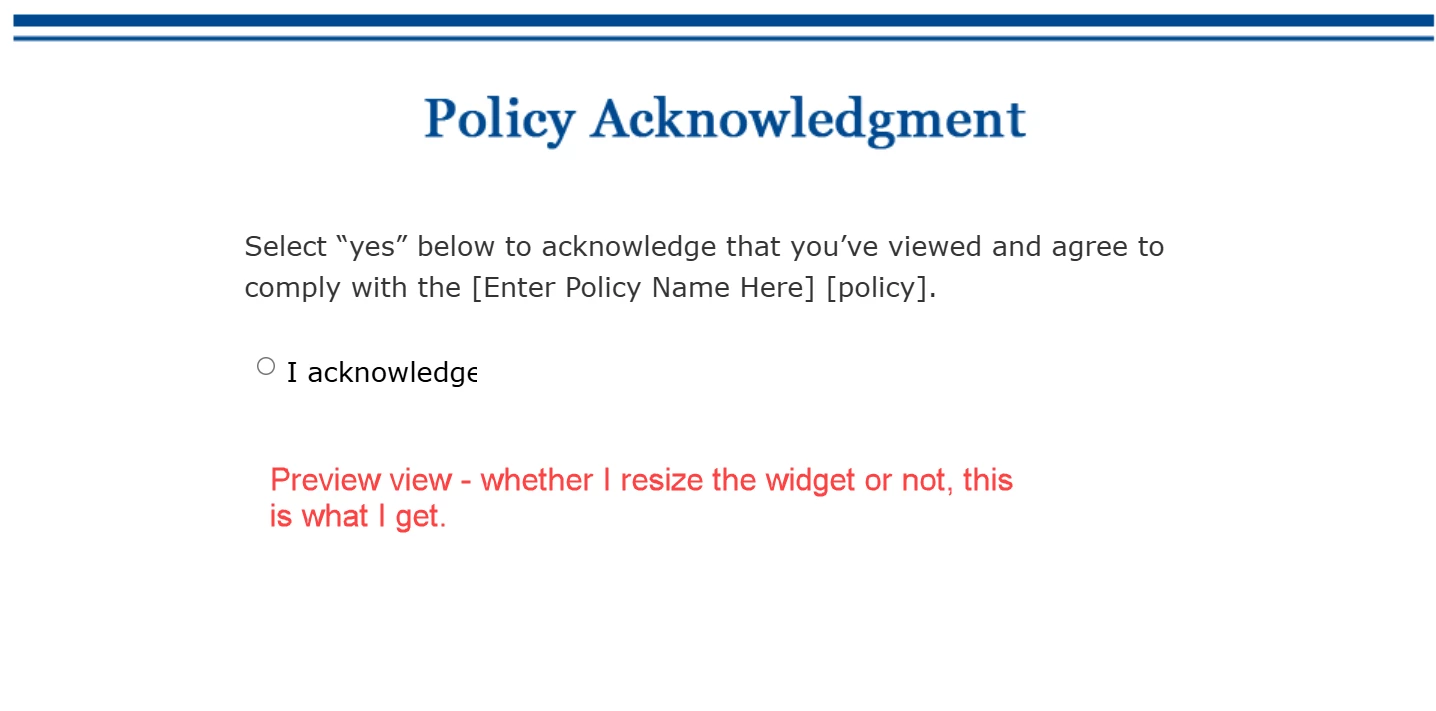
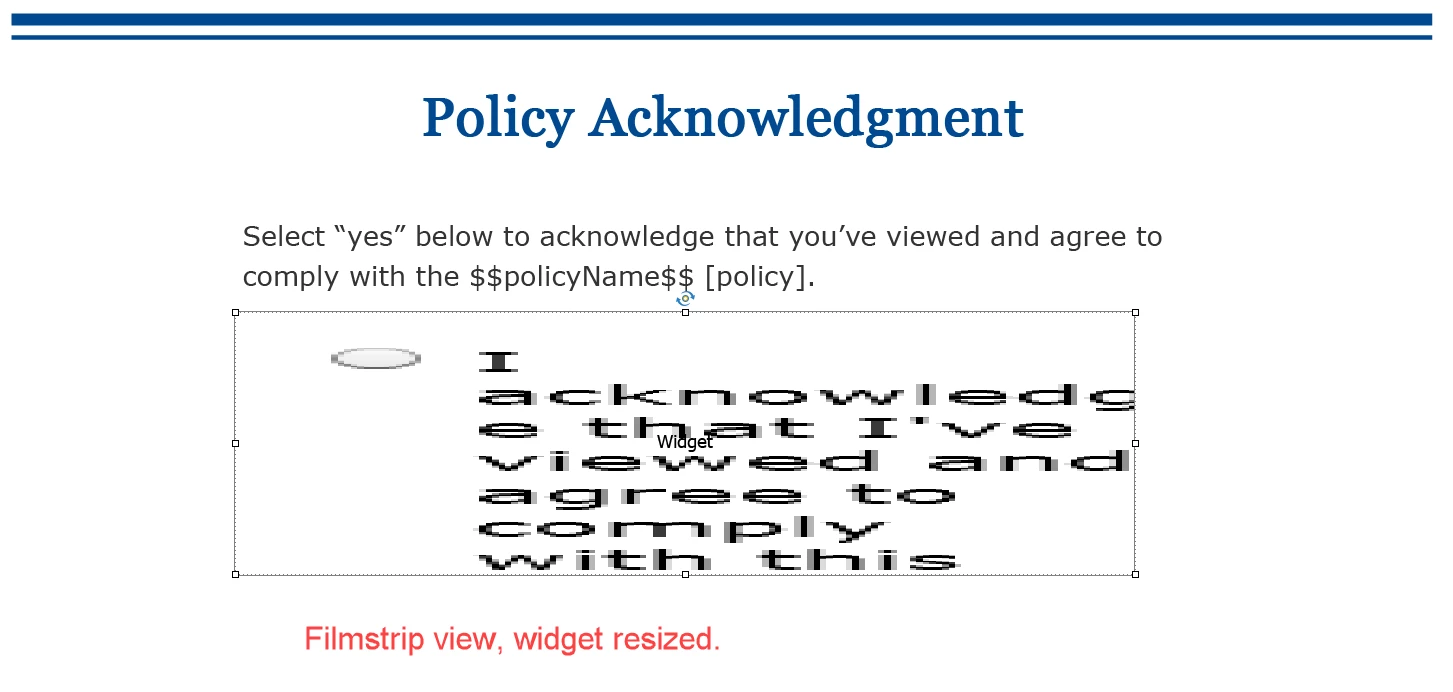
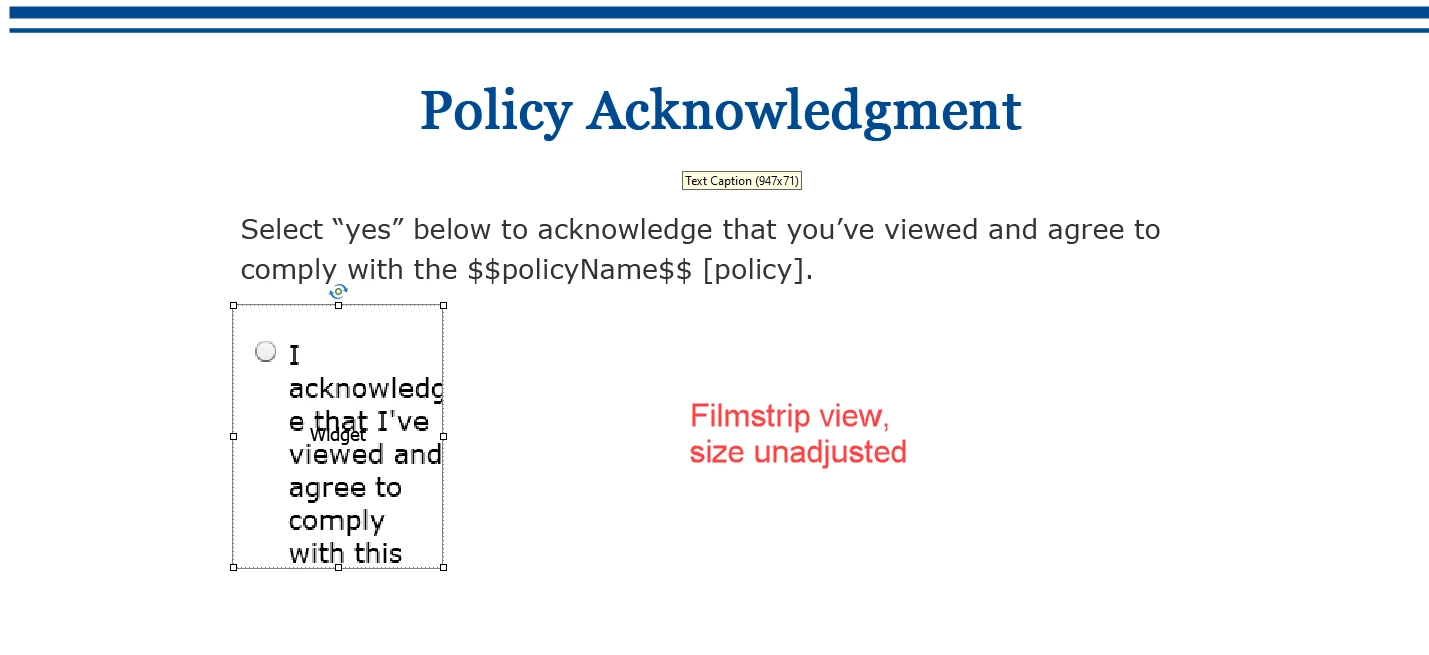
- No matter what I do to resize the widget box (whether I use the handles or adjust in the properties menu), the content gets cut off. The radio button only has one sentence, and I cannot get that to display properly both in CpC and in preview. Also, as I'm adjusting the widget size, it just becomes bigger and blurrier - but no matter how big I make it, it still cuts the sentence off from displaying.
- According to this post, I should have action and reporting options for the widget, but I don't. All I can adjust in the properties panel are Style, Options., and Timing.
If I cut my sentence down to the bare minimum and have it be just "Yes I agree" it fits, but the second issue still stands - there are no actions associated with the widget/radio buttons. What happens when a user clicks the radio button? I just need it to take them to the next slide and also count as part of the scoring. Maybe I should just create my own custom button?
 AdChoices