


Participant
October 14, 2024
Question

Adv Act and Text Entry Box

  • October 14, 2024
  • 1 reply
  • 152 views

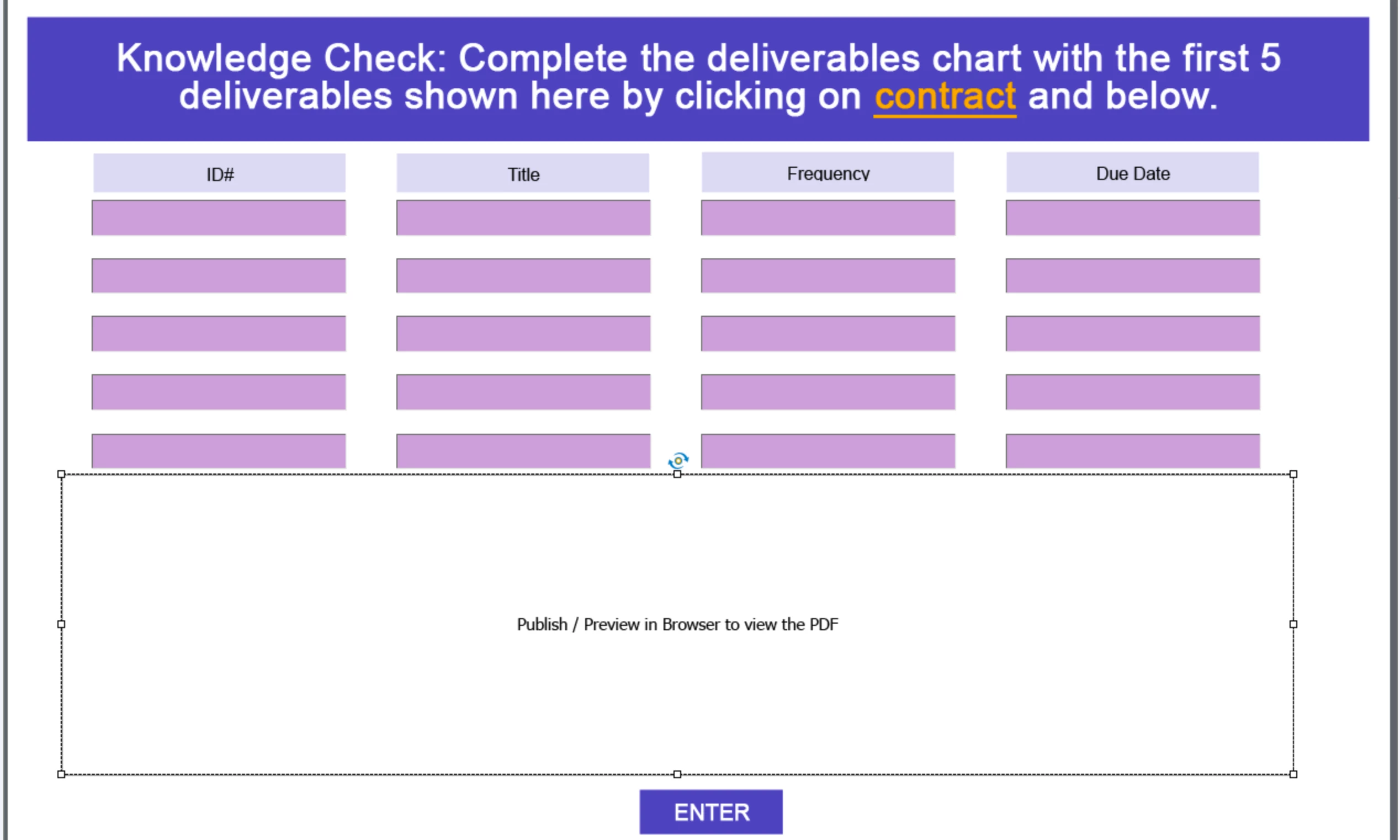
I am trying to determine the best way to take learner input responses from text boxes and capture on the next slide in smart shapes using adv. actions or another way if it is possible at all. Please help if this is possible.
This topic has been closed for replies.

1 reply

RodWard
Community Expert
Community Expert
October 15, 2024

Yes, this is possible with Captivate 2019.


You need to create a separate User Variable for each field (text entry box).  Make sure the correct variables are associated with the TEB that will be capturing the input. 


The user variable is updated with every keystroke the user enters.  So there is no need to have the user hit a submit button for each TEB to have the variables updated.


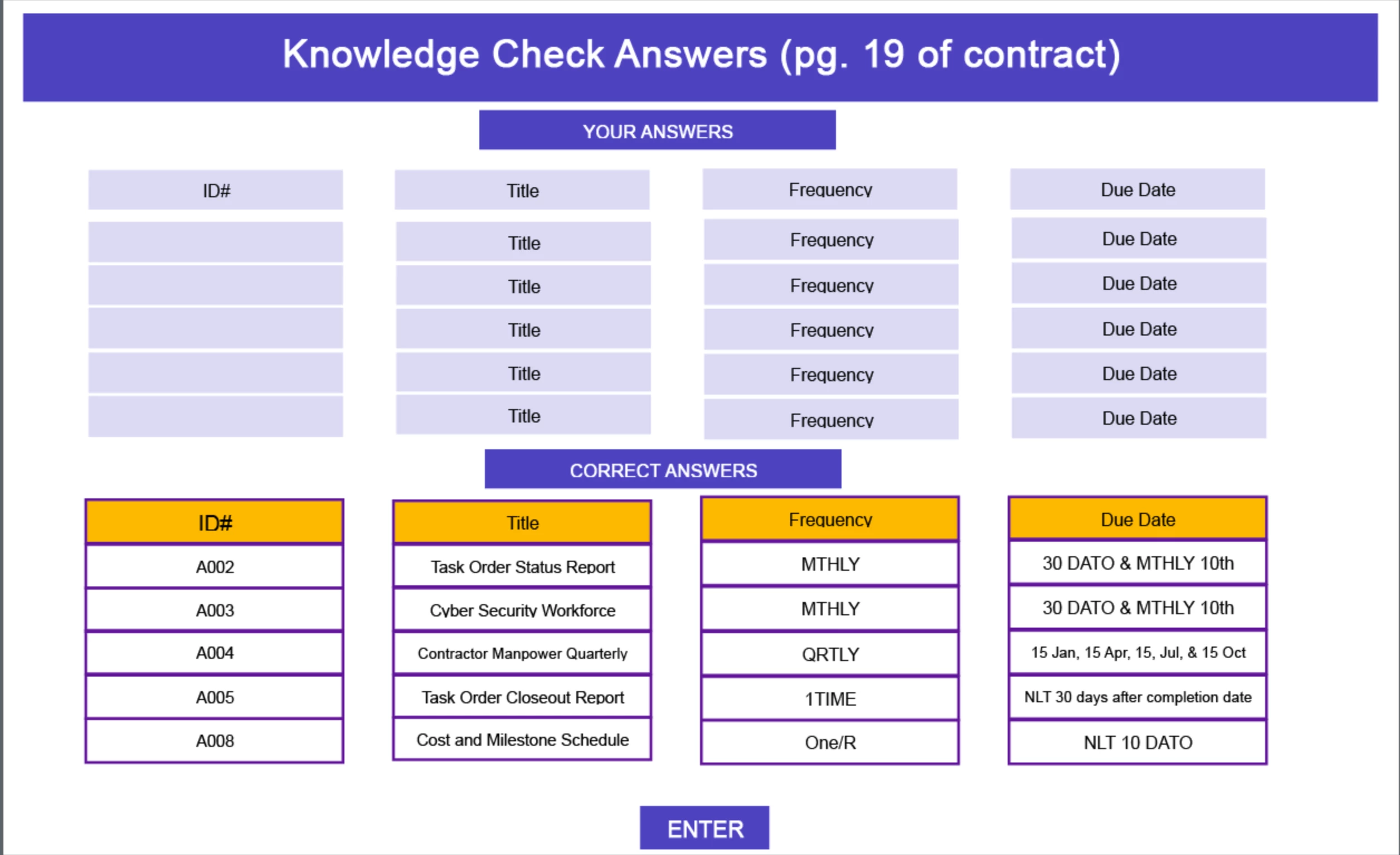
On the following slide where you want the user's answers displayed, simply insert each user variable into a separate Smart Shape so that it will be displayed in Read-Only form.