
July 23, 2019
Answered

Advanced action issue

  • July 23, 2019
  • 1 reply
  • 745 views

I'm starting to see AA's as potential minefields, I have an advanced action as follows

When I trigger the AA nothing happens. So I remove the assign action. When I click the trigger again it works as intended the button appears. So I believe the problem lies with the assign action. I am using only 4 user variables in the project as follows.
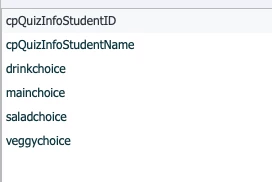
they seem quite unique so I don't see any naming issues. I have 3 other slides that with similar AA's that work as intended

I had this same issue a few weeks ago and I had to not use certain slides (not a good solution)

I really can't understand why a trigger will do nothing when I try to assign a value to a variable. the consensus the first time on the forum was that it was a naming issue. I'm not seeing it. see below for timeline screenshot for good measure.
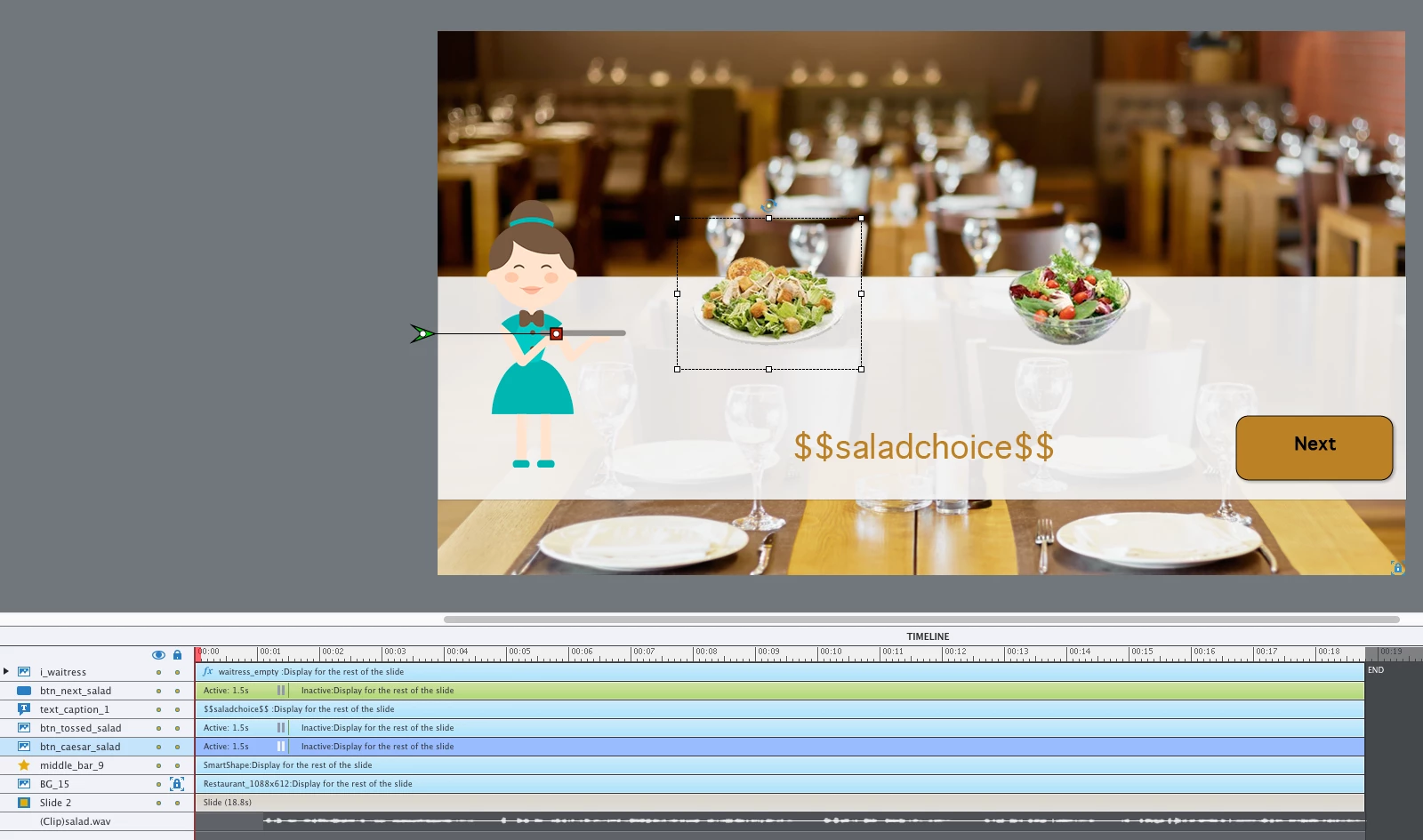
    This topic has been closed for replies.
    Correct answer Lilybiri

    Why do you dual double quotes, that was also th eproblem last time. I enlarged the image this time, to be able to see them clearly.

    For the literal just typ e in the two words Caesar Salad without any quots. Captivate will add one set of double qyuotes to indicate that the words are ons string.

    1 reply

    Lilybiri
    LilybiriCorrect answer
    Legend
    July 23, 2019

    Why do you dual double quotes, that was also th eproblem last time. I enlarged the image this time, to be able to see them clearly.

    For the literal just typ e in the two words Caesar Salad without any quots. Captivate will add one set of double qyuotes to indicate that the words are ons string.

    July 23, 2019

    For some reason I thought quotes were mandatory. I will get rid of them and see what happens

    Stagprime2687219
    Legend
    July 23, 2019

    If I was going to assign a string to a variable using JavaScript - I would need the quotes.

    When using advanced actions all that kind of stuff is taken care of for you.