


Advanced actions multiply when using Project template (Captivate 2019)
Hi all, I have a problem with advanced actions in .cptx files created from .cptl (template) file.
I have a project template (.cptl) file, which has some slides, advanced actions and variables defined, so that I don't need to create them every time I create a new project. Two kinds of problems occur when I create a new .cptx file from the template (File > New Project > Project from Template):
1. Even though I remove extra slides, advanced actions & variables used on those slide still "haunt" my advanced actions list, and I can't remove them. If I try to remove them, Captivate says they are in use. When I click "Usage", I see this: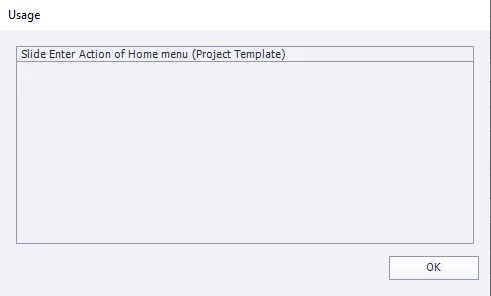
So, the action is used on some "Project template" slide - the corresponding slide has been removed from the actual project. What is this? How can I remove these advanced actions that are not in use?
2. Some of my advanced actions (in this case an "On Exit" action) and corresponding variables multiply like little bunnies. This is an action that has been used on almost every slide on the template. When I click open the action, there is nothing in it (it doesn't even show the action name when it is opened even though it is visible on the list) and I can't remove it: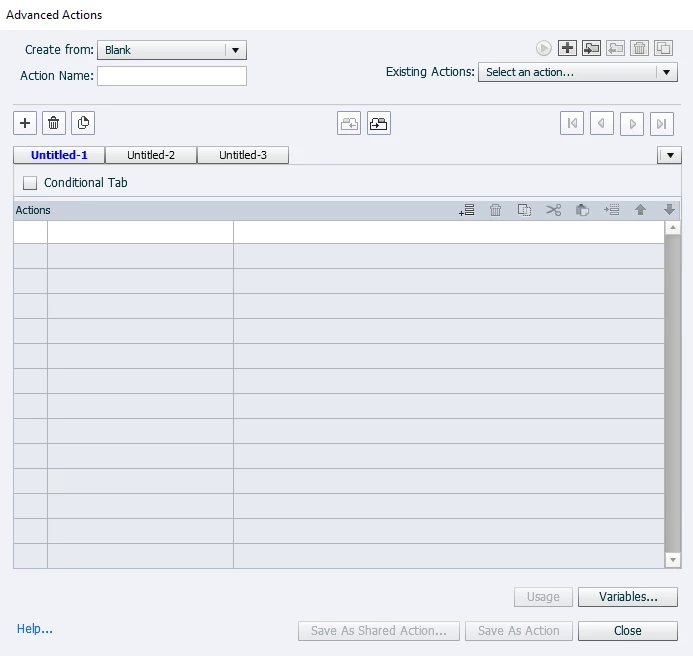
I tried to look for a solution for removing unwanted and unused advanced actions from a project from the community, but haven't found no solution. I also haven't found a solution to remove multiple unused advanced actions, it seems that the only way to remove multiple actions is one-by-one.
 AdChoices