I wasn't trying to do that i was trying to do 2 actions to the same variable. Have it move (the effect) and have it increment by 1 as well to make other actions happen. So that shouldn't be the issue.
i was talking about just a blank project as well because text animations don't work in responsive projects so I was just using a blank (non-responsive) project. But anyways this is a message that comes up when previewing a blank (non-responsive) project:
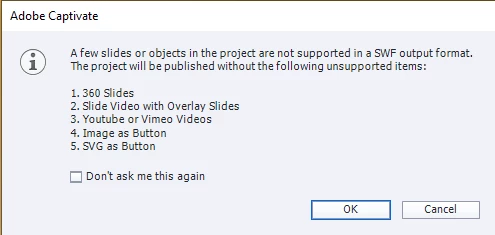
it specifically states Images and SVG as buttons are not supported.
What you are showing is the dialog box which appears when you try to publish a non-responsive project to SWF. Please read the text. That dialog box never appears in responsive projects because they do not have the possibility to publish to SWF. It is also possible that you try to use a Preview method in a non-responsive project which is not valid for HTML output. Only valid Preview is F11, Preview HTML in Browser. That would be the case if you are not using the most recent version which is 11.8.1 because that version doesn't have Text Animations nor publish to SWF anymore. Moreover all the invalid Preview methods which used temporary SWF output have been taken out.
Know that I never answer a question without double-checking: I inserted a SVG as button in a fluid boxes project, and it works perfectly. Same for a PNG.
Maybe I was not clear enough about the AA problem:
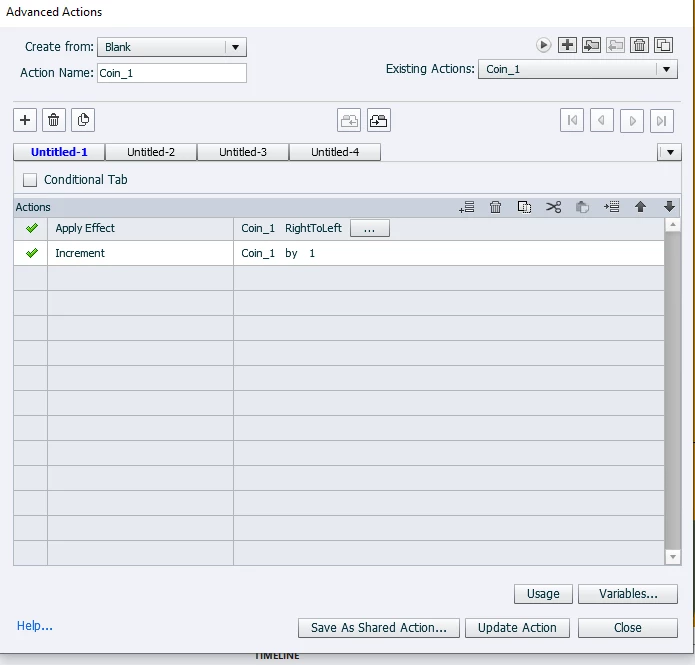
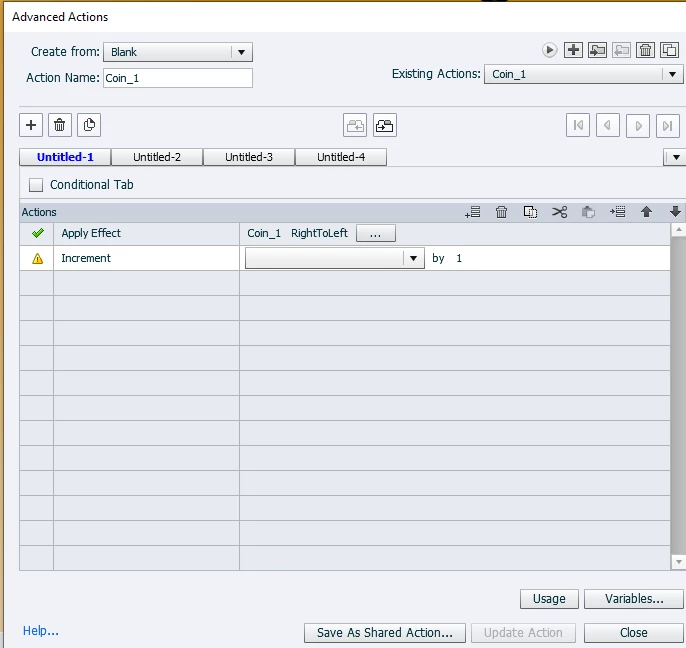
- The action is labeled Coin_1
- The command 'Apply Effect' is used on an item with the same name Coin_1
- I suspect that your variable has also the same name.
Each of those three items need a unique name. Names are case-sensitive, so changing a capital to a lower case character would be sufficient for one of them. If my suspicion is correct about the variable name, precede its name by v_ and use v_Coin_1




 AdChoices